Test from the normal seat
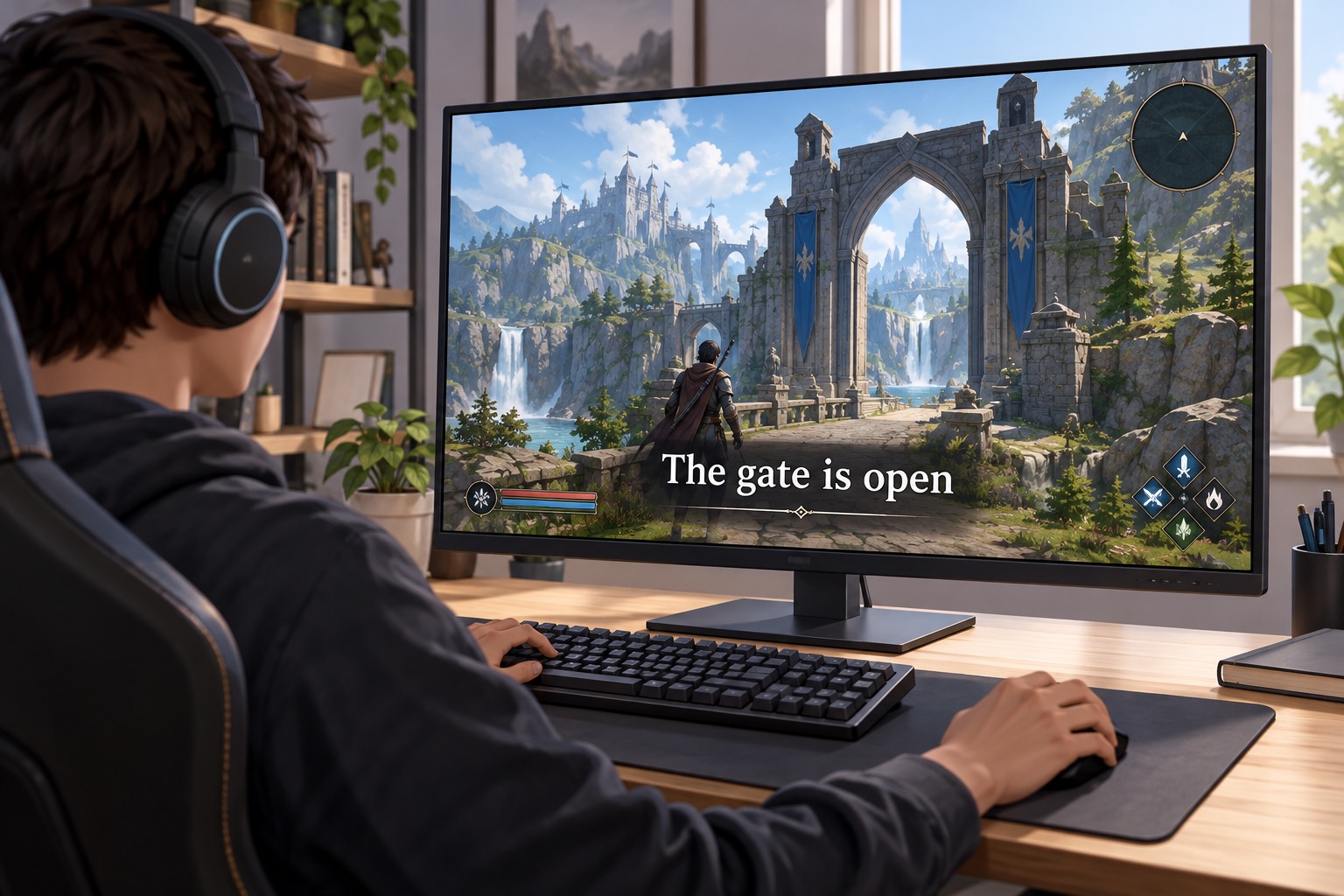
Enable subtitles before starting the story if the game allows it, then view a dialogue scene from your normal distance. Text that is comfortable at a desk can be too small from a sofa. Increase size where available and check that longer lines still fit without obscuring important interface elements. A large menu font does not necessarily change subtitle size, so inspect both settings separately.
Try the text against a bright background and a dark one. A background box, outline or adjustable opacity can make words easier to separate from the scene. Choose a combination that remains readable during camera movement rather than one that looks attractive in a static settings preview. If several people watch together, check the farthest regular seat too.
Distinguish dialogue from sound information
Microsoft's accessibility guidance distinguishes subtitles for speech from captions that can also describe non-speech audio. A game offering dialogue text may still omit an important sound cue, distant chatter or an off-screen warning. Read the option descriptions and test the types of information you need. Do not assume that a single subtitles toggle covers every audio event.
Speaker names and directional indicators can help when several characters talk or when the speaker is off-screen. If color identifies speakers, see whether names or another cue are also available. Check that the subtitle language matches your preference independently of spoken audio; some games separate those choices, while others do not.
Look beyond one cutscene
Test ordinary gameplay dialogue, radio messages and cinematic scenes. Coverage can differ between them. A subtitle setting that works well in a quiet conversation may be harder to follow while you move or read objectives. If the game allows dialogue advance speed or a conversation log, those features can help you revisit information without repeatedly replaying a scene.
Keep the final configuration with your other accessibility preferences. When recommending the game to someone else, describe the specific features you observed instead of labeling the entire game accessible. For example, adjustable size with a solid background is a concrete feature; whether it meets another person's needs depends on their viewing conditions and the rest of the game's presentation.