Look at your hand during a normal session
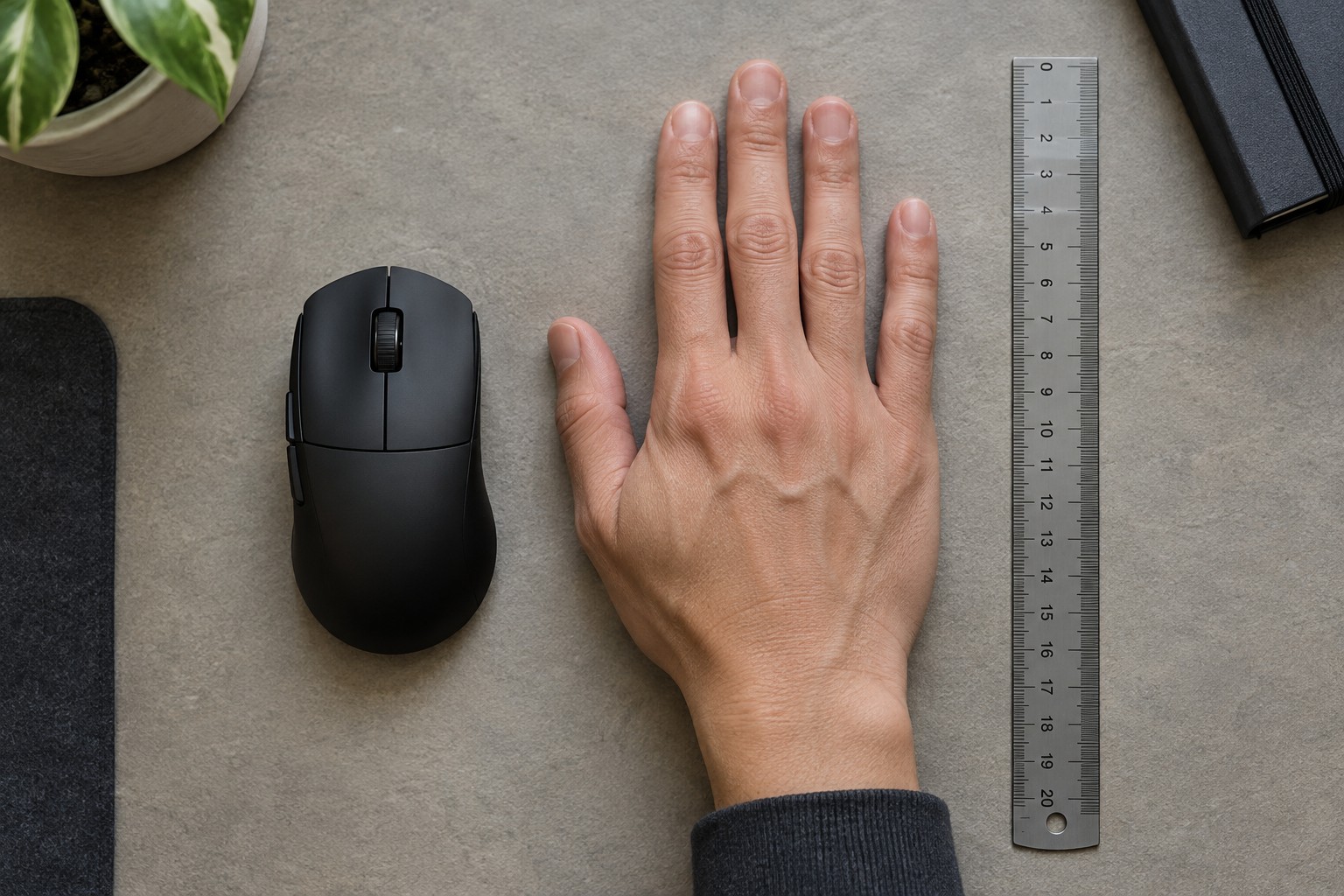
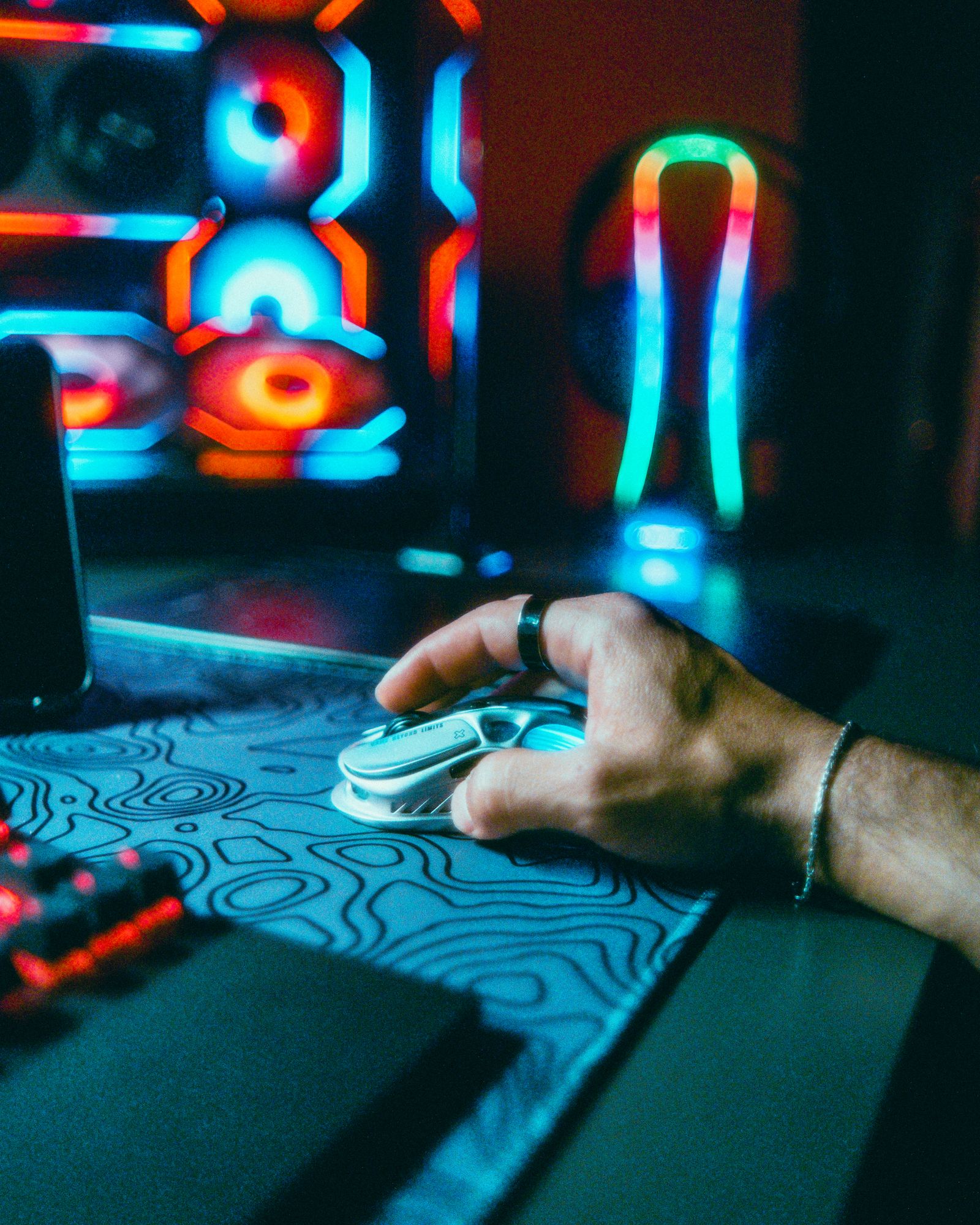
Start with the mouse you already use. Without deliberately posing your hand, notice whether your palm rests across the shell, touches only its rear, or stays clear of it. Logitech describes palm, claw and fingertip grips as common ways of holding a mouse. These labels give you a vocabulary for comparing shapes; they are not rules that require you to hold a particular position.
Your grip may change between a slow building game and a fast action game. It may also change when you read a menu or drag an item across the screen. Make a note of those changes instead of choosing a category from a single photograph. A replacement should allow the movements you actually make, including the less dramatic ones between matches.
Compare contact points, not just length
The rear hump determines where a shell meets your palm. Two mice with similar overall dimensions can place that support in different locations. A tall rear section may feel secure to one person but push another person's fingers farther forward than intended. Side curves matter too: the thumb and little finger need somewhere to rest without squeezing hard just to lift the mouse.
Check button reach while keeping your ordinary hand position. Can you click the main buttons without sliding forward? Can your thumb use the side buttons without accidentally pressing the lower one? If a control is technically reachable only after you rotate your whole hand, its location may be a poor match for a game that uses it repeatedly.
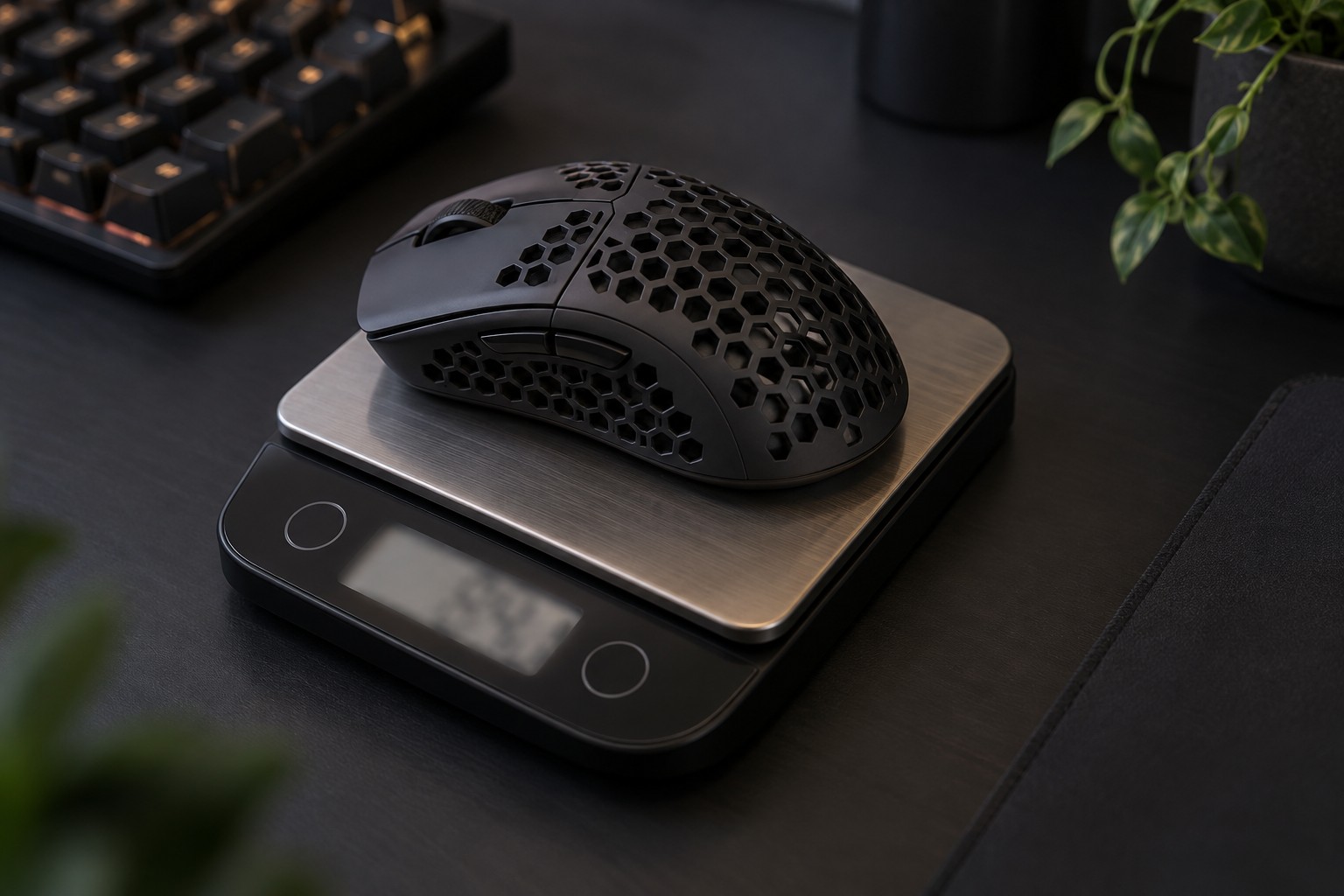
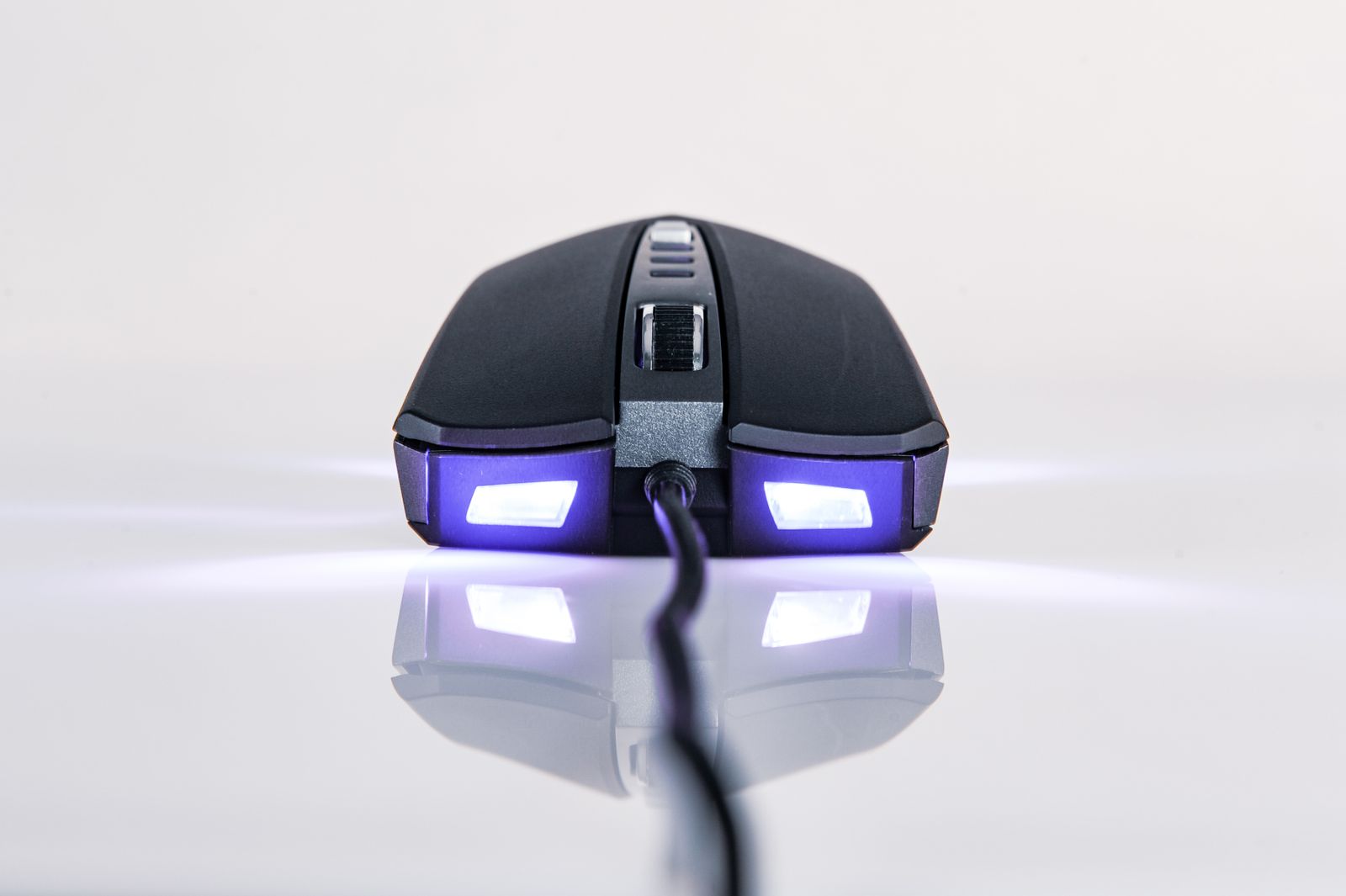
Pictures from above reveal width and symmetry, while side photographs reveal the hump and front button height. Look for both views. Published length, width and height help narrow a shortlist, but a width measured at the broadest point does not describe the narrower part where your fingers actually hold the mouse.
A useful comparison at the desk
If you can handle a display model or borrow a mouse, reproduce a few ordinary actions: move across a large area, make a small adjustment, lift and reposition, then reach the wheel and side buttons. Keep your usual sensitivity and desk position during the comparison. Changing the mouse shape, sensitivity and chair height at once makes it difficult to tell which change produced the difference.
Pay attention to the effort needed to keep your grip rather than expecting a new shape to improve a score immediately. A shell that makes you continually readjust may be less suitable even if its specifications look impressive. Avoid forcing yourself into a grip because a product page associates it with competitive play; the useful question is whether the shape fits your own movements.
Choose a manageable shortlist
Keep two or three candidates with clearly different reasons for being included. One might offer a narrower waist, another a lower rear hump, and another better side-button access. This is more informative than comparing a long list of mice that differ mainly in lighting or advertised sensor numbers.
Before buying, check the seller's return conditions and retain the packaging during the evaluation period. A shape assessment requires normal use, not a promise that every unfamiliar mouse will become comfortable with enough persistence. Record the specific problem you want to solve so that the final decision stays about fit rather than the appeal of a newer model.