Identify the exact version first
Write down the full handheld model and revision before comparing cases. A familiar product-family name is not a fit guarantee: a revised body, different stick layout or accessory grip can change the space required. Start with the manufacturer's device dimensions, then look for a case listing that explicitly names your version rather than relying on a photograph that looks approximately right.
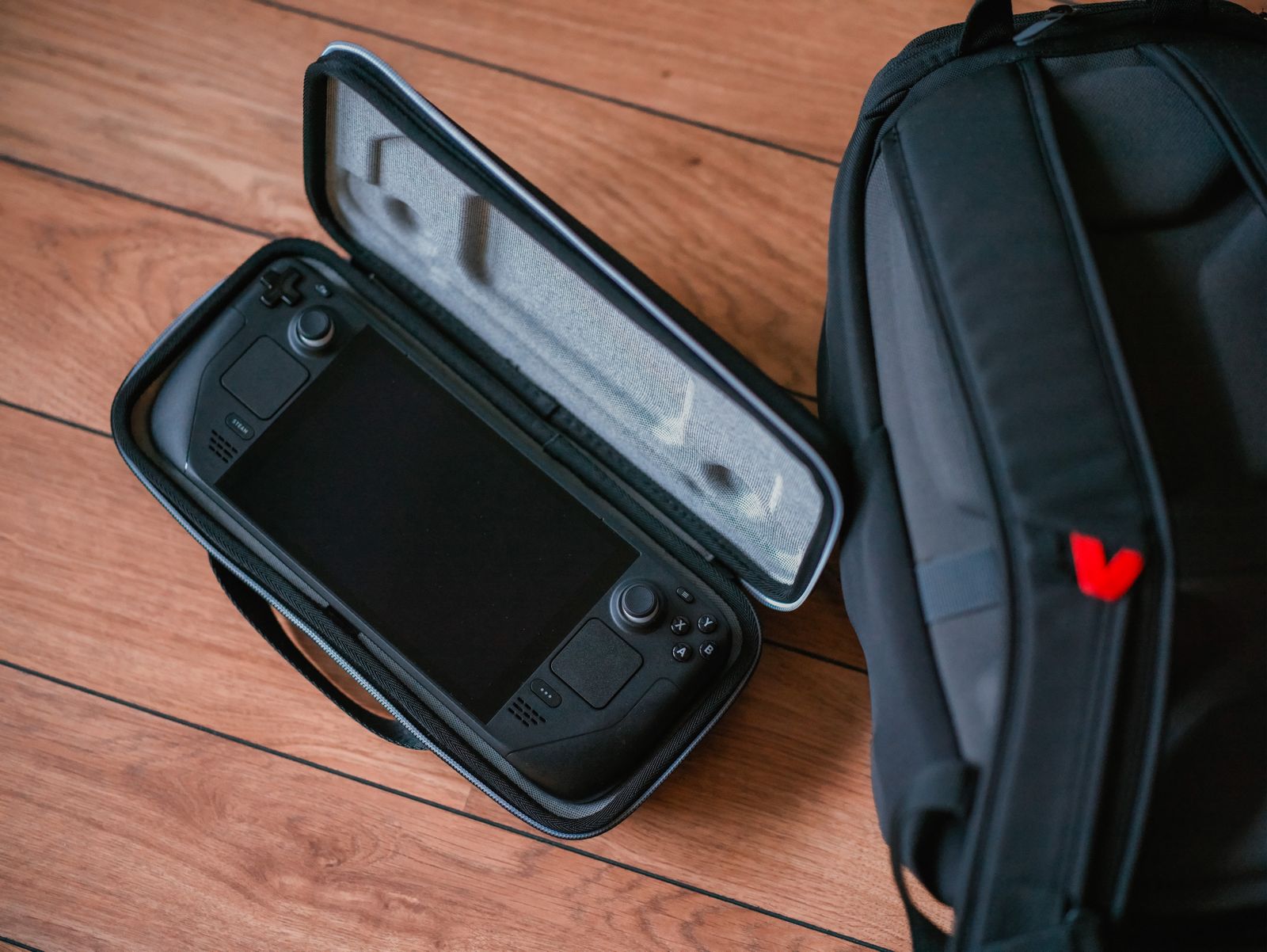
Check whether a suitable case already comes with your device. Valve's Steam Deck information, for example, distinguishes carrying-case arrangements between models, including a removable liner with certain OLED versions. That is a reason to inspect the actual package contents before buying another case, not a promise that every handheld includes the same protection.
Measure the device in the configuration you intend to carry. A protective shell, thumbstick cap or rear grip may prevent an otherwise compatible fitted case from closing correctly. If the case maker does not confirm that combination, treat it as unverified. Buying a larger generic case can create a different problem if the handheld then slides around inside.
Examine the empty space around the controls
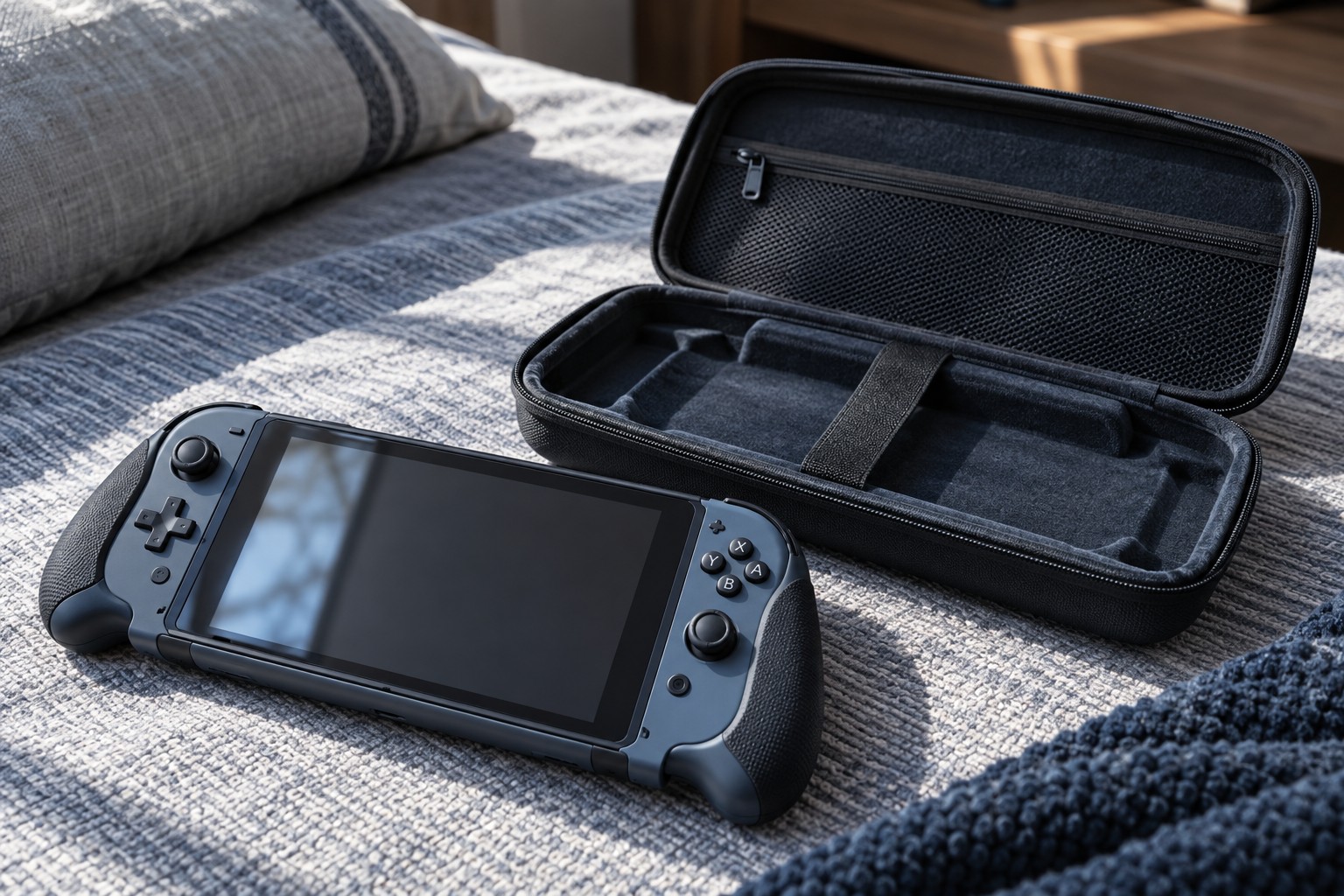
A molded interior should support the body without using the sticks or buttons as load-bearing points. Look for interior photographs that show the depth above the controls and the shape of the lower cradle. Overall external dimensions tell you how a case fits in a backpack, but they do not tell you how much usable space remains inside the padding.
When checking a case in person, place the handheld inside without extra accessories and bring the lid down gently. Do not force the zipper around a bulging edge. If closure requires pressure on the device, or the sticks catch the lining as you open it, the fit deserves another look. A closed zipper alone is not evidence that the controls are protected.
Consider how you will remove the handheld. A lifting tab or an accessible edge can make removal easier, but straps should not cross a control in a way that holds it down. Keep loose card adapters, earbuds and cables out of the device cradle unless the case has a separate compartment that prevents them from moving against the screen.
Decide where the charger belongs
A case with room for a charger is convenient only when the storage pocket keeps the charger clear of the handheld. Compare the charger's actual shape, not just its wattage. A bulky plug, detachable cable and regional adapter may occupy more space than a neatly photographed example suggests.
For a daily commute, a slim device case plus a separate accessory pouch may fit a bag more easily than one large case. For a longer trip, having everything together can make packing checks simpler. Choose around the bag you use and the items you really take; unused storage volume still adds bulk every day.
Treat a carrying case as storage and transport equipment. Follow the handheld manufacturer's instructions about shutting down or sleeping the device, charging and ventilation. Do not assume that a zippered case is a suitable place to run or charge a powered device just because a cable can squeeze through the opening.
Check the full packed arrangement
Place the closed case in your usual bag and check whether books, a laptop or other heavy items press against it. Inspect the handle, zipper travel and accessory compartments before removing any return labels. The useful result is a complete carrying arrangement: a supported handheld, protected controls, separated accessories and a case you can retrieve without unpacking everything else.