Map the devices that share the desk
List the computers the mouse needs to control and identify their available ports. A wired mouse can be straightforward when it stays connected to one machine, but repeatedly reaching behind a desktop becomes inconvenient if the desk changes users every day. A conveniently placed port or a compatible USB switch may solve that problem without changing the mouse.
Wireless models vary in how they connect. Some use a dedicated receiver, some support Bluetooth, and some offer both with a device-selection control. Check the exact model's connection modes and switching procedure. A wireless label does not mean that a mouse can remember several computers or move between them with a single button.
Plan the receiver and cable locations
Keep a small receiver in a consistent port or its built-in storage compartment when moving the mouse. Labeling a shared desk's receivers can prevent one user from taking the wrong one home. Do not assume that receivers from similar-looking products are interchangeable; pairing support is specific to the manufacturer's system and model.
Receiver placement can also affect reliability. Logitech notes that some 2.4 GHz peripherals can encounter interference near USB 3.0 devices and suggests separating the receiver from that equipment. If movement becomes erratic when an external drive is connected, investigate placement before concluding that every wireless mouse is unsuitable for the desk.
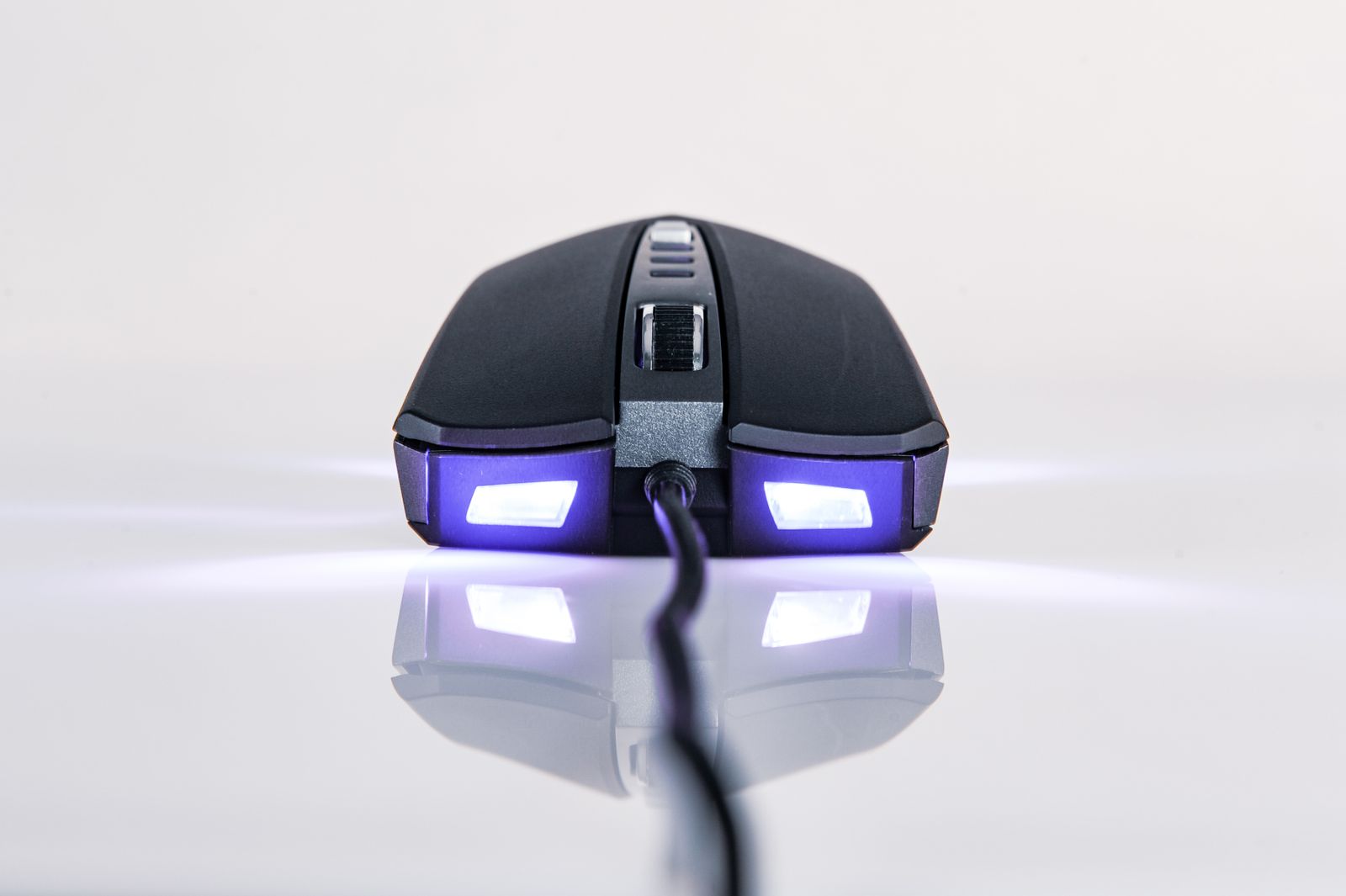
For a wired setup, leave enough slack for the full mouse area and route the cable away from a chair arm or drawer. Test the route with the keyboard in each user's preferred position. A cable that works when the keyboard is centered may catch when someone moves it aside for a laptop.
Make handover predictable
Agree on a charging routine for a rechargeable mouse and keep its cable easy to identify. Check whether the model supports wired operation while charging; a charging socket alone does not establish that behavior. A removable-battery model instead needs an appropriate spare or charger arrangement, with batteries stored separately from loose metal objects.
Shared settings deserve attention too. A mouse may retain sensitivity or button mappings in onboard memory, in computer software, or both. If different users need different settings, confirm how profiles are selected and whether they travel with the mouse. An unexplained sensitivity change can be more disruptive than the choice between cable and radio.
The better option is the one that makes the handover simple. A permanent wired mouse may suit a fixed family computer; a multi-device model may suit alternating work and gaming machines. Buy for the actual switching pattern, and keep a basic connection note where everyone using the desk can find it.