Find where the files really go
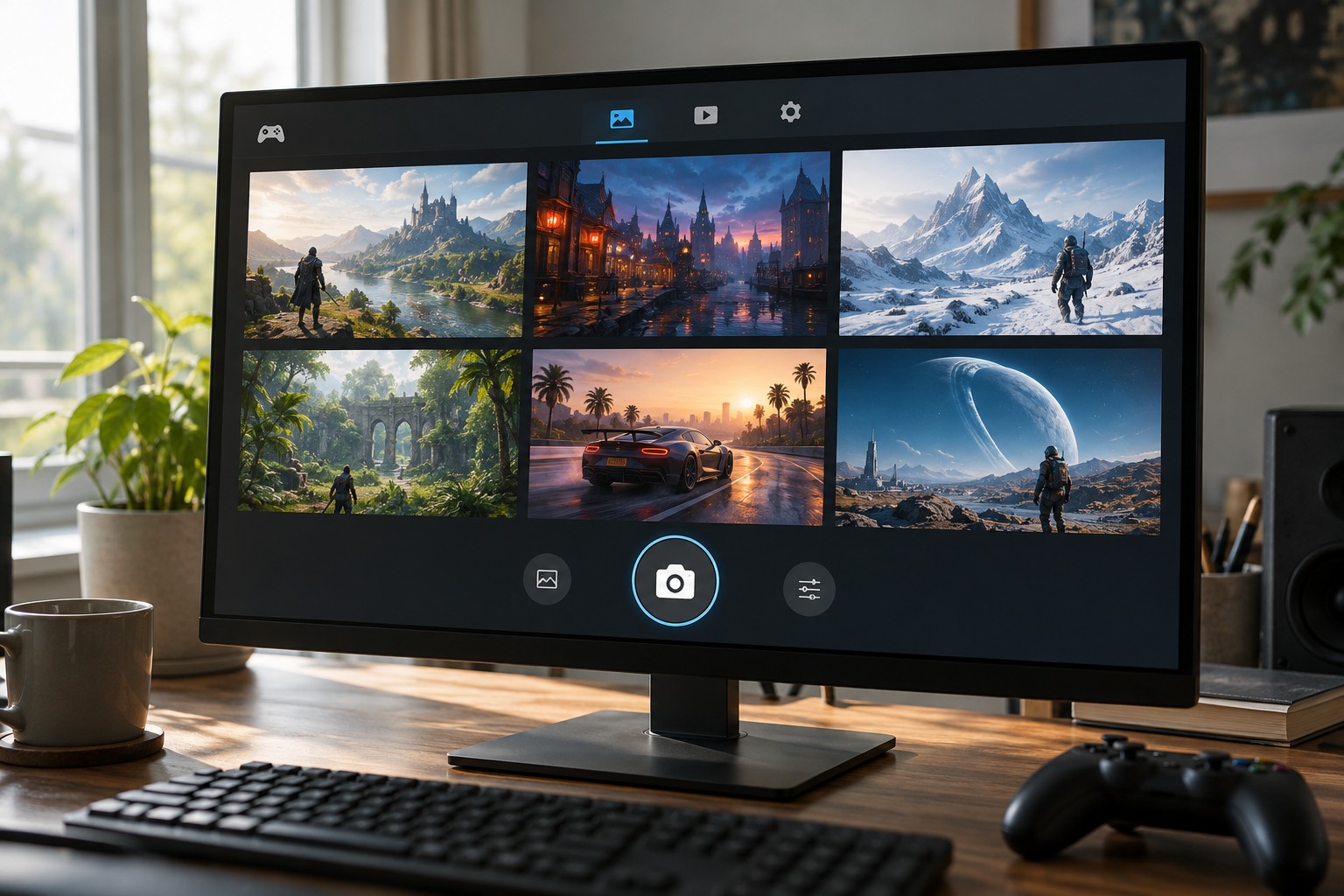
Take a test screenshot and locate the saved file using the platform's supported controls. Games, launchers and operating-system capture tools can use different folders. If several hotkeys are active, you may be making multiple copies without realizing it. Choose the tool you normally want and note its destination before reorganizing existing files.
Check the format and resolution of the saved image rather than assuming they match the display. If you intend to edit or print it, keep the original capture and work on a copy. A screenshot shared through a messaging service may be resized or compressed, so it is not always an equivalent archive. Verify exported files before deleting the originals from a console or handheld.
Use a folder structure that reflects how you search. A game name followed by a year or campaign can be enough. Avoid making a new folder for every session unless that level of detail helps you. The goal is to narrow the search quickly, not to maintain a complicated filing system that you abandon after a week.
Name the images worth keeping
Leave routine captures with their automatic names if those names already include a useful date, then rename selected images with a short description. A location, event or character name is more useful than final-best-new. Keep extensions intact and avoid renaming files that the game itself relies on unless its documentation says that is safe.
Review duplicates in small batches. Compare the actual images before deleting similar-looking files, because a slightly different frame may contain the expression or interface state you wanted. Keep original and edited versions distinguishable. If a capture includes another person's messages or personal information, check it before sharing rather than relying on the small thumbnail to reveal everything.
Back up the selected collection independently of the device if you would miss it. Game-save synchronization does not necessarily include screenshots. Test that the backup opens and retains the expected dimensions. A monthly review of the most recent folder can be more manageable than waiting until storage is full and trying to sort years of images under pressure.