Keep the signal path consistent
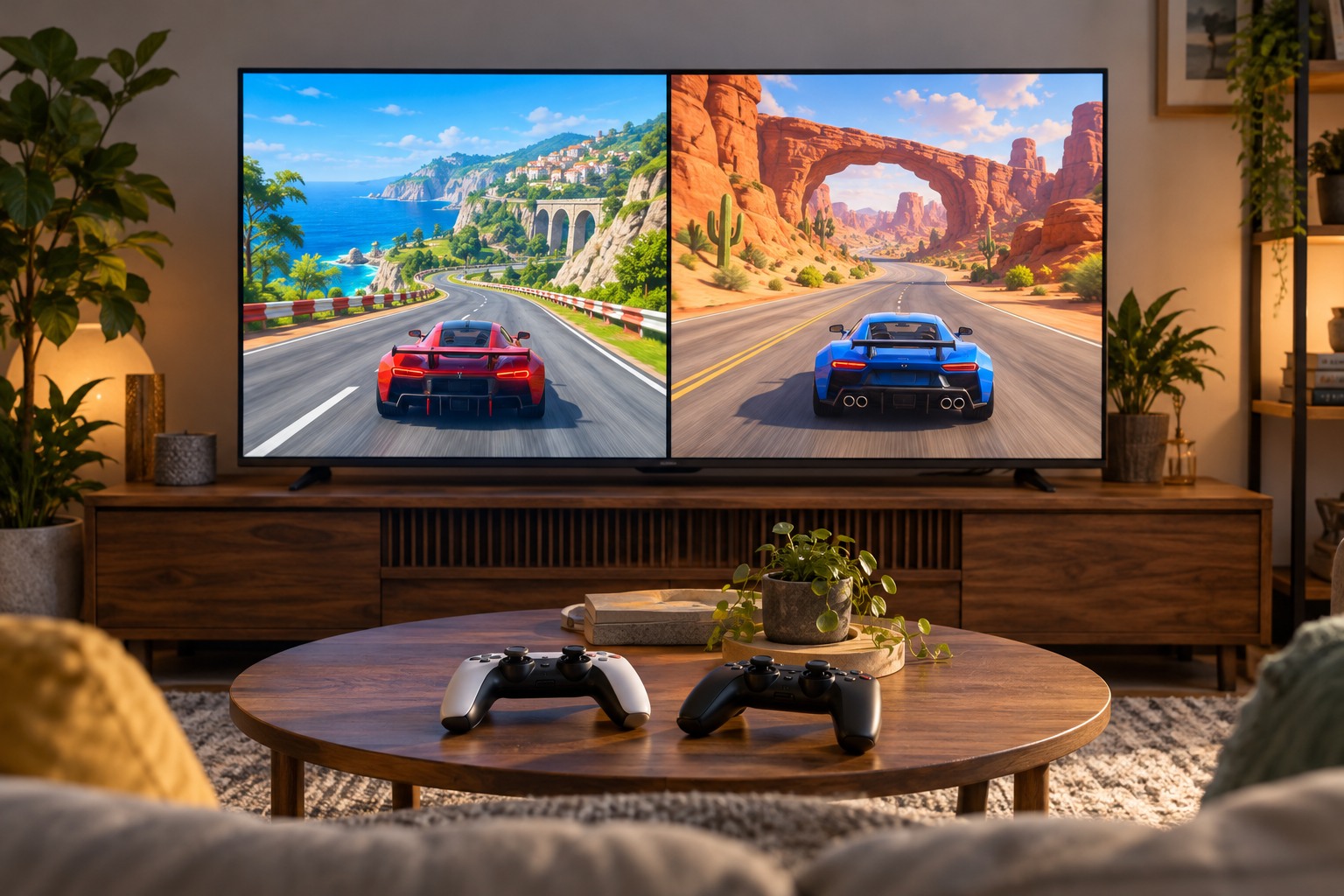
Choose the display, audio device and controller before calibration. A television speaker, a headset and a separate sound system can introduce different paths. Switching between them afterward may change the timing you perceive. Use the exact arrangement intended for play, including any receiver or adapter, and keep its relevant processing settings stable during the test.
Read the game's calibration instructions carefully. Harmonix's Rock Band guidance separates audio and video calibration, illustrating why one offset does not necessarily describe every part of the system. Other rhythm games may provide a different procedure or combine controls. Follow the specific game's method rather than importing the direction or meaning of a slider from another title.
Establish a repeatable input
Use a simple calibration sequence or an easy familiar track. Sit where you normally play and use the intended input device. Try to respond consistently to the cue the instructions specify, whether it is audible or visual. Alternating between following the music and following an animation can make the result difficult to interpret if the procedure is trying to measure them separately.
Repeat the supported calibration a few times if the results vary substantially, without chasing every small difference. A distracted tap or unfamiliar controller can affect a manual test. If the game offers an automatic method for specific compatible hardware, check those requirements before assuming your device supports it. Do not select an automatic option merely because its name sounds more accurate.
Keep the original values so you can return to them. A short note identifying the display and audio route is more useful than a number saved without context. If several household members use different listening devices, separate profiles or a small record of each verified arrangement can prevent confusion.
Separate consistent offset from inconsistent play
A steady timing mismatch may respond to calibration, while irregular stutter or dropped inputs can have another cause. Watch whether errors consistently occur in the same direction or vary unpredictably. Check ordinary game performance and controller recognition before repeatedly changing an offset. Calibration does not guarantee that an unstable wireless link or a struggling system becomes consistent.
For example, if a track feels aligned through headphones but late through a separate sound system, compare the documented audio processing and connection path. If both arrangements sometimes pause at the same point, investigate the game's performance or loading behavior instead. Change one component at a time so the test answers a clear question.
Check whether a television has changed its picture mode after an input or signal change. Additional image processing can alter the path used during the previous calibration. Restore the intended supported gaming mode where appropriate, then repeat the game's calibration procedure. Do not try to compensate for several changing display modes with one remembered offset. A stable display configuration makes the timing comparison more repeatable and the resulting numbers easier to interpret.
Verify with normal music
After calibration, play several easy sections with clear beats before attempting a difficult chart. Judge whether the cues feel aligned and the inputs register predictably. Do not use a complex unfamiliar pattern as the sole test, because learning the pattern and diagnosing timing are different tasks. Keep volume comfortable; louder sound is not a substitute for correct alignment.
Recalibrate when you change the display mode, audio route or other relevant equipment, or when a specific problem appears after an update. Otherwise keep the working configuration and focus on the game. A useful calibration is reproducible for your setup, not a universal number that should match another person's television, headset or controller.