Identify where each player will be
Local co-op normally places players together on one system or a supported nearby arrangement, while online co-op connects players through a network service. A game can support one without the other. Look for the exact mode in the store description and official documentation rather than assuming that a multiplayer label includes every form of cooperative play.
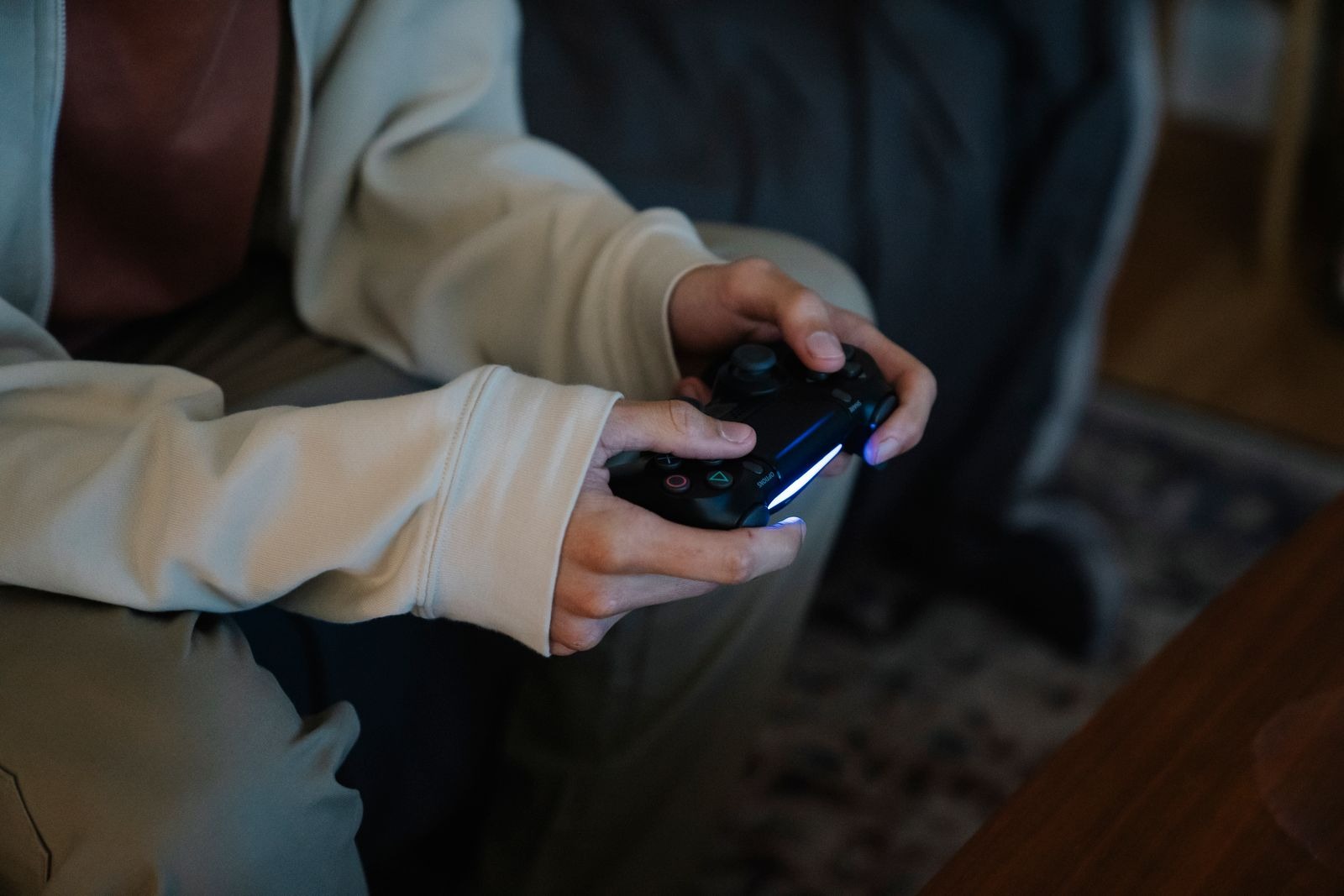
For local play, confirm the number and type of controllers, the supported player count and whether everyone shares one view or uses split screen. Some games permit a mix of keyboard and controller; others require a particular input arrangement. Test the setup before guests arrive so the first half hour is not spent assigning devices to players.
Check licenses and session ownership
For online play, determine what each participant needs: a copy of the game, an account, any applicable platform subscription and the required edition or downloadable content. Some titles provide special guest or friend-pass arrangements, but those should be verified for the exact game. Do not assume one person's purchase automatically covers the whole group.
Find out whose progress is saved and who can host the next session. A shared campaign may belong to the host, may advance every participant or may handle story and character progress separately. That affects what happens when the usual host is absent. Read the official explanation and agree on a plan before investing in a long cooperative campaign.
Choose the kind of cooperation you want
Some games ask players to coordinate constantly; others let them explore independently and meet occasionally. Think about the group's preferred pace and communication. A demanding timing puzzle can be enjoyable for a practiced pair but frustrating for people hoping to chat casually. Watch ordinary gameplay or try a demo where available rather than choosing only from a dramatic trailer.
Plan a first session with time for controls and account setup. Keep the opening goal modest and make room for different experience levels. If players are in the same room, check that everyone can read the display and reach their controls. If they are remote, test the chat route. Co-op works best when the practical arrangement supports the kind of interaction the group actually wants.