Map actions by frequency and timing
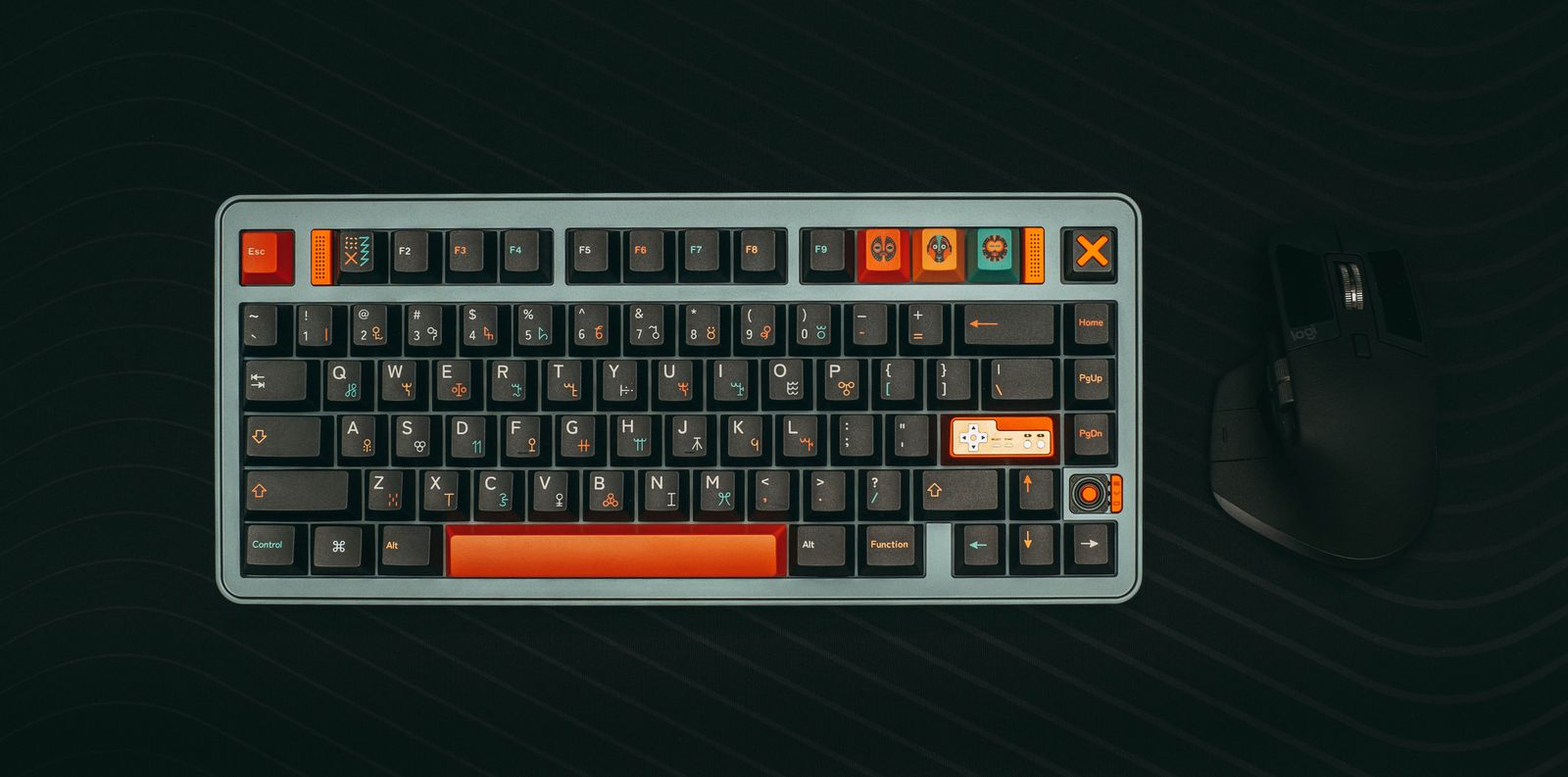
List the actions you use constantly, those needed quickly and those used only in menus. Movement, interaction and a primary ability deserve different treatment from a rarely opened journal. Keep the most frequent combinations within comfortable reach, particularly actions that must be used while movement keys remain pressed. A key that is easy to reach in isolation may be awkward in that combination.
Inspect the game's existing bindings before changing them. One key may perform different actions in different contexts, and a warning about a duplicate may be intentional or may indicate a genuine conflict. Read which context each binding belongs to. Photograph the original layout so an experiment does not force you to rebuild every control from memory.
Change a small group first. For example, move one hard-to-reach interaction and test it with movement, then address abilities. Remapping the entire keyboard at once makes it difficult to identify why a familiar action stopped working. Preserve common menu controls unless there is a specific reason to change them.
Test combinations, not just single presses
Use a training area or quiet part of the game to try moving, turning and activating the new binding together. Check whether your hand position remains comfortable and whether another command triggers accidentally. If the keyboard fails to register a particular combination, investigate its supported rollover behavior rather than assuming the game ignored the remap.
Avoid assigning a frequent action to an operating-system shortcut or a key used by a chat overlay without considering the conflict. A binding can work during solo practice and fail when another application is active. Test the normal background tools you use, but keep only the necessary ones running during diagnosis.
Keep the revised layout through a short session before making more changes. A little unfamiliarity is expected, but repeated accidental actions suggest the mapping needs another pass. Record the final layout and, where supported, save a named preset. If game prompts continue to show old bindings, check whether you changed a system-level mapping rather than the game's own controls, because that distinction affects how instructions appear.