Measure a short sample
Record a few minutes using the resolution, frame rate and audio settings you intend to keep. Check the resulting file size and play it back. Multiply that observed size by the approximate session length to estimate the storage needed, leaving room for variation. Different scenes and encoding settings can produce different sizes, so treat the estimate as planning guidance rather than an exact promise.
Confirm that the file is readable and contains the intended sound. A silent or incorrectly routed recording consumes space without serving its purpose. Microsoft documents Game Bar's recording and audio controls for Windows, but other tools use their own settings. Inspect the saved output from your actual tool instead of assuming a live preview proves the recording is correct.
Choose between highlights and continuous recording
If you want occasional highlights, a supported replay buffer or recent-clip feature may be more convenient than recording the entire evening. Check its duration, memory or storage behavior and the command that saves a clip. If you want a complete playthrough, continuous recording makes more sense, but it requires a deliberate storage and review plan.
Avoid running several capture systems simultaneously unless there is a reason. A game, graphics utility and operating-system feature may each be able to record. Duplicate recording can complicate performance and fill different folders. Identify which tool owns each hotkey and disable unused capture features through their supported controls.
Include microphone audio only when you intend to record it, and let other participants know when their conversation is included. A game-audio recording and a group-chat recording have different sharing implications. Test the mute behavior before the session rather than discovering afterward that a private conversation was captured.
Move and review deliberately
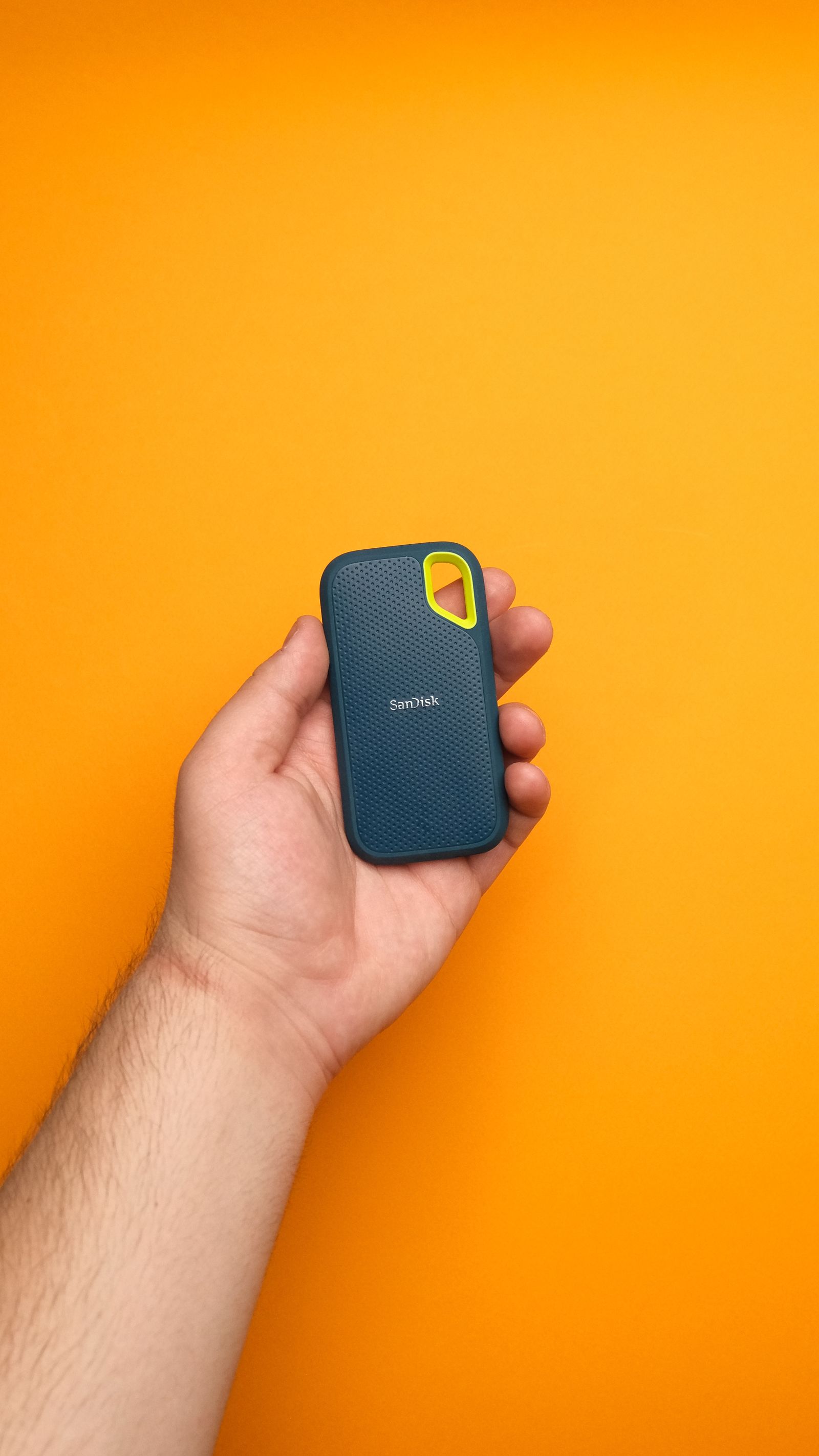
Keep enough free space for the game and operating system as well as recordings. If saving to another drive, verify that the capture tool supports that destination and that it remains connected during use. Do not pull a drive while a recording is being finalized. Close the recording normally and confirm the file opens before moving or deleting it.
Review clips soon after the session and retain the useful ones. Move an archive to suitable backup storage if needed, keeping filenames that identify the game and date. Exporting a smaller shareable version does not require discarding the original immediately. Once the archive is verified, clear unwanted takes so the next recording begins with predictable space rather than another emergency cleanup.