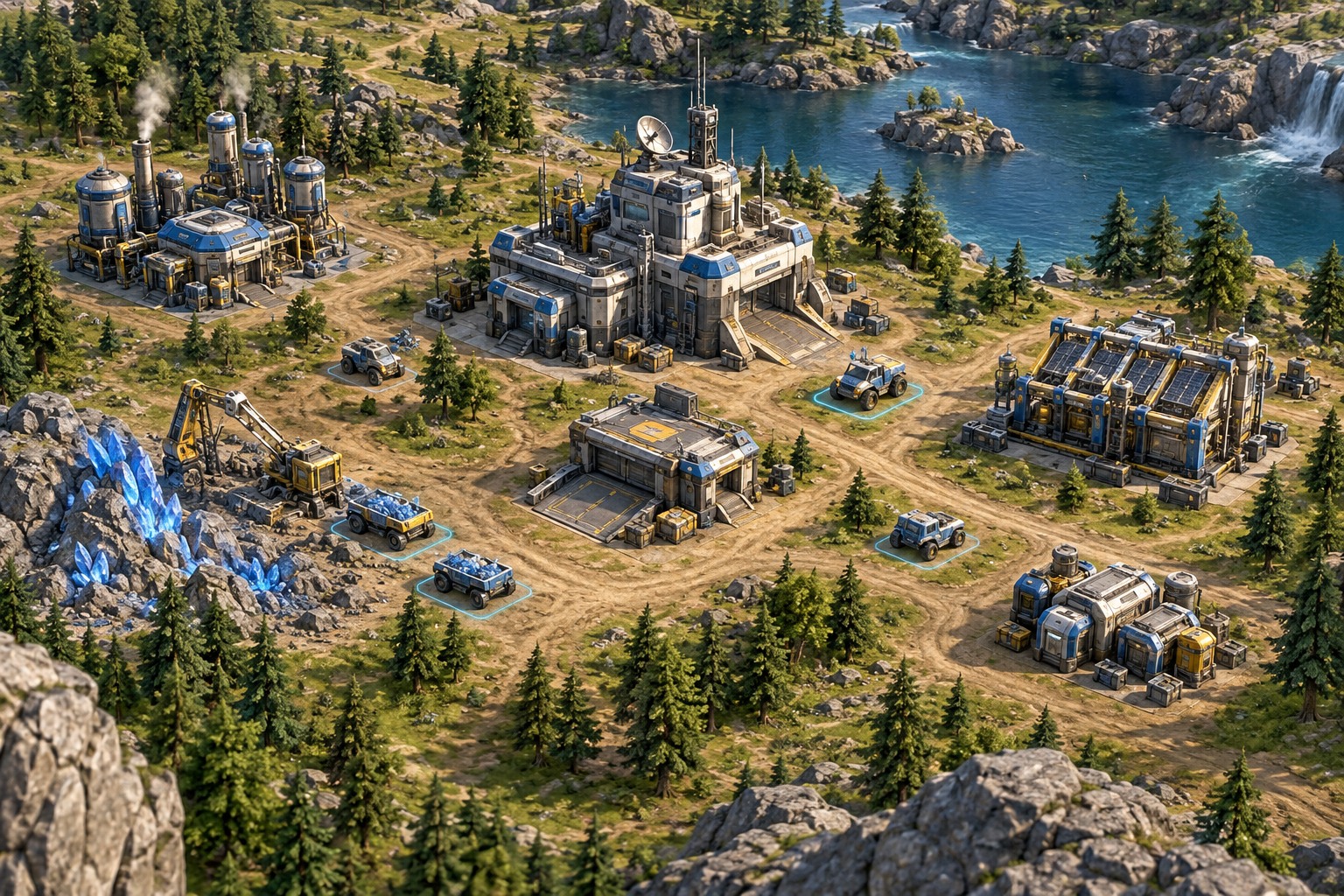
Learn the view before the build order
Practice moving the camera, selecting a unit and returning to an important location. These basic actions determine whether you can understand what is happening elsewhere on the map. Use a tutorial or low-pressure mode and adjust camera speed if the game allows it. A view that moves too quickly can make even simple selection feel unreliable.
Check the available selection methods: individual clicks, drag boxes, groups and category commands. Learn what each one includes and whether it changes with modifier keys. Avoid assuming a shortcut from another strategy game does the same thing here. Read the game's control reference and keep a small note of the commands you use most often.
Add shortcuts around repeated tasks
Choose a few actions that interrupt your attention repeatedly, such as selecting a production building or returning to a squad. Assign or learn their supported shortcuts first. The benefit is less time searching the interface, not simply pressing more keys. Keep commands reachable while using the mouse and watch for conflicts with other applications.
Practice one small sequence until it is predictable: select, move, observe the result and issue the next command. Then add another unit type or production step. A long competitive opening guide may be less useful at this stage than understanding why a unit did not follow the command you intended. Use replays or a combat log if the game provides them and they help answer that question.
Choose a learning pace that exposes the systems
If the game offers adjustable speed, pause or a forgiving practice mode, use those tools to inspect the interface. Availability varies, especially online, so verify the mode rather than assuming a pause key works everywhere. Learn resource and supply warnings before trying to manage a large army at full speed.
After a short match, identify one recurring difficulty instead of rewriting the whole layout. Perhaps you lose track of the camera, select the wrong group or miss a production warning. Address that specific issue in the next session. Comfortable controls and readable information give strategy decisions room to develop; a keyboard full of unfamiliar shortcuts does not create that understanding by itself.