Start with placement and the correct input
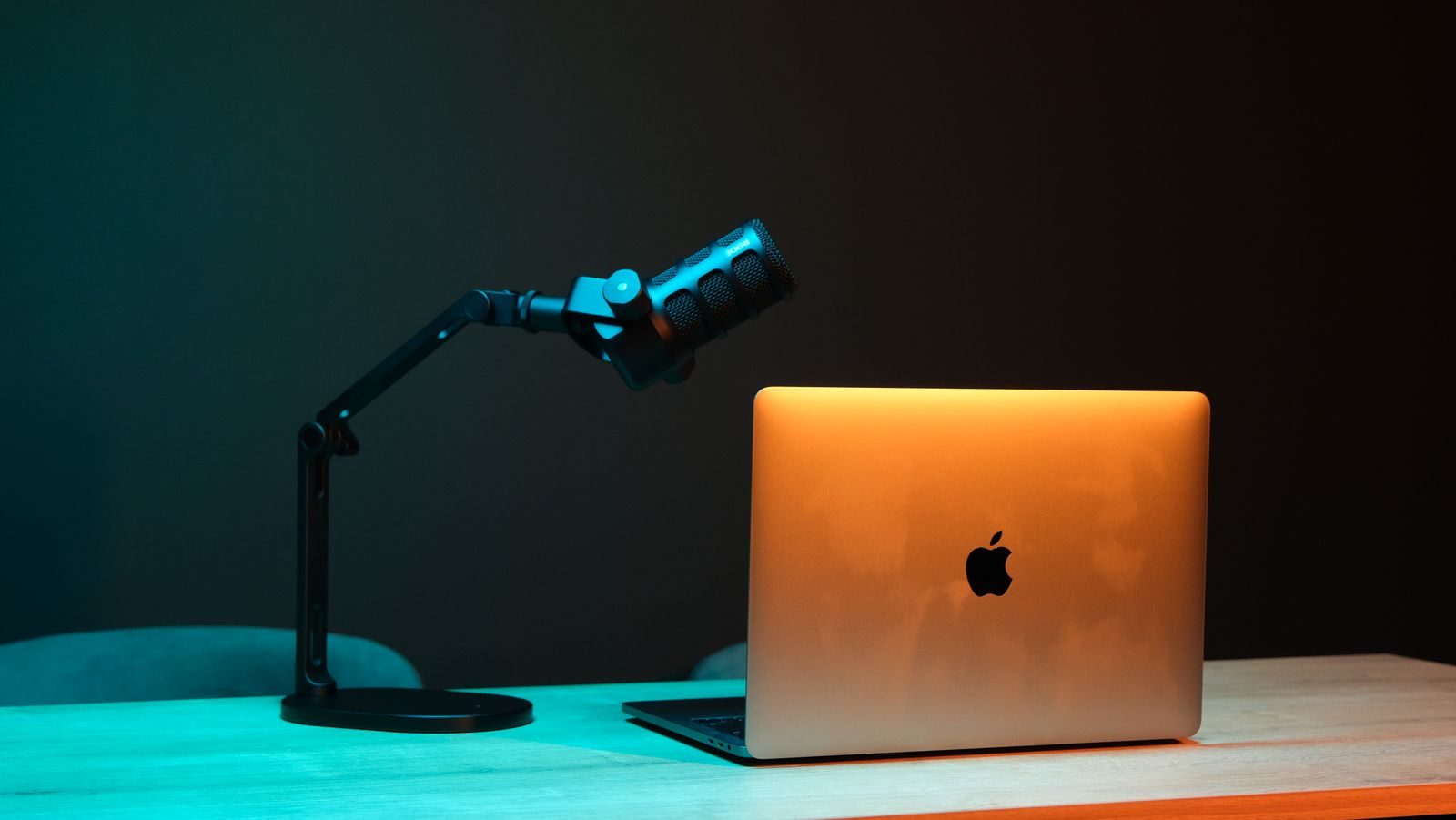
Select the microphone you intend to use and place it according to its instructions. A headset boom positioned far from the mouth can make speech quiet compared with room noise. A desktop microphone aimed the wrong way can create a similar problem. Verify the active input before adjusting software; otherwise you may be tuning a webcam microphone while speaking toward a different device.
Use a local test or a short conversation with another person. Speak at your normal level, including the beginning and end of sentences. Check whether the signal is consistently audible without distortion. Do not set the input by shouting once, because that can leave ordinary speech too quiet. Keep the microphone position unchanged while comparing settings.
Understand the threshold
An activation threshold determines when a voice-activated system starts transmitting. If it is too demanding, quiet words or the start of a sentence may disappear. If it is too permissive, background sounds can keep the channel open. Adjust in small steps and test both normal speech and a quiet pause. The numerical direction of a sensitivity slider can differ between applications, so use its meter and explanation.
Noise suppression attempts to reduce unwanted sound, but it can also alter speech or other intentional audio. Compare it on and off with the actual room noise present. Stronger processing is not automatically clearer. If consonants sound clipped or the voice becomes watery, reduce the processing or improve the physical arrangement before adding another filter.
Use a repeatable check
Try a short phrase containing soft beginnings and pauses, then type a few ordinary keys without speaking. Ask the listener what they hear rather than judging only the moving meter. A meter can show activity without revealing whether speech is intelligible. If the application offers automatic gain control, note whether it is active because it can change levels during the test.
Push-to-talk is an alternative when a quiet room is not possible, provided the assigned control is comfortable to use. It still needs a suitable microphone level and placement. Keep only the processing that improves the result, then retest after changing headsets or moving the microphone. A working configuration belongs to the equipment and room together, not to a universal sensitivity number copied from someone else.