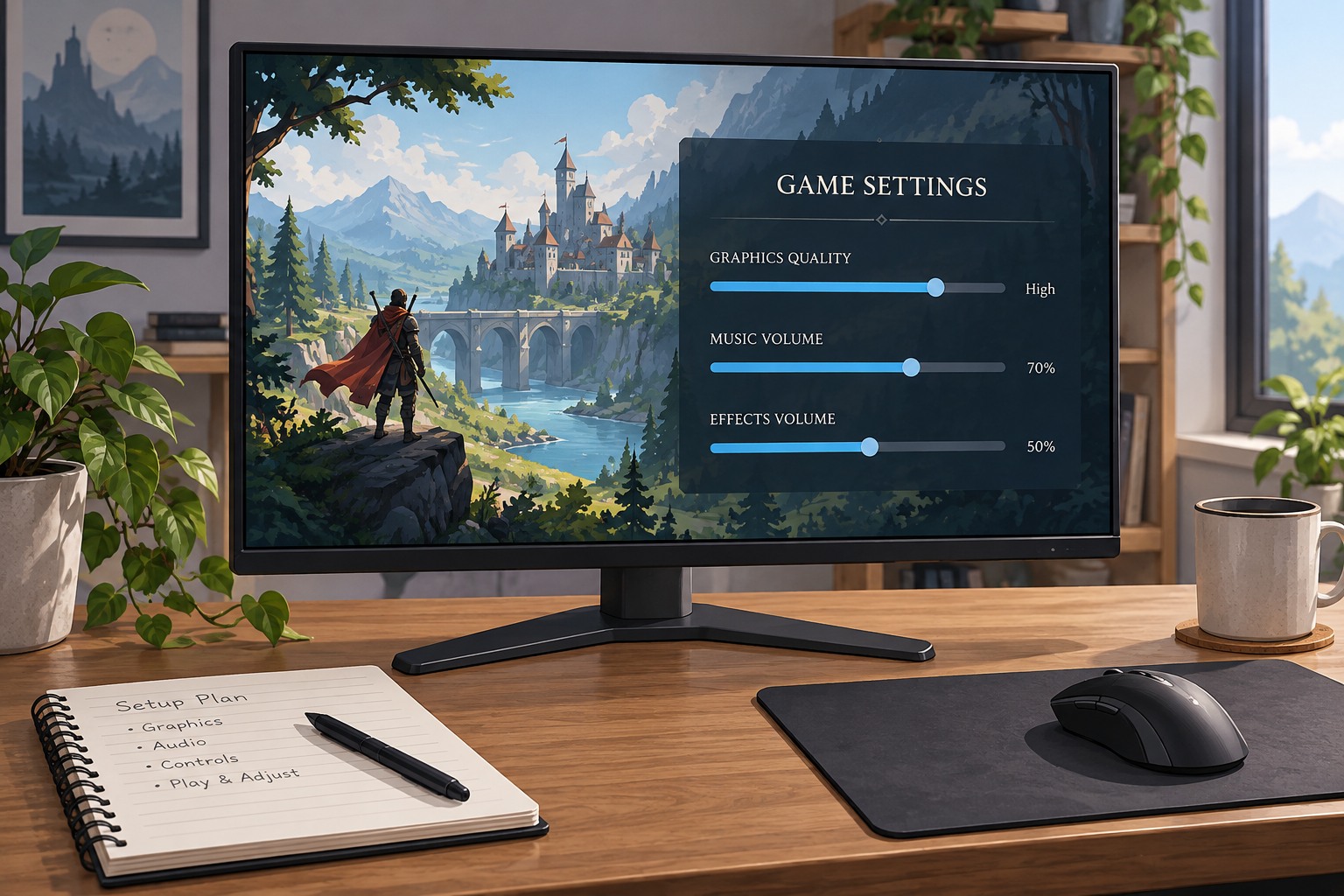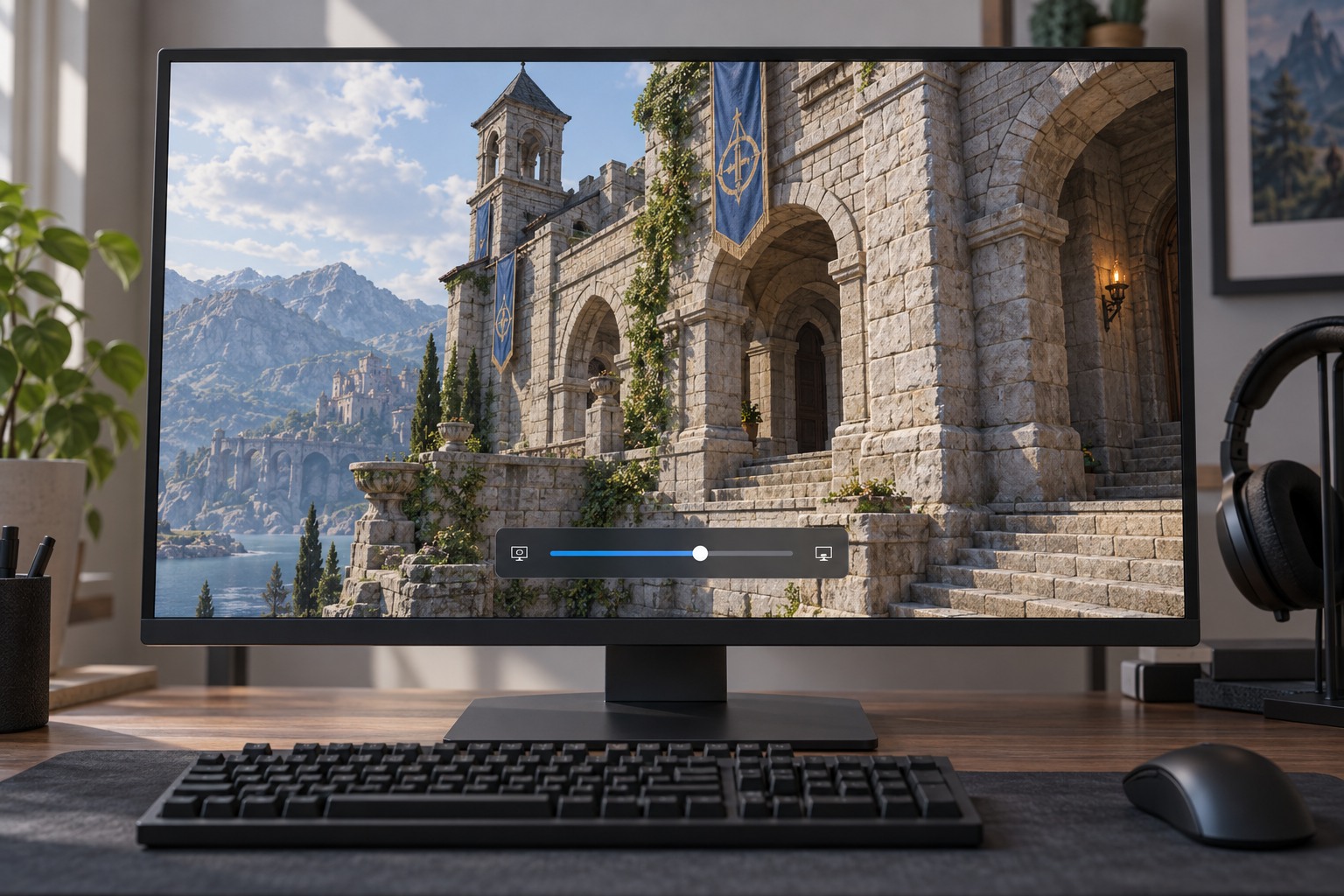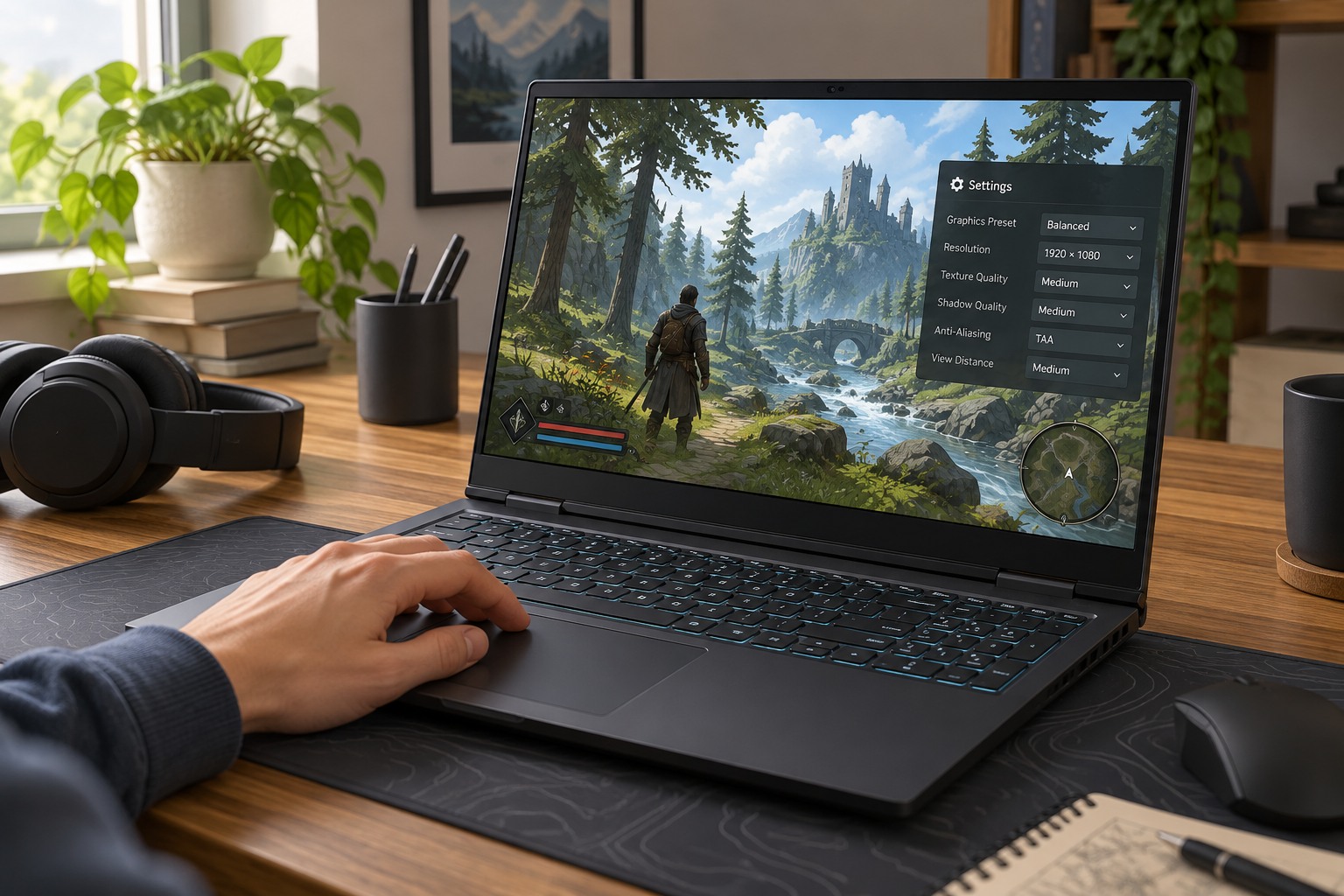
Set up the room you actually play in
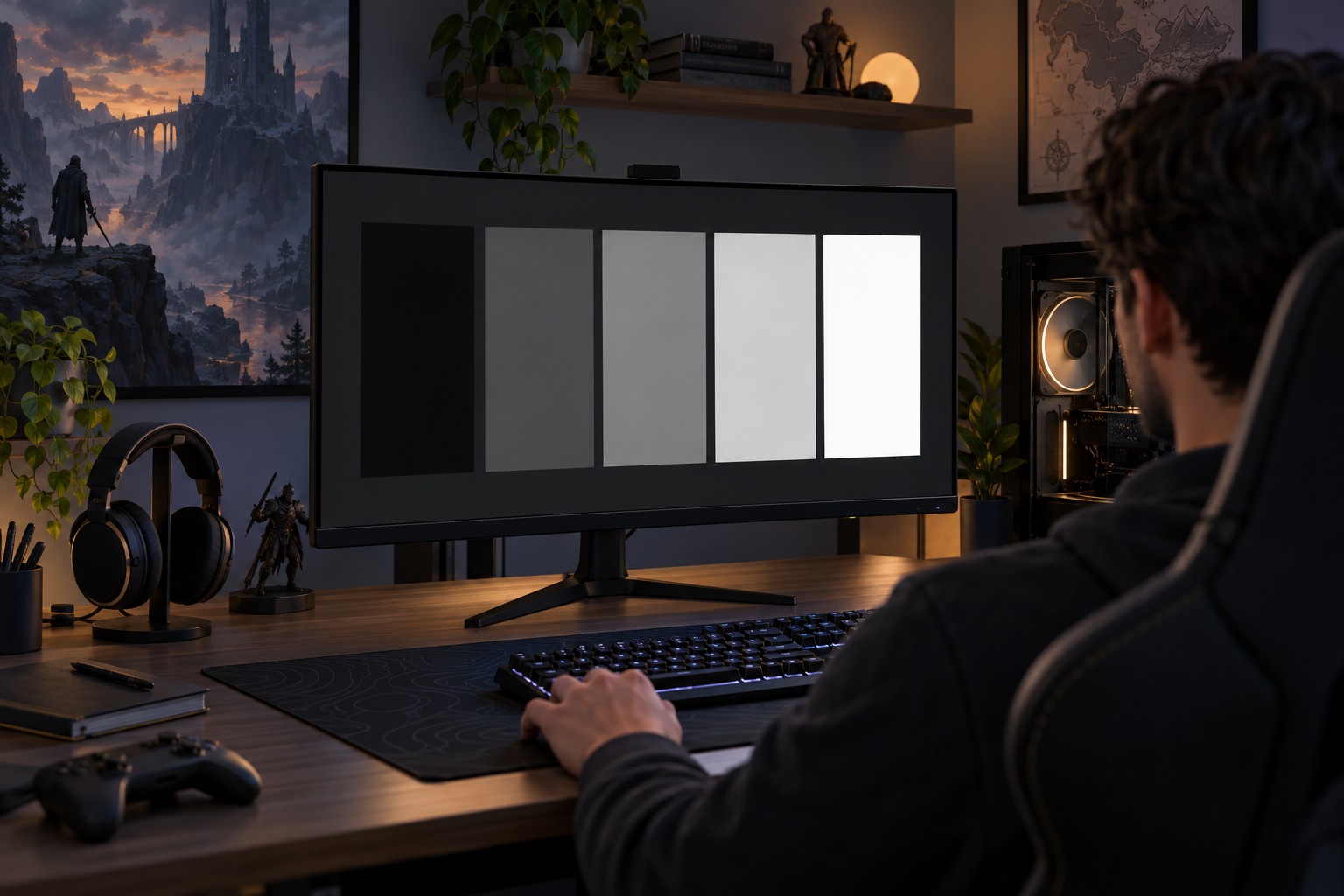
Calibrate from your usual seat with the room lighting you normally use. Sunlight across the screen or a lamp reflected in a dark scene can make the image appear washed out, and changing an in-game slider may not address that reflection. Position the light or shade the screen where possible before deciding that the game's picture is wrong.
Check whether the game and display are operating in SDR or HDR. Their calibration controls can be different, and instructions intended for one mode should not be transferred blindly to the other. Read the exact wording beside each test image. A symbol meant to be barely visible and a highlight meant to disappear are different targets; do not force every pattern to look equally clear.
Keep a record of the display's current picture mode. Some televisions store separate settings for each input or signal type, so switching consoles or enabling HDR can change the active configuration. If you adjust the monitor, television and game simultaneously, it becomes difficult to know which control produced the result.
Check a real scene after the pattern
After calibration, visit a familiar bright and dark area. Look for readable shadow detail without making the entire scene flat, and for bright objects that retain the intended appearance. A deliberately dark level should not necessarily reveal every object as though it were daylight. Use the calibration instructions as a baseline, then make limited changes for your viewing needs where the game allows them.
Gamma typically affects the relationship between intermediate tones, while a display brightness control may affect a different part of the image depending on the device. Names are not perfectly standardized. Consult the device manual rather than assuming a slider labeled brightness does the same job everywhere. Avoid importing numerical values from another screen as if they were universal calibration data.
If the picture remains unexpectedly gray or crushed, check the connection and signal-format settings through the console and display documentation. Do not keep pushing the game slider to an extreme to conceal a mismatched setup. Once the image is usable, save the settings and only recalibrate when the room conditions, display mode or equipment meaningfully change.