Plan a library, not a collection of random folders
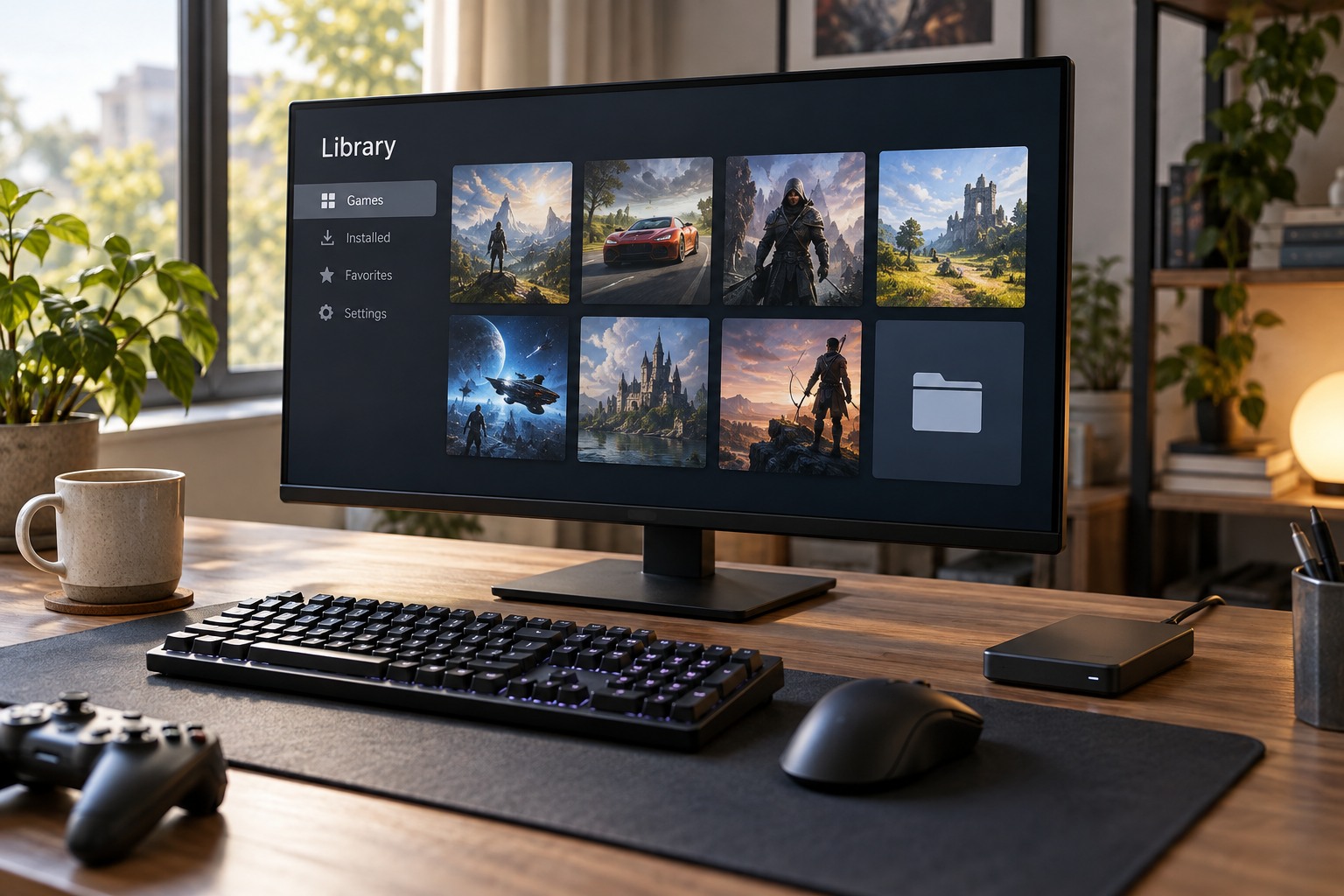
Choose a drive with enough capacity for the game, updates and the rest of your normal workload. Keep a clear library folder rather than scattering installs across personal document directories. If several launchers use the same drive, separate their libraries in a way you can recognize later. The exact folder name matters less than keeping each launcher aware of its own location.
Check whether the drive is internal, removable or network-connected and whether the launcher supports that arrangement. An external drive that is disconnected during startup may make installed games appear unavailable. Its assigned path can also matter. Avoid assuming that every storage device visible in the operating system is equally suitable for every game's install requirements.
Use move and discover features deliberately
When relocating a game, use the launcher's documented move or library-management function where available. Dragging an installation folder in the file manager may leave the launcher pointing to the old path. If the launcher supports discovering existing files, follow its instructions rather than beginning a second full download into an unrelated directory.
Keep saves and settings separate in your thinking. They may live outside the installation folder, so moving the game does not necessarily move or back up its progress. Before a major storage change, identify important save data through the game or platform documentation. Do not delete an old folder until the relocated game launches and the desired progress is confirmed.
Leave a useful record
Record which drive holds each library and how it is connected. This helps when troubleshooting a missing game after a drive replacement or a computer reset. Keep account-recovery details securely; installed files alone do not establish a license to play. A launcher may still require the correct account and any applicable online checks.
After installation, launch the game once and verify its normal behavior. Check free space again because updates or optional content can change the total. If you later uninstall, read the prompt carefully and distinguish game files from saves or captured media. A clean library arrangement makes future maintenance easier without requiring you to manually manage files the launcher already knows how to handle.