Describe what is happening
Separate delayed actions, sudden disconnections, stuttering video and a low rendered frame rate. An online character snapping back may involve a different problem from a camera that is choppy even in an offline training area. If the game provides network and performance indicators, note both. A single word such as lag hides several causes that need different tests.
Record when the issue occurs, which game or mode is affected and whether other people in the household notice connection trouble. Check the game's official service-status information before changing your network. If a service is having an outage, buying a faster router or resetting your own equipment repeatedly will not resolve that remote condition.
Compare one connection variable
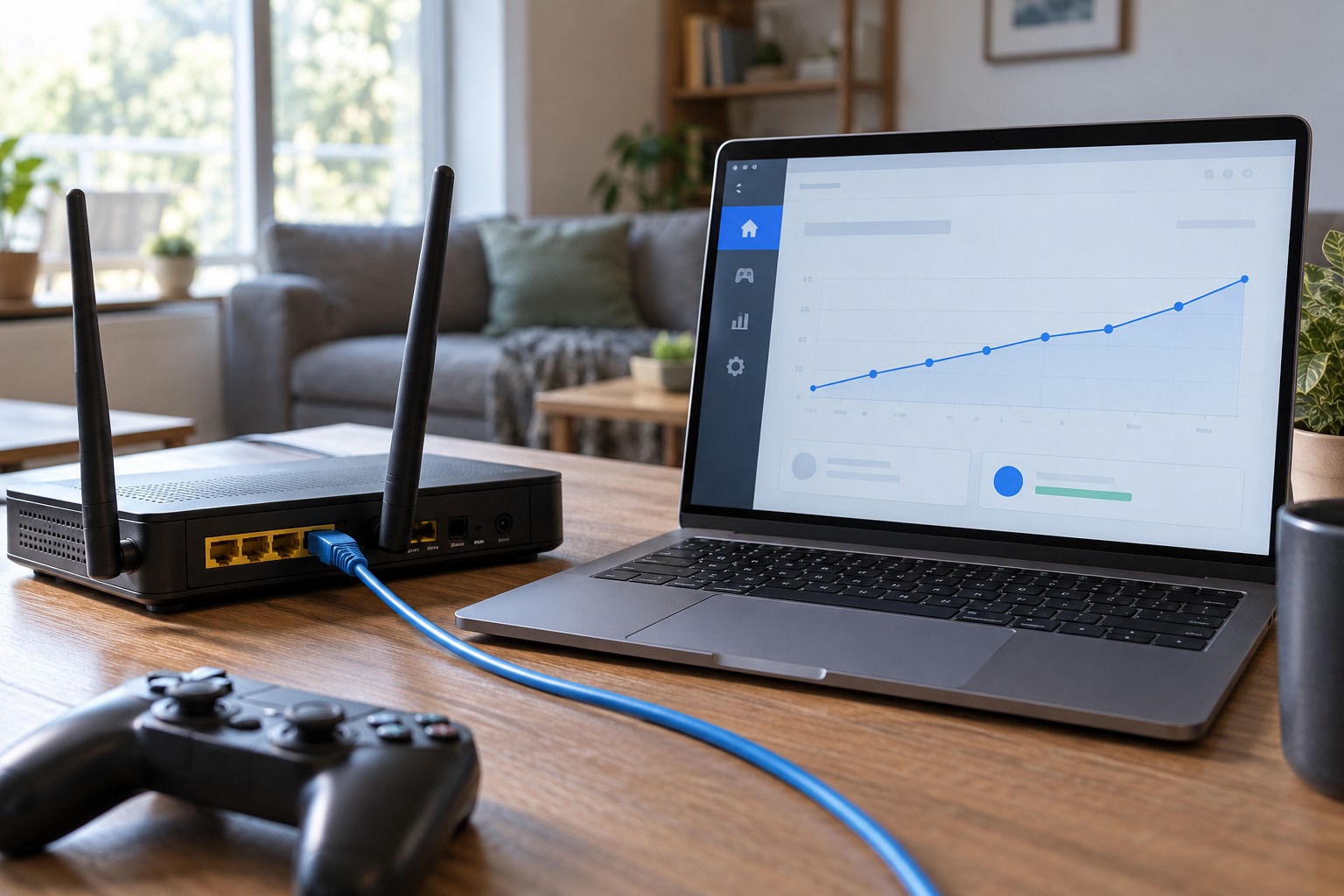
If practical and supported, compare the same device on a wired connection with its usual Wi-Fi arrangement. Keep the game, time and background activity as similar as possible. A better wired result suggests the wireless part deserves investigation, but it does not identify a specific product to buy. Placement, interference, distance and the existing access point's configuration can all matter.
For Wi-Fi, try a location closer to the access point and observe whether the symptom changes. Avoid hiding the router or antenna behind dense furniture merely for appearance. Follow the equipment maker's placement guidance. If the problem appears only in one room, document that rather than describing the entire internet connection as slow.
Pause a large download or cloud backup as a controlled test, with the household's agreement where needed. Compare the same game behavior before and after. A connection shared with heavy transfers can behave differently from a quiet network. The useful evidence is a repeatable change, not a single speed-test number taken at another time.
If several people play together from the same home, note whether the issue affects both devices simultaneously. Compare their connection types and locations without assuming one result proves the entire network healthy. A wired computer and a distant wireless handheld can experience different local conditions while sharing the same internet service. The comparison is useful when it isolates a route or timing pattern, not when it becomes a contest over which device has the larger speed-test number.
Interpret measurements modestly
Download throughput describes how much data can be transferred over time; an interactive game also depends on timely and consistent delivery. A fast download result does not prove every game route is stable. Likewise, one high latency reading may be temporary. Use the game's diagnostics or supported platform tools and compare patterns across several short observations.
Do not disable the firewall, expose a device broadly or change many router settings as a generic attempt to improve performance. If official support identifies a specific configuration requirement, follow it for the exact service and keep a record of the original setting. Unexplained changes can create new problems and make later diagnosis harder.
Buy only for an identified limitation
If the evidence points to weak coverage in a particular area, consider the supported ways to improve that route. If all devices fail together, contact the internet provider or router support with the observed times and tests. If only one game has trouble while others work normally, begin with that game's support information rather than replacing the whole network.
A useful report includes device, connection type, affected mode, approximate times and what changed during each comparison. Keep the language factual: wired play worked during the same test is more informative than the router is bad. Once the specific limitation is understood, a hardware purchase can be evaluated against that need instead of against a vague promise of gaming performance.