Read the language table by column
A store listing may separately identify interface, full audio and subtitles. A checkmark in one column does not imply the others are included. Decide whether you need to navigate menus, follow dialogue in text or hear spoken lines in a particular language. Those are different requirements, especially for a story-heavy game.
Verify the platform and regional release. A language available in one version may not be included in another package or download. The language used by the storefront itself is not evidence about the game. If the listing is unclear, consult the publisher's support information or ask the seller about the exact product identifier before purchasing.
Check whether additional language data must be downloaded and whether there is enough storage for it. Some games make language selection inside the game, while others depend on launcher or system settings. Follow the official procedure instead of changing several device settings at once. Keep the original setting recorded if other household members use the same device.
Test the parts of the game you will read
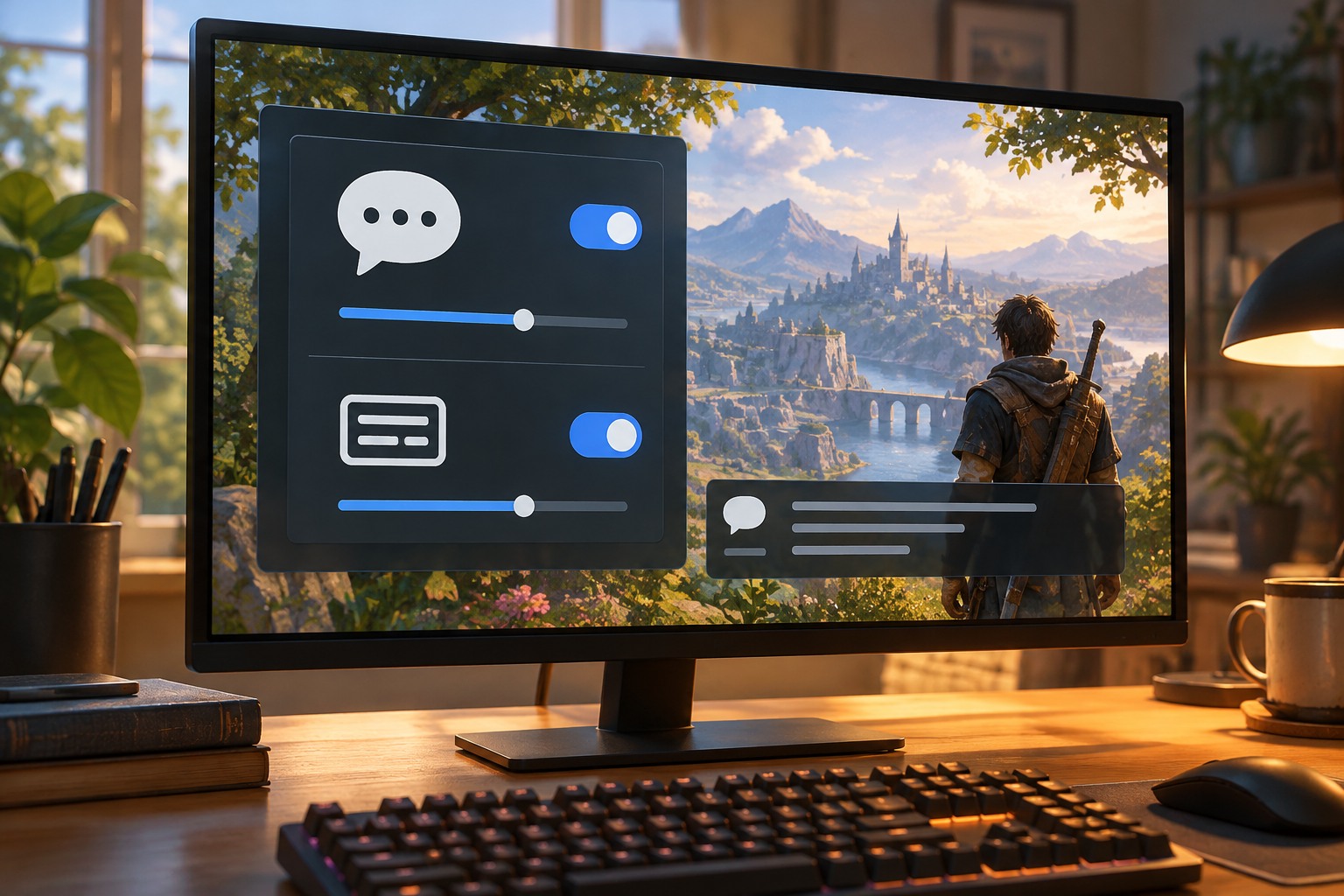
After installation, inspect menus, dialogue, item descriptions and tutorials. Subtitles for cinematic scenes may not establish that every ambient line or important audio cue is captioned. If you need non-speech information as text, look for a captions feature rather than relying only on the word subtitles. Check size and contrast from your normal viewing distance too.
If you are using the game to practice a language, consider whether you can combine the preferred audio and text choices independently. A dialogue log or repeat function may help, but availability varies. Do not choose solely from the number of supported languages if the text advances too quickly or the vocabulary is difficult to revisit.
Keep a record of the working language configuration before moving devices or reinstalling. If the expected option is missing, verify the edition and installed language pack before buying another copy. A precise question to support—platform, region, edition and missing language category—is more useful than saying the game is in the wrong language.