Set a comfortable overall level first
Use a normal game scene to establish a moderate listening volume on the headset or speakers. Then join chat and ask a teammate to speak naturally. If their voice is masked, lower the game channel or use the supported chat-mix control rather than increasing every sound together. This keeps a sudden loud effect from becoming the price of hearing instructions.
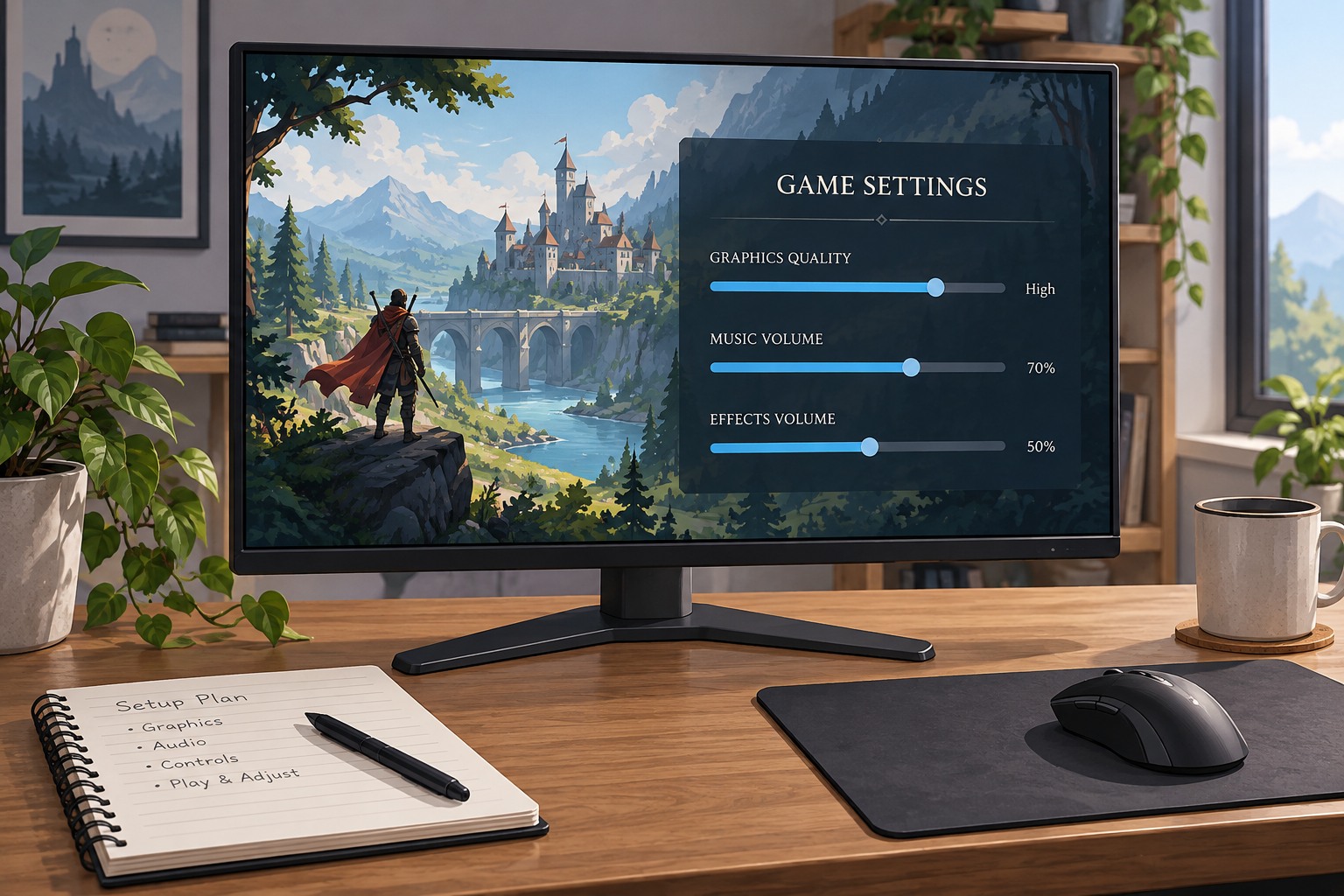
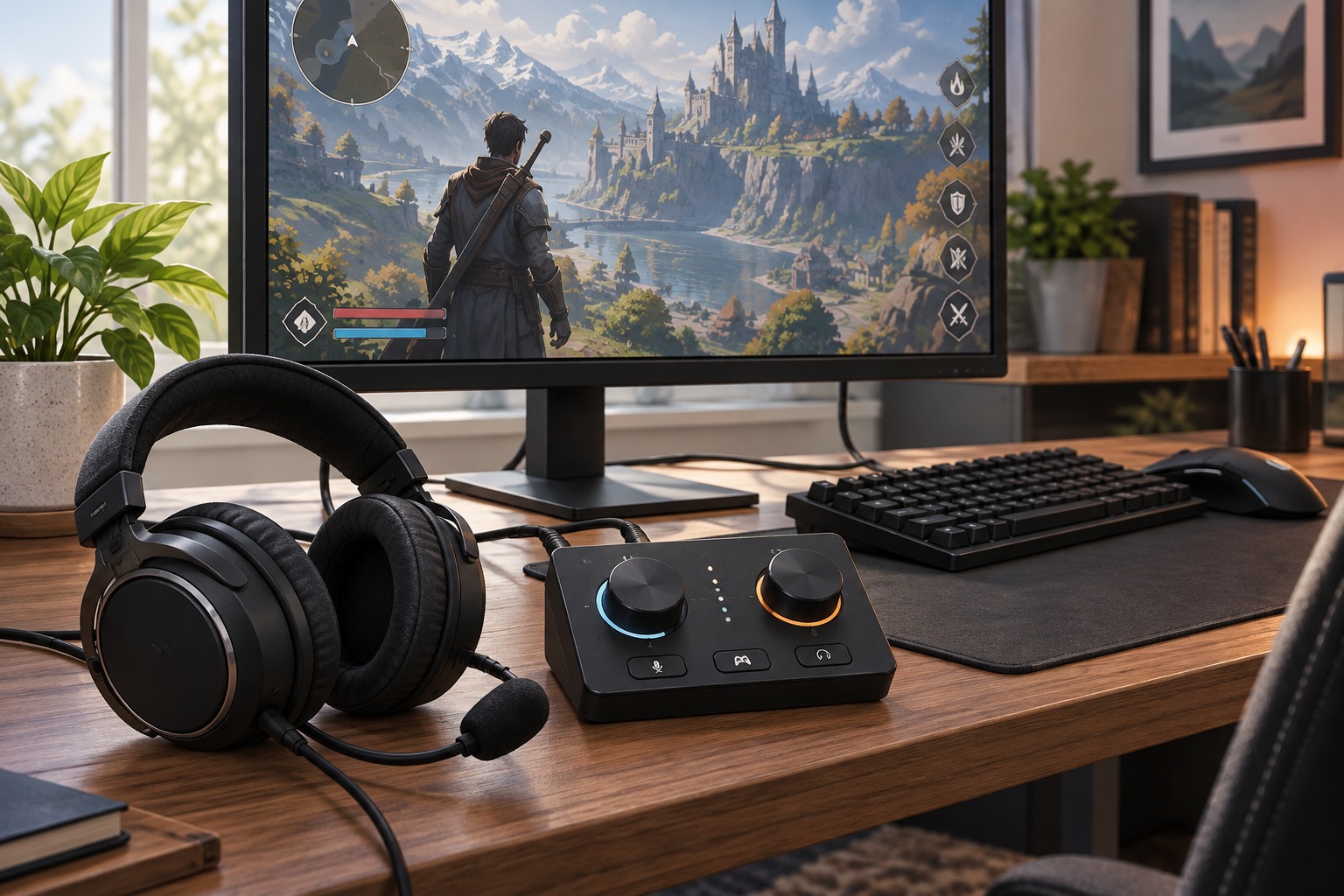
Find where each control lives. The game may have separate voice, music and effects sliders, while a console or headset may offer a game/chat balance. A desktop chat application can have its own output level as well. Label the controls mentally by what they affect and make one change at a time. Two similarly named sliders can sit at different points in the audio path.
Diagnose one quiet voice separately
If everyone is quiet, the local balance is a reasonable place to look. If only one person is difficult to hear, ask them to check microphone position, input level and mute behavior. Increasing the entire chat channel for one quiet participant can make everyone else too loud. Some communication tools offer individual participant levels; use them conservatively where available.
Background noise can make speech seem unclear even when its level is adequate. A microphone too far away may capture more room sound, and speakers leaking into it can create echo. Ask the affected person to make a short test rather than having the whole group change settings. Keep the conversation route consistent so duplicate chat connections do not produce delayed copies of the same voice.
Test the busy part of the game
A balance established in a silent lobby may fail during a loud match. Test a representative action sequence and a quieter moment. Decide which game cues you still need to hear, then reduce less important layers if the game permits. Music, effects and dialogue serve different roles, so a master-volume reduction is not always the most selective adjustment.
Keep a reachable mute or volume control for unexpected changes. Once the group can communicate, avoid continual adjustments based on each brief noise. Note the working levels and output device, especially if you alternate between a headset and speakers. The target is understandable speech and useful game sound at a comfortable overall level, not forcing every element to be equally loud.