Know how the headset reports its battery
Check whether the headset shows battery status through an app, voice prompt, indicator light or the connected platform. Learn what the low-battery warning means in the manual rather than estimating from a light's color. Some indicators describe connection state and charging state differently.
Battery-life claims may use particular volume, lighting and connection conditions. Treat the published number as a tested condition to compare, not a guaranteed countdown for every session. Your actual pattern may include idle time, microphone use and switching between devices that are not represented by the headline figure.
Make charging convenient without straining the port
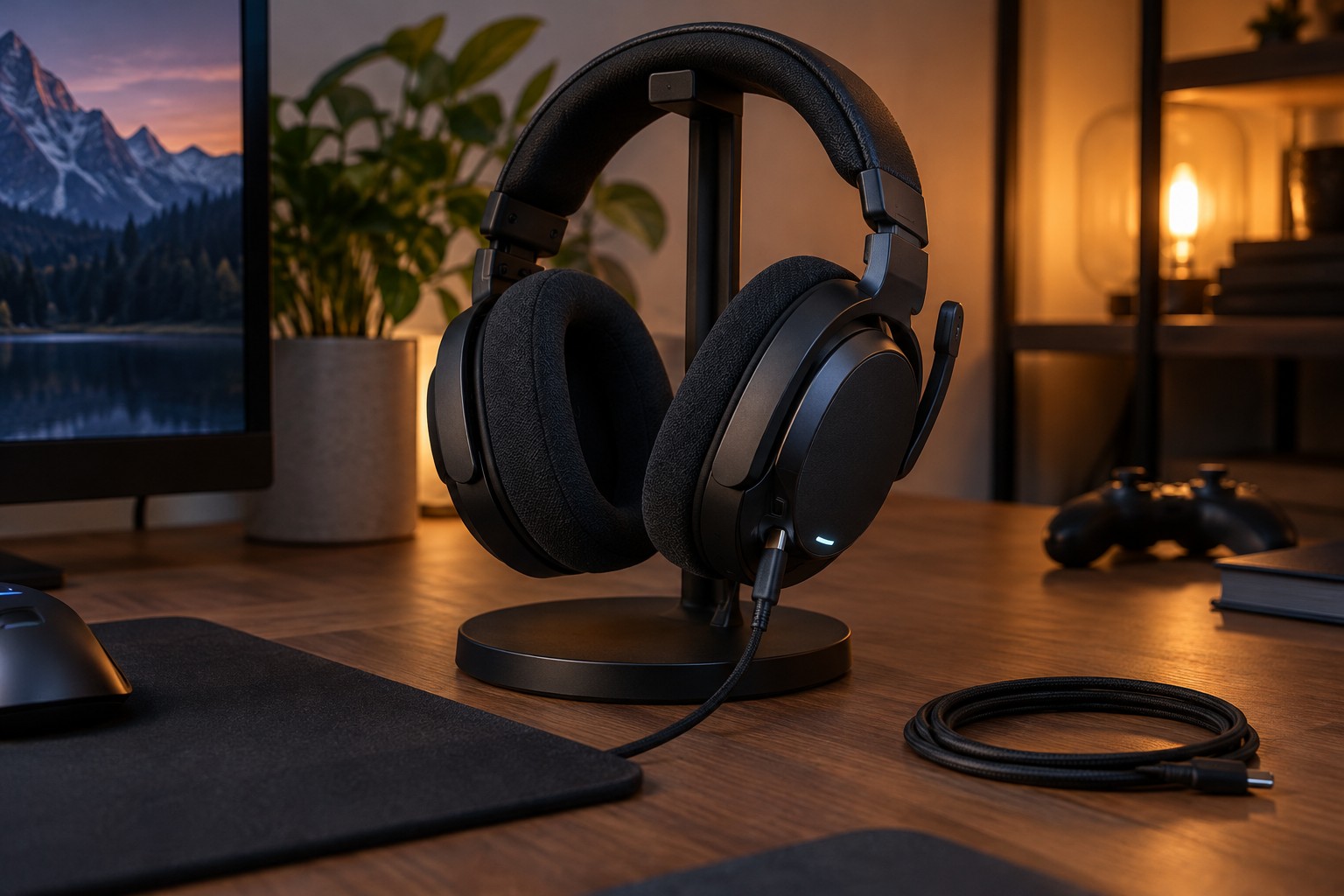
Place the charging cable where the headset can rest securely. Leave enough slack so the connector is not pulled sideways when someone moves a nearby object. Do not balance the headset on a narrow edge simply to reach a short cable. A stable storage location is part of the charging arrangement.
Use the power source and cable specified or permitted by the manufacturer. If the headset includes a charging dock, check its contact alignment and any required adapter. A device resting on a dock is not necessarily charging; confirm the indicator after placement, especially when removable pads or accessories change how it sits.
Read whether wired listening is supported while charging. Some models permit it, some use a different mode, and some have restrictions. Plan for the actual behavior rather than discovering during a call that the charging cable does not also carry audio.
Choose a repeatable moment
A short check after a session can be easier to remember than waiting for a warning in the next one. Turn the headset off when the manual recommends it and make sure it is not left connected in an unintended active mode. If several people share the headset, agree on where it returns and how charging is indicated.
For travel, keep a compatible cable with the headset's other accessories and check the battery before leaving. Avoid loose storage that puts pressure on the power button or bends the charging plug. Follow the manufacturer's storage guidance for longer periods without use rather than inventing a universal charge percentage for every battery.
If runtime changes sharply, inspect settings and recent changes before assuming the battery has failed. Persistent charging faults, heat or physical damage should be handled through the manufacturer's support guidance. A routine should make the headset available, not encourage continued use of equipment showing a fault.