Confirm each supported destination
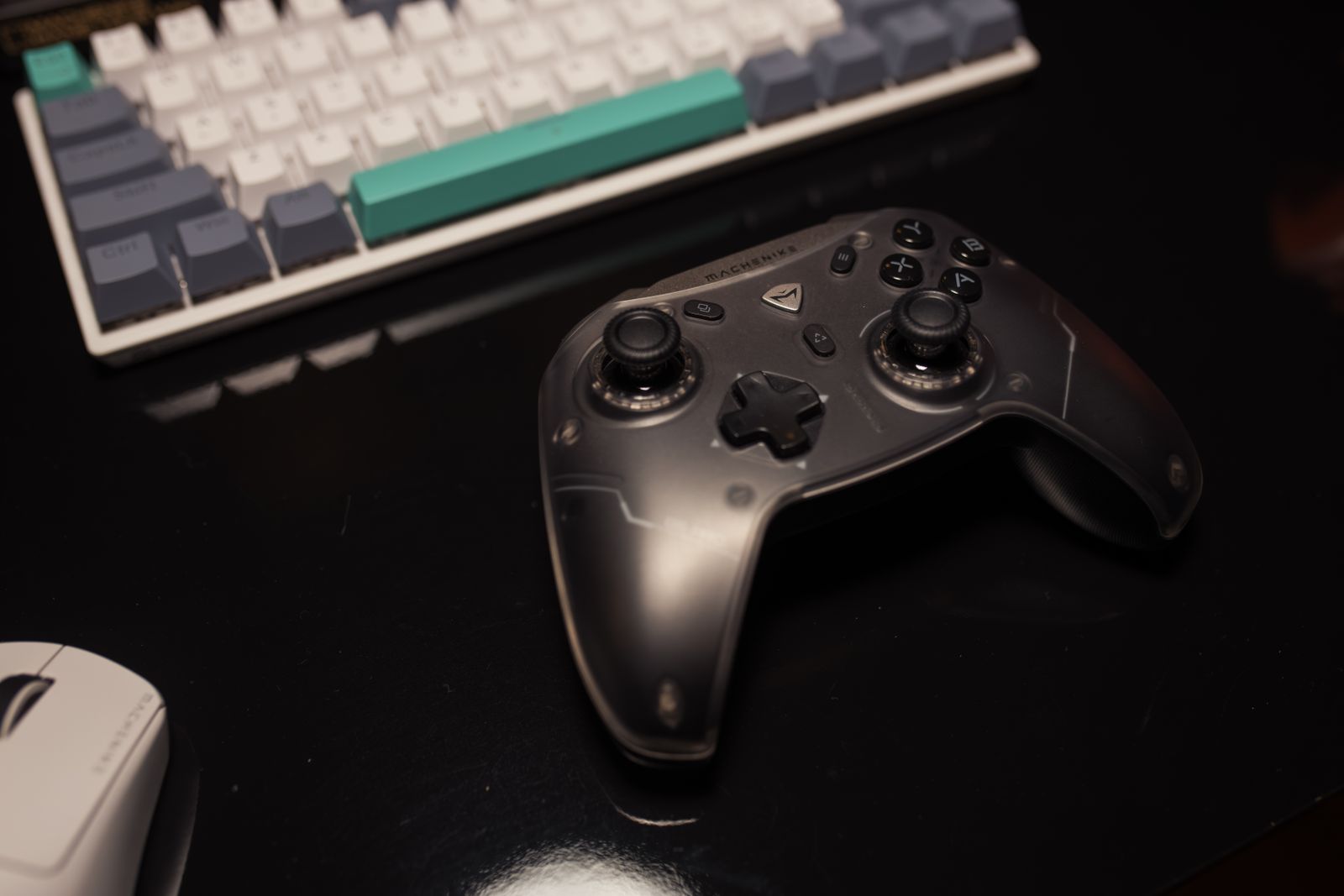
Check the controller maker's platform and operating-system list before pairing. A Bluetooth radio in both devices does not establish controller support. Some controllers use a proprietary wireless connection for one platform and Bluetooth or USB for another, with different feature availability.
PlayStation's DualSense support guidance, for example, distinguishes supported connections and notes that particular features depend on the game and connection. That is a useful reminder to verify more than basic pairing. A successful connection does not mean every trigger effect, audio feature or vibration mode will work everywhere.
Pair deliberately
Follow the controller's documented pairing procedure and keep the intended device's Bluetooth or accessory menu open. If a nearby previously paired machine reconnects first, turn off that connection temporarily rather than repeating the pairing sequence without knowing where the controller went.
Name or label the controller in the device menu when the platform allows it, especially if several identical controllers are used in the household. Keep track of which player profile is assigned after connection. Pairing and signing into a game account are separate actions on many systems.
Read whether the controller remembers multiple devices or must be paired again when switching. Do not assume that a quick device-switch feature from another model applies. If switching is cumbersome, a dedicated controller for the main console may be more convenient than repeatedly reconfiguring one controller for every screen.
Test the complete session path
Check buttons, sticks and any needed audio function in a familiar game. Confirm that the game is not receiving duplicate input through both a platform mapping layer and another application. If prompts or controls seem wrong, simplify the software arrangement and follow the platform's controller guidance.
Keep a supported data cable available as a fallback where wired operation is offered. This can help distinguish a pairing problem from a game-support problem, but the cable must carry data. Charging successfully alone does not demonstrate a working wired controller connection.
After returning to the original device, verify the player assignment and settings again. A short connection note with the controller model, pairing steps and known feature limits is useful when several people share it. Predictable switching is a better goal than assuming every device will reconnect automatically in the intended order.