Check data support and physical fit
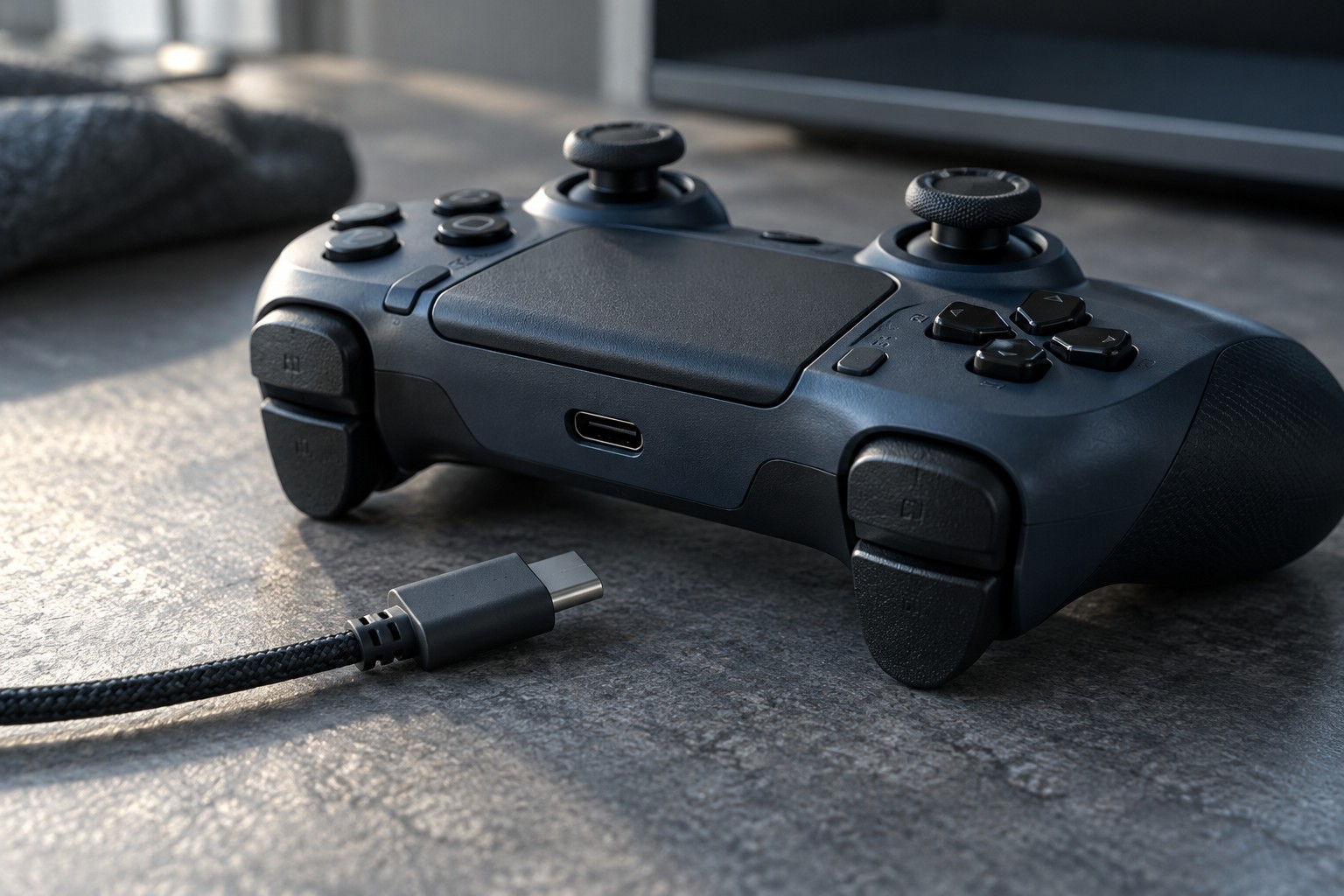
Confirm that the controller supports wired play on the intended platform. Some cables or ports are used only for charging in a particular arrangement. A cable that powers the controller does not prove that the computer or console is receiving its input through that cable. Test the documented wired mode with wireless disconnected when the instructions allow it.
Match the connector at both ends and inspect any recessed opening around the controller's socket. A bulky plug housing can stop a connector from seating fully even when the metal connector is the correct type. Use the manufacturer's supplied cable or a replacement explicitly suited to the required data connection.
If a controller has a locking or breakaway cable arrangement, follow that system's instructions. Do not defeat a retaining feature by forcing a generic plug into it. Keep the exact cable part number with the controller notes if replacements are unusual.
Make the route work for the seat
Measure from the actual computer or console port to your normal playing position, including slack for turning and changing posture. A cable stretched across a walkway creates a poor arrangement regardless of its technical specification. Move the connection point or use an approved setup rather than relying on a tight cable to reach.
Avoid a sharp bend immediately behind the controller plug. Leave a relaxed curve so movement does not repeatedly load the port sideways. Check that the cable does not catch on a chair arm, wheel or drawer. The desk route should be tested with the controller in your hands, not only while it rests on the surface.
Longer is not always simpler. Excess cable needs a place where it will not tangle with your feet or other controls. Coil spare length loosely and avoid tight ties at the connector. If an extension is necessary, confirm the manufacturer's support and test stable input before a group session.
After connecting, check button input and any controller audio features used by the game. A connection can work for basic controls while particular features remain unsupported on that platform. Disconnect by holding the plug rather than pulling the cable, and replace a damaged lead instead of trying to hold it at a working angle with tape.