Identify the supplied antenna arrangement
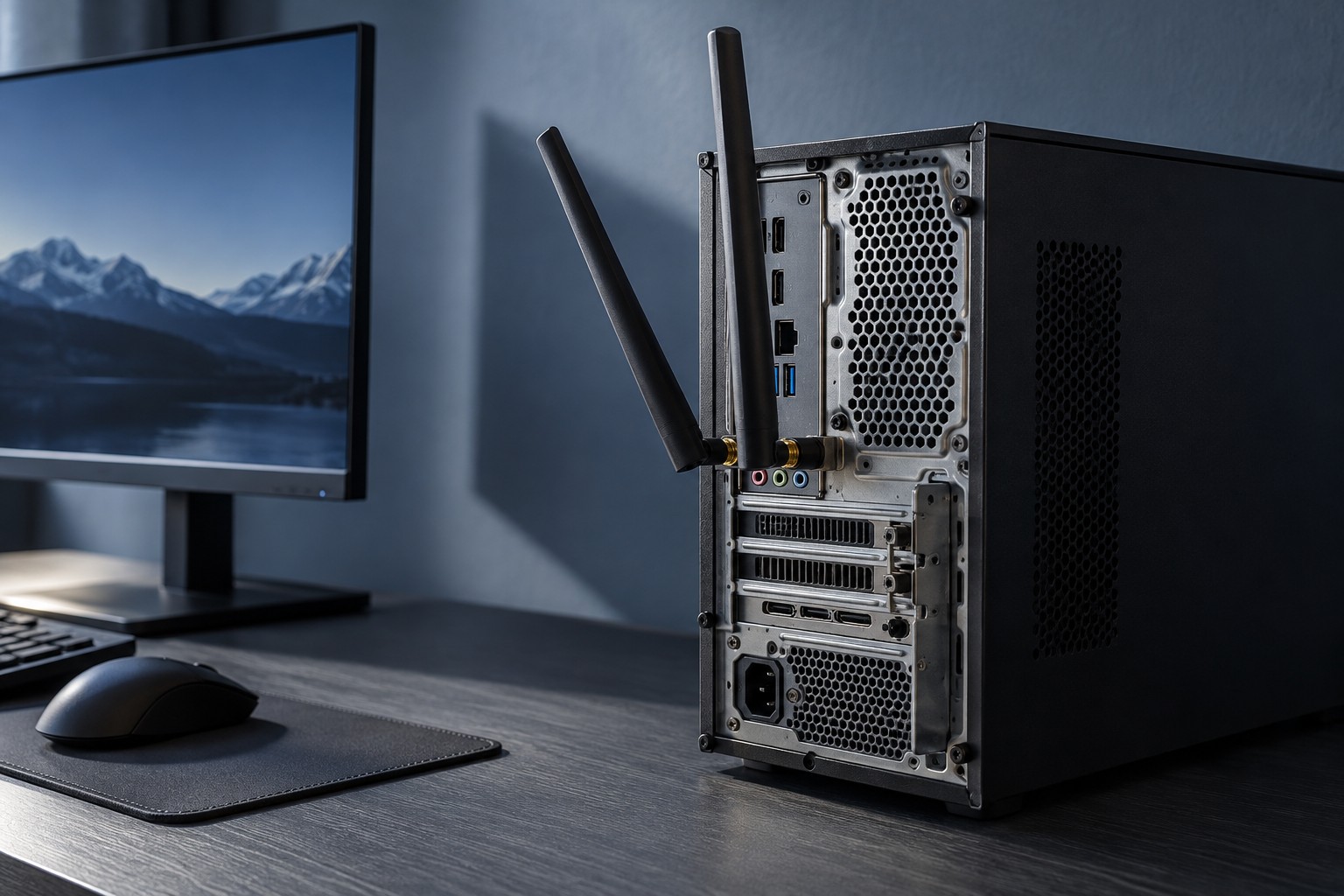
Check whether the computer uses attached antennas, a remote antenna base or an internal arrangement. Follow the manual for connecting and orienting the supplied parts. Similar threaded connectors should not be treated as permission to attach an arbitrary antenna with unknown compatibility.
If the motherboard includes a remote base, place it where its cable reaches without strain and where it is not buried behind the case or a bundle of equipment. The intended mounting or magnetic feature should be used only on a suitable surface. Keep it stable so ordinary desk movement does not change the position repeatedly.
Consider the route through the room
Walls, furniture and distance from the router affect the connection. Microsoft's home-layout guidance recommends establishing a baseline before changing the network arrangement. Make one placement change at a time and compare from the same computer, rather than moving several devices and losing track of what helped.
Different Wi-Fi bands have different coverage and capability conditions, and both router and computer must support the selected band. A newer label on one endpoint does not upgrade the other. Use the router and computer documentation to understand the available choices instead of selecting solely from the largest advertised speed.
Do not place the antenna where it will be covered by a closed cabinet door or pressed against other objects during normal use. A test performed with the cabinet open may not represent the everyday arrangement. Check the position in the state the room will actually remain.
Measure the problem you are trying to solve
A download-speed test is useful for one kind of performance, while game interruptions or unstable latency require observation during the actual activity. Keep notes of the symptom and the conditions. Online performance also depends on the internet connection and server path, so not every delay is caused by the antenna.
If a wired connection is available, it can provide a comparison that helps separate local wireless behavior from a wider problem. Do not assume that buying a larger antenna will fix an issue that also occurs over Ethernet. Check router status and service conditions as appropriate.
Once a position works reliably, keep the cable and base secured without damaging them. Recheck after moving the computer or adding a large object nearby. The goal is a consistent supported antenna arrangement, not a series of unverified accessories purchased to chase a headline speed.