Trace the signal path
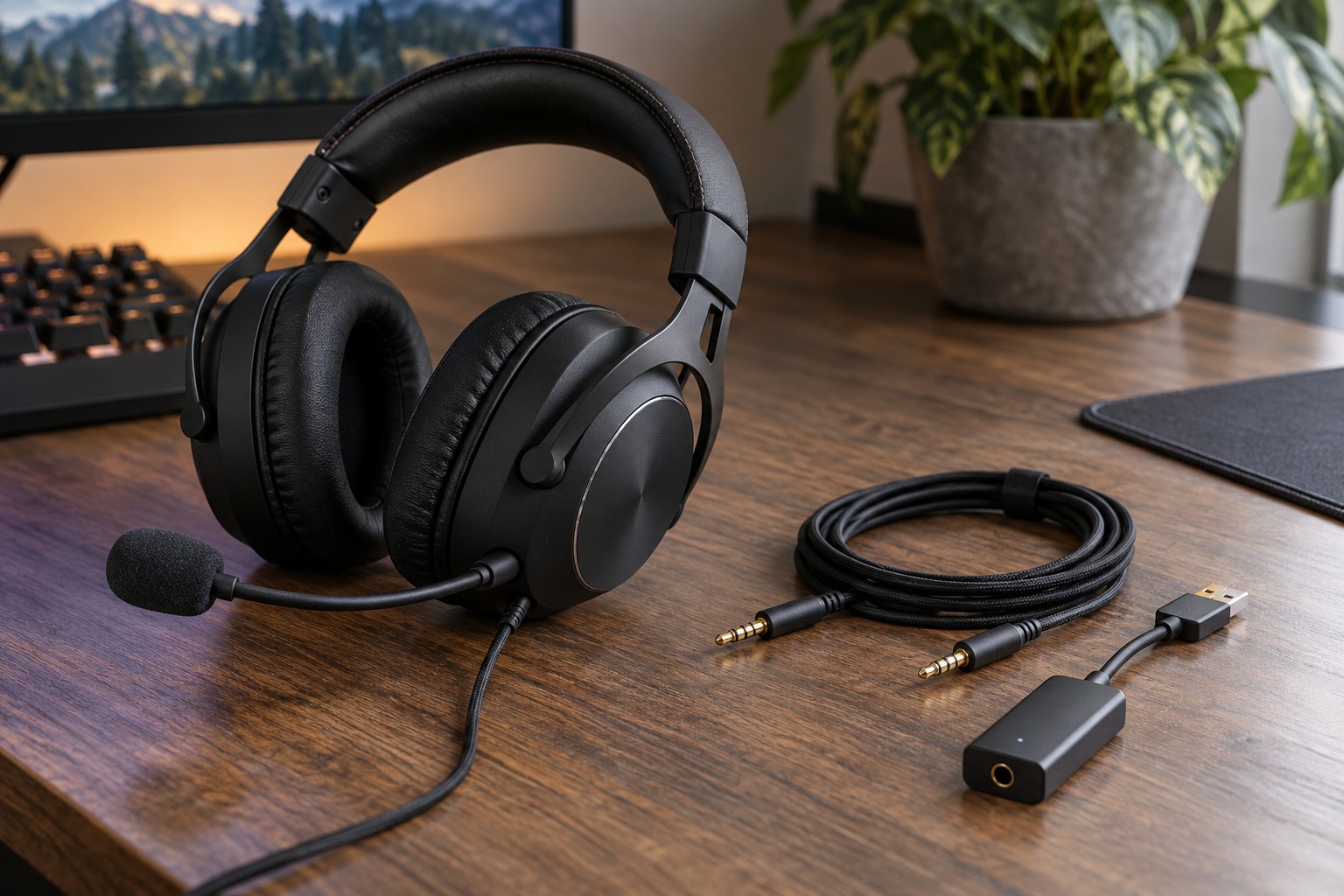
An analog headset typically plugs into a headphone or combined headset socket, leaving conversion and amplification to the connected device. A USB headset presents its own audio interface to the computer or supported console. The connector alone does not determine sound quality, and either arrangement can work well when the complete system is compatible.
List every device you want to use. A computer, controller, handheld and phone may offer different sockets and support different USB audio devices. A USB headset that works on one computer is not automatically supported by every console with a USB port. Check the manufacturer's platform list for the exact headset.
Check microphone support separately
A single analog headset plug may carry both headphones and microphone, while a desktop can have separate sockets for those functions. The appropriate adapter must split the signals in the correct direction. An ordinary headphone-sharing splitter serves a different purpose and should not be assumed to provide microphone support.
For USB, confirm which input and output devices appear after connection. A chat application may keep using an older microphone even when the new headset is selected for playback. Test both directions in the application's audio check before joining a group call. Device names can be similar, so listen to a recording rather than relying only on the label.
If a headset offers both USB and analog modes, read which features survive in analog use. Software equalization, lighting, microphone processing or control buttons may depend on the USB path or a powered mode. A detachable adapter can change the available functions rather than merely change the shape of the plug.
Consider the everyday controls
Check where volume and mute are adjusted and whether their state is visible. An inline analog control may behave differently from a USB control that changes a computer setting. Keep the arrangement simple enough that you can tell whether the microphone is actually muted without searching several software panels.
Cable length and replacement availability also matter. A removable cable with a proprietary headset-side connector may not accept a generic replacement even when the computer end is familiar. Keep the part number or manual link with your equipment notes so a damaged cable does not lead to a guessing exercise.
Choose the connection that works across the devices you use most. If one device is the main destination, prioritize a reliable direct path there rather than collecting adapters for hypothetical future uses. Test playback, microphone and controls on each intended platform during the return period.