Separate resolution from aspect ratio
Read the monitor's full pixel dimensions and aspect ratio. The term ultrawide covers more than one format, and a game's support for one wide arrangement does not establish support for every wider panel. Compare the exact resolution you plan to use with the game's official display options where available.
The additional horizontal pixels also affect the graphics workload. Do not use a benchmark for a narrower display with the same vertical pixel count as though it were identical. Check results at the actual resolution or make the limitation of the comparison clear.
Inspect gameplay, menus and cutscenes
A game may render ordinary play across the screen while menus or cutscenes remain in a narrower frame. That can be an intentional presentation rather than a fault. Decide whether the complete experience suits you, including black bars or interface placement, instead of judging from one wide gameplay screenshot.
Some games restrict the view for design or competitive reasons. Avoid assuming that an unofficial modification is an appropriate solution, especially in online games with anti-cheat rules. Check the publisher's support and terms before changing game files or using a third-party fix.
Interface placement matters on a broad screen. Health indicators, maps and chat may sit farther from the center than you prefer. Look for supported HUD positioning or scaling options, and consider whether the screen's width works at your normal viewing distance.
Evaluate non-game use and other sources
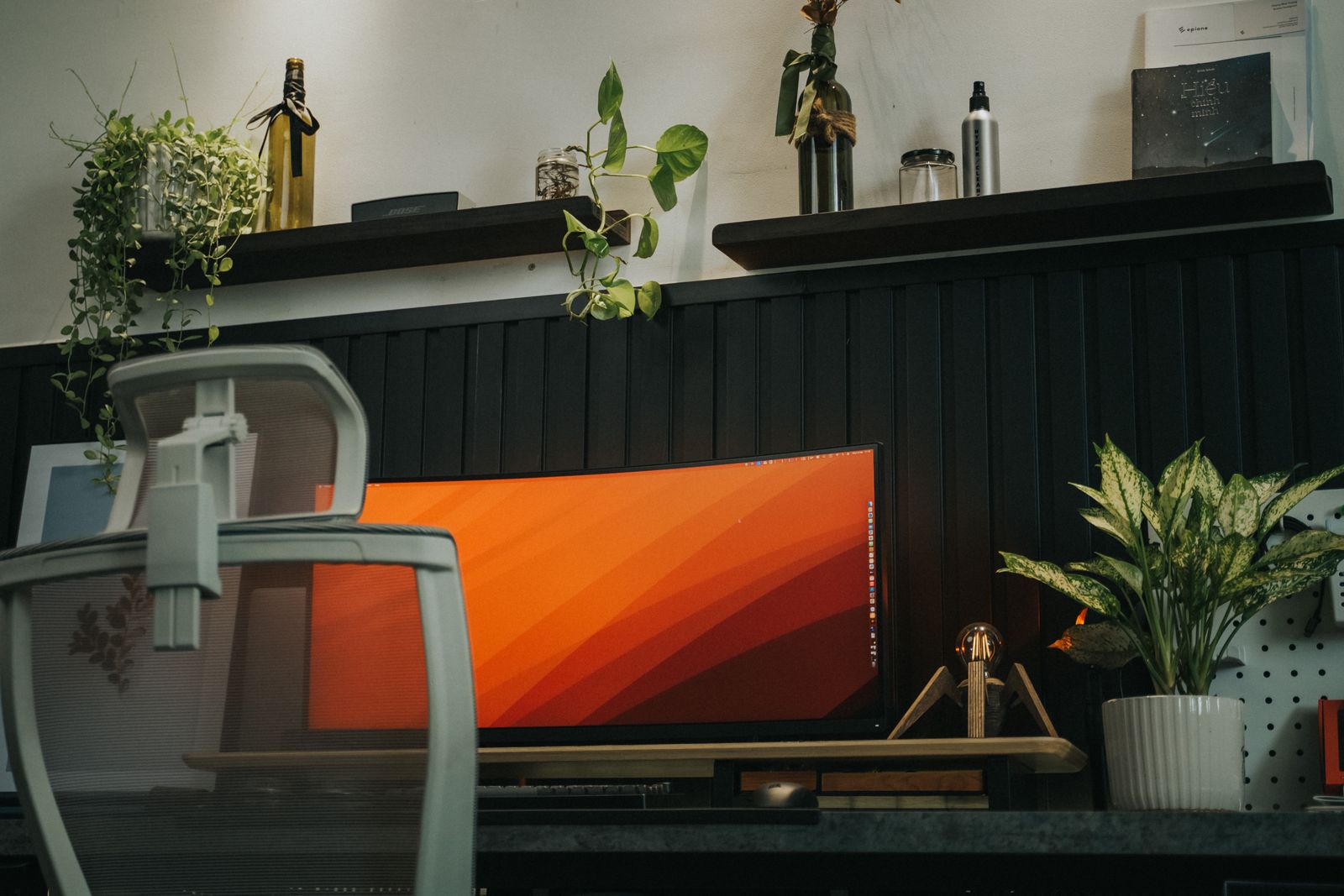
A wide desktop can hold several windows, but confirm that the applications you use scale and arrange conveniently. The monitor stand's footprint and the desk's depth also matter. A very broad panel may occupy the space previously used by speakers or a microphone.
If a console will connect, inspect the monitor's handling of the console's standard output aspect ratio. Correct letterboxing may be preferable to stretching. Picture-by-picture features, if present, have their own limits and should not be assumed to preserve every gaming feature.
Make the purchase around a library and desk that benefit from the format. A conventional display or two separate screens may suit another arrangement better. The useful question is how the exact ultrawide panel handles the games, applications and sources you actually intend to use.