Bundle by destination
Start with cables that travel to the same area rather than gathering every lead into one large rope. A monitor bundle, a keyboard-and-mouse route and a separate charging lead may be easier to manage independently. Think about which device you replace or unplug most often. Its cable should be removable without undoing the entire desk.
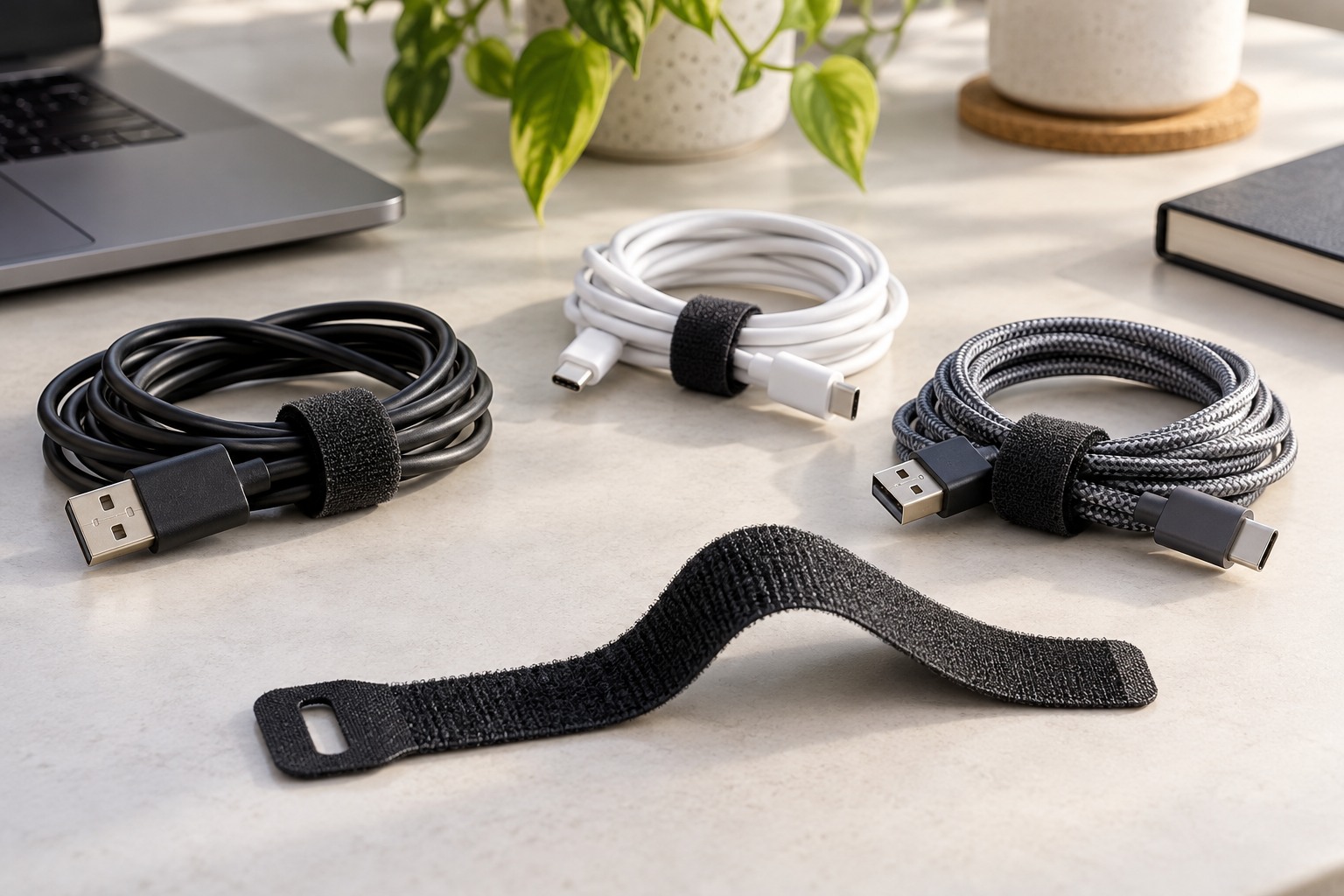
Choose a tie size that closes around the bundle without excessive pressure. Soft reusable straps can be convenient, but their material and width should suit the cable. Do not cinch tightly enough to deform the jacket or create a sharp bend. Keep ties away from connectors and strain reliefs where movement needs room.
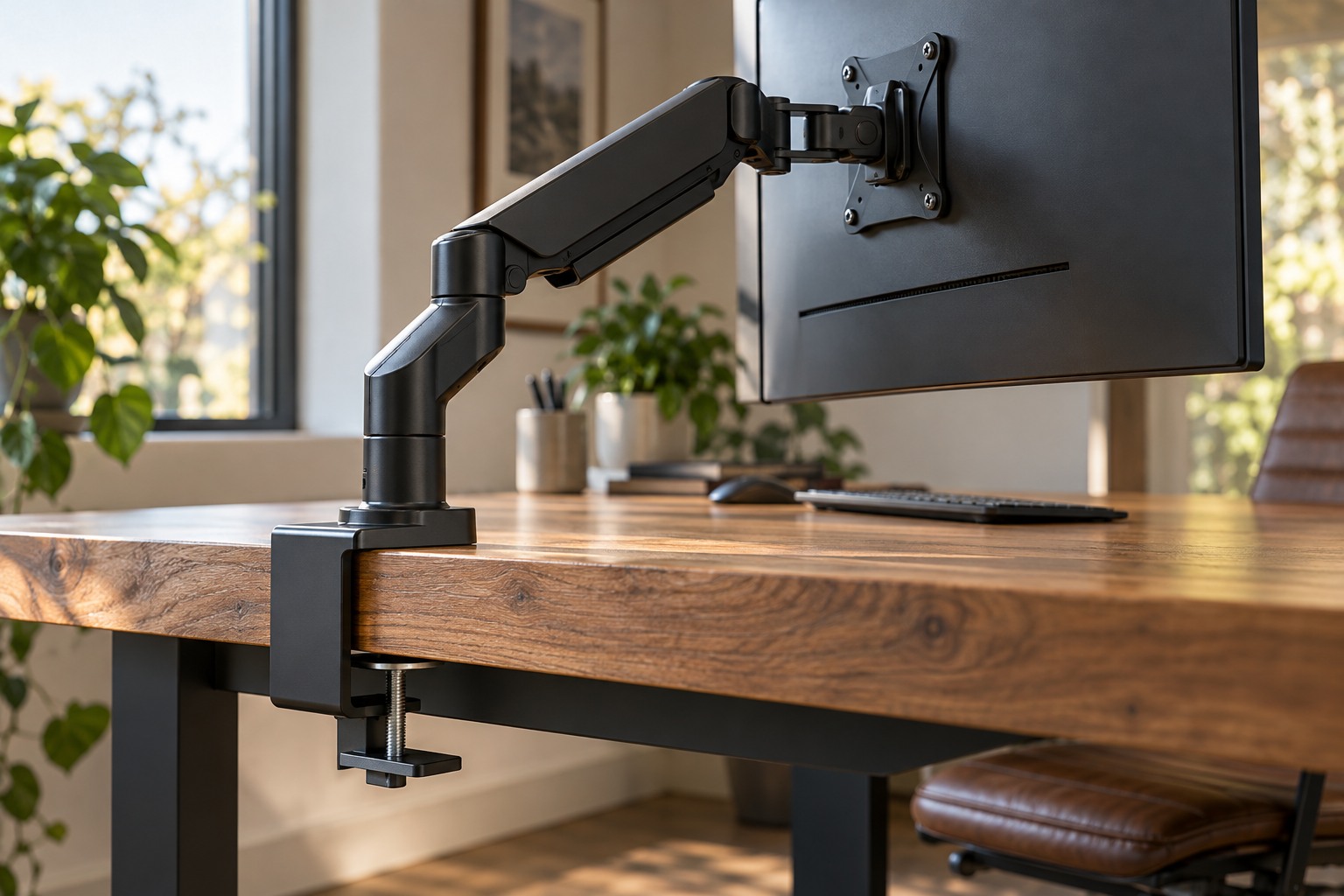
Leave a small service loop where equipment moves, following any cable-bend guidance from the manufacturer. A monitor arm or adjustable desk needs more travel than a fixed keyboard. Test the full intended movement before securing the final length. Extra slack should be controlled, not left where chair wheels or feet can catch it.
Make removal obvious
Place closures where you can reach them without pulling on the cables. If a bundle runs behind furniture, a label at each end can identify the device without tracing the whole route. Avoid wrapping a tie across a power adapter's label or ventilation area. Cable management should preserve the information needed to reconnect equipment correctly.
Keep a few spare ties with the accessory kit rather than using permanent fastening for a temporary arrangement. When changing a cable, inspect the old route for wear, pinching or tension. A damaged cable should be assessed or replaced according to its intended use; a tighter tie is not a repair for a split jacket or loose connector.
After the desk has been used for a few days, revisit only the bundles that are awkward. Remove unused leads instead of hiding them inside a larger coil. A good arrangement lets you clean the surface, move the equipment and replace a peripheral without cutting anything. Neatness is useful when it supports those tasks, not when it makes the setup difficult to touch.