Separate display rate from game output
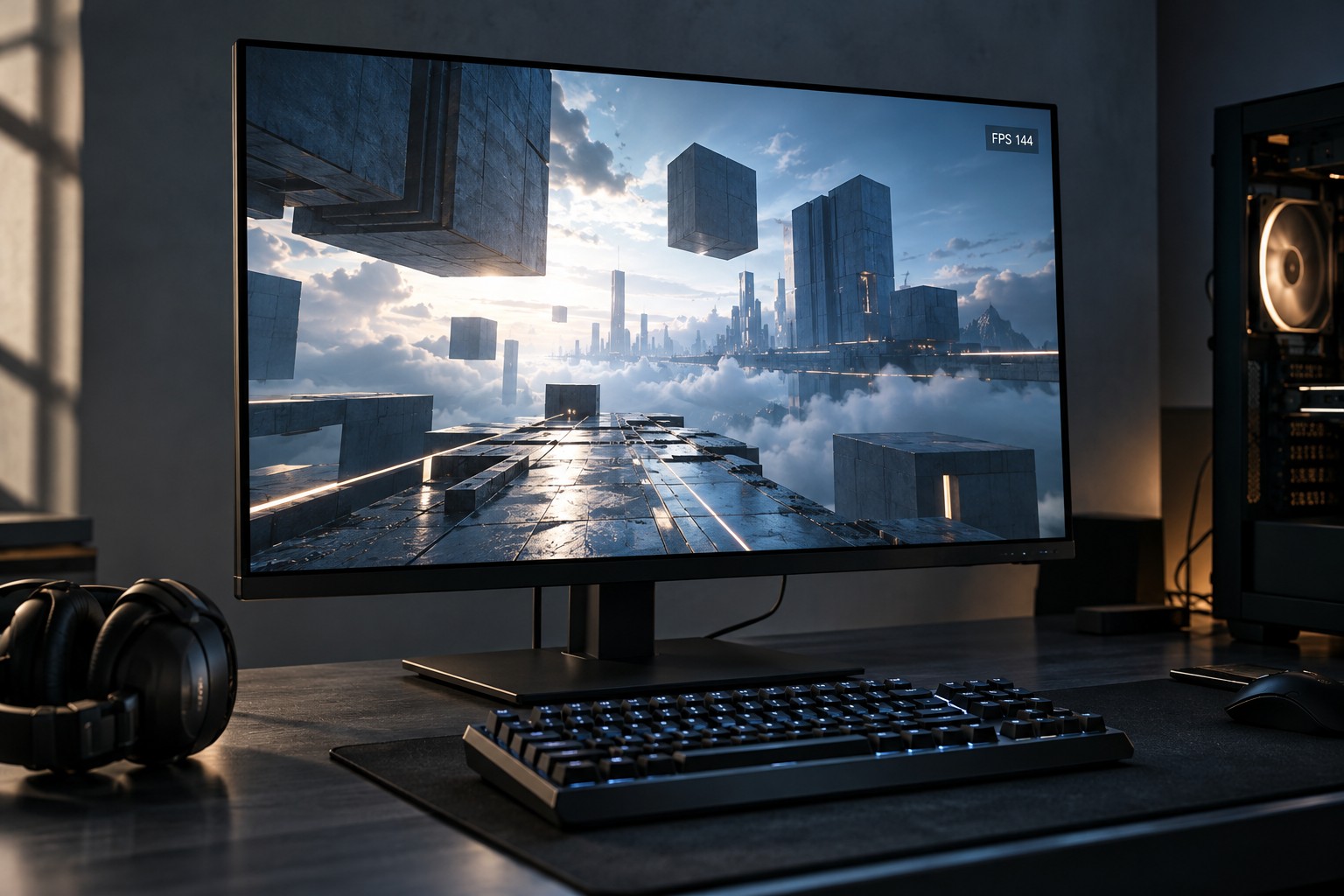
A monitor's hertz figure describes its refresh capability, while the game's frame rate describes the images the computer produces. The two numbers can differ. A high-refresh display does not make a demanding game render faster by itself, and a high average frame rate does not describe every moment's consistency.
Choose a target based on the games and settings you intend to use. Check representative performance information for the computer at the monitor's resolution. A result at a lower resolution or with different image features should not be treated as the same workload.
Confirm the selected display mode
After connection, inspect the operating system's advanced display settings and the monitor's information screen. Microsoft documents refresh-rate selection in Windows; the available choices depend on the display and setup. A new monitor may be running at a lower selected rate than its advertised maximum.
Read the monitor's supported-mode table for the input being used. Different inputs, cables or feature combinations can limit the available mode. An adapter or dock can add another restriction. Confirm the complete path before deciding that the monitor or graphics card is faulty.
If the highest mode requires an overclock setting or special condition, read the manufacturer's instructions and warranty terms. Do not assume that a headline figure describes the default configuration over every port. Use the supported arrangement that behaves reliably in your system.
Evaluate consistency and response
Compare the game during representative movement rather than watching only a static frame counter. Uneven frame delivery can remain noticeable even when the average is high. Use a frame-time display if available and understandable, and change settings one at a time when investigating stutter.
Adaptive refresh features may help within their supported range, but they require compatible hardware and settings. Check the exact monitor and graphics configuration rather than enabling a similarly named option without reading its conditions. A stable target can be more useful than chasing a maximum that the system reaches only occasionally.
When purchasing, balance refresh rate with resolution, image quality, input support and desk fit. A very high number is not a reason to accept a display that lacks the connection or size you need. Choose the rate that serves the complete setup and verify it after installation.