Measure an ordinary session
Open the game and background applications you normally use, then inspect memory use with the operating system's monitoring tools. Include voice chat, browser tabs and recording software if they are part of the routine. A measurement taken immediately after startup with everything closed does not represent the workload you are trying to support.
Watch for behavior as well as a single percentage. Repeated pauses when switching applications or pressure that causes heavy storage activity can be useful clues, but they do not prove that RAM is the only cause. Check the monitoring tool's definitions and avoid treating cached memory as automatically wasted memory.
Read the game's target requirements
Use the publisher's current requirements for the exact game and edition. Recommended memory may be tied to a particular performance target or may be stated without one. Add room for the applications you actually run rather than assuming the game is the only program using the computer.
Do not confuse system RAM with graphics memory. They serve different parts of the system, and adding system memory does not simply turn into extra dedicated graphics memory on a discrete card. Integrated graphics arrangements can use system memory differently, so read the computer's specification rather than applying one assumption to every PC.
If the current capacity is adequate during the workload, more RAM may not improve frame rate in a meaningful way. An upgrade should address a demonstrated need, a known requirement or a realistic change in use. Capacity is not a score that must always be maximized.
Plan a compatible configuration
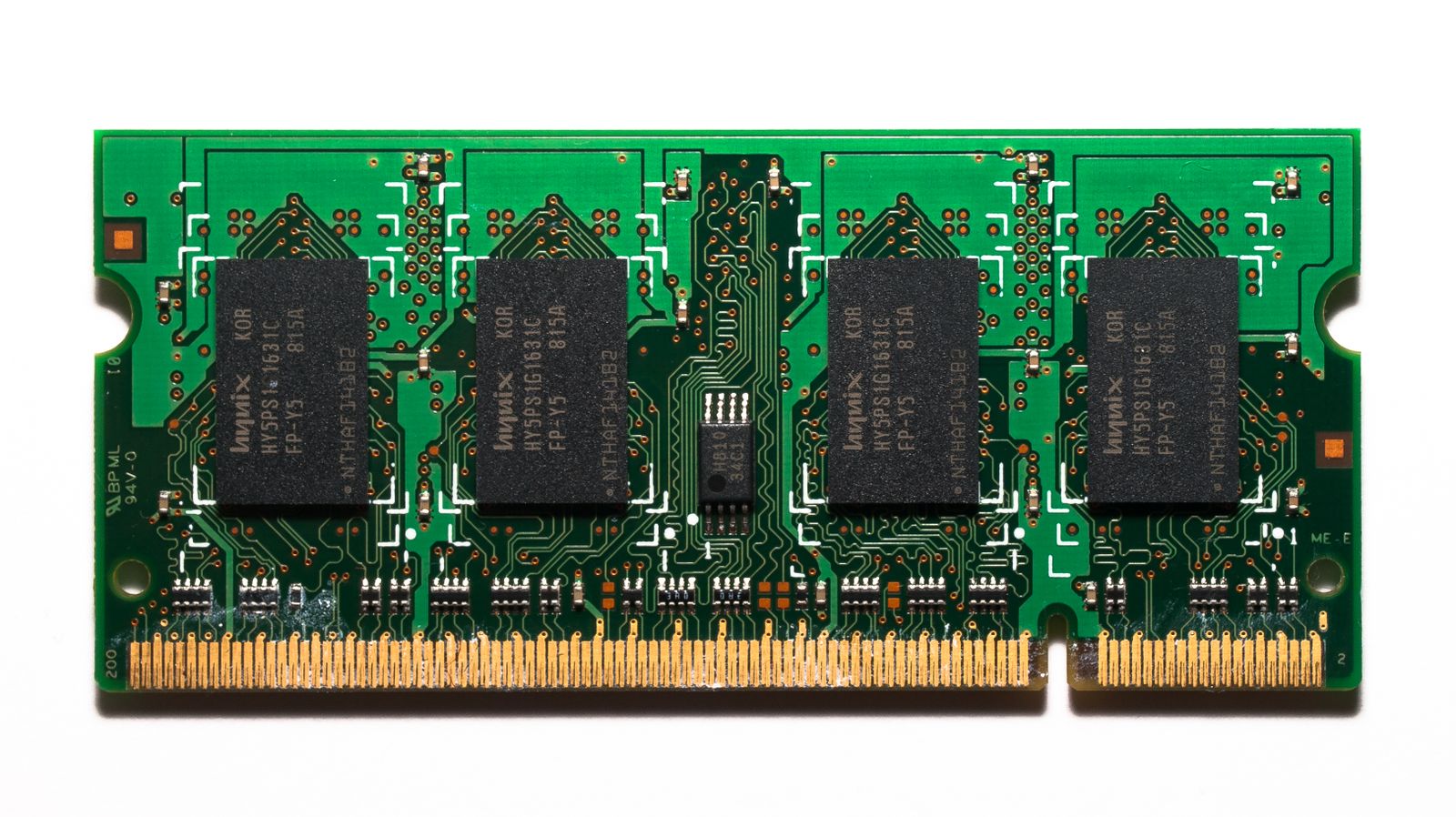
Check the motherboard or computer's supported memory type, capacity and slot arrangement. A laptop may have soldered memory, one accessible slot or another restricted configuration. A desktop can have free slots yet still require a particular population order. Use the manual instead of assuming that any empty slot accepts any module.
When changing memory, compare complete supported kits rather than casually mixing modules with different specifications. Matching a capacity label alone does not establish that separate modules will operate together at the advertised settings. Keep the original configuration documented and follow the manufacturer's installation procedure.
Include future access in the decision. If an upgrade requires replacing every existing module, the final cost differs from adding a supported kit to a suitable system. Choose enough capacity for the intended workload with a configuration the platform supports, then verify that the operating system recognizes it correctly after installation.