Test speech alongside movement
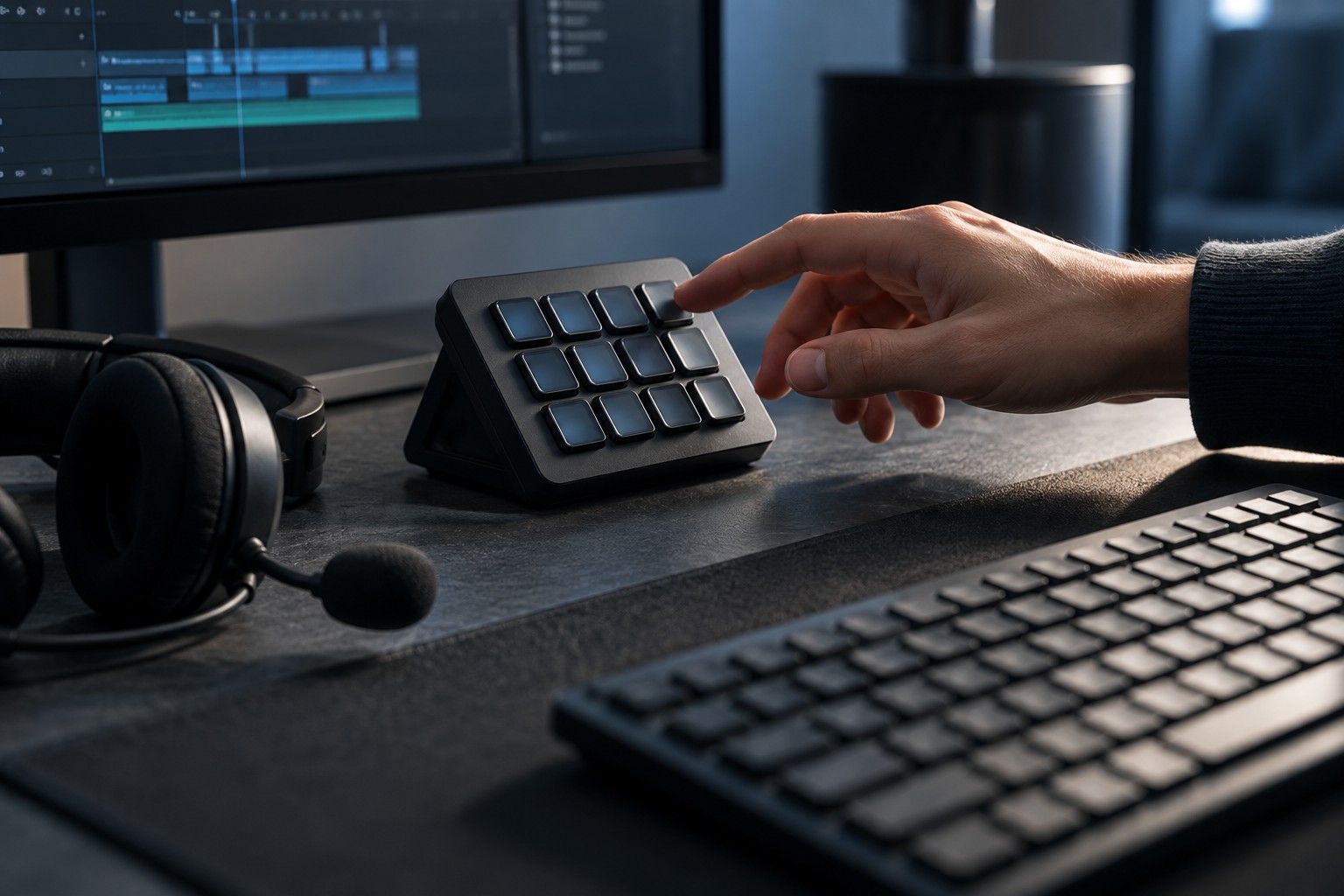
Think about when you usually talk: while moving, aiming, navigating a map or waiting in a lobby. A key that is comfortable in the lobby may be awkward while holding several movement controls. Try the full combination with your normal hand position rather than testing the talk key by itself.
A mouse side button can keep the keyboard hand free, but it must not destabilize your grip or conflict with another action. A keyboard key may be easier to remember but could require moving a finger away from an essential control. Choose based on those combinations instead of copying a universal recommended key.
Check the application's behavior
Confirm whether the application requires the key to be held or offers a toggle mode. These create different habits. A hold action stops when released, while a toggle needs a second action to close the microphone. Make sure the on-screen indicator is visible enough to confirm the mode you selected.
Test whether the binding works while the game is focused. Some applications or permission arrangements affect global shortcuts. If it fails, follow the application's support guidance rather than assigning more and more keys without understanding the cause. Keep the change limited and reversible.
Check the start and end of a spoken sentence in a recording or private call. Press the key before speaking and release it after the final word. If the application has an activation or release-delay option, adjust only when needed and test the result. A setting that removes room noise should not repeatedly cut off your first syllable.
Make the mapping portable
Save the binding with the rest of your chat settings and note any device profile that supplies it. If a mouse button sends a keyboard command through software, the arrangement may depend on that software or onboard memory. Confirm what happens on a second computer before relying on the same button at a meetup.
Avoid assigning push-to-talk to a key used for an irreversible action in the game or operating system. Also check text-entry behavior: a key that is harmless during play may enter characters when a chat box is open. A less common key can be useful only if you can reach it comfortably.
Keep an alternative mute control available for situations where holding a key is inconvenient. Push-to-talk is one communication mode, not a requirement for every player or session. The final arrangement should make speech easy to start and stop without disrupting the actions you are trying to describe.