Identify both components
Find the full power-supply model, rated capacity and manufacturer documentation. Then read the exact graphics card's power requirements and connector instructions. Cards using the same graphics processor can have different board designs and power connections, so use the model being purchased rather than a family-level assumption.
Include the rest of the computer in the power plan. The processor, drives and other components also use power, and a manufacturer's system recommendation may rely on particular assumptions. If the existing supply is unidentified or its condition is uncertain, resolve that uncertainty before installing a more demanding card.
Use the correct cables
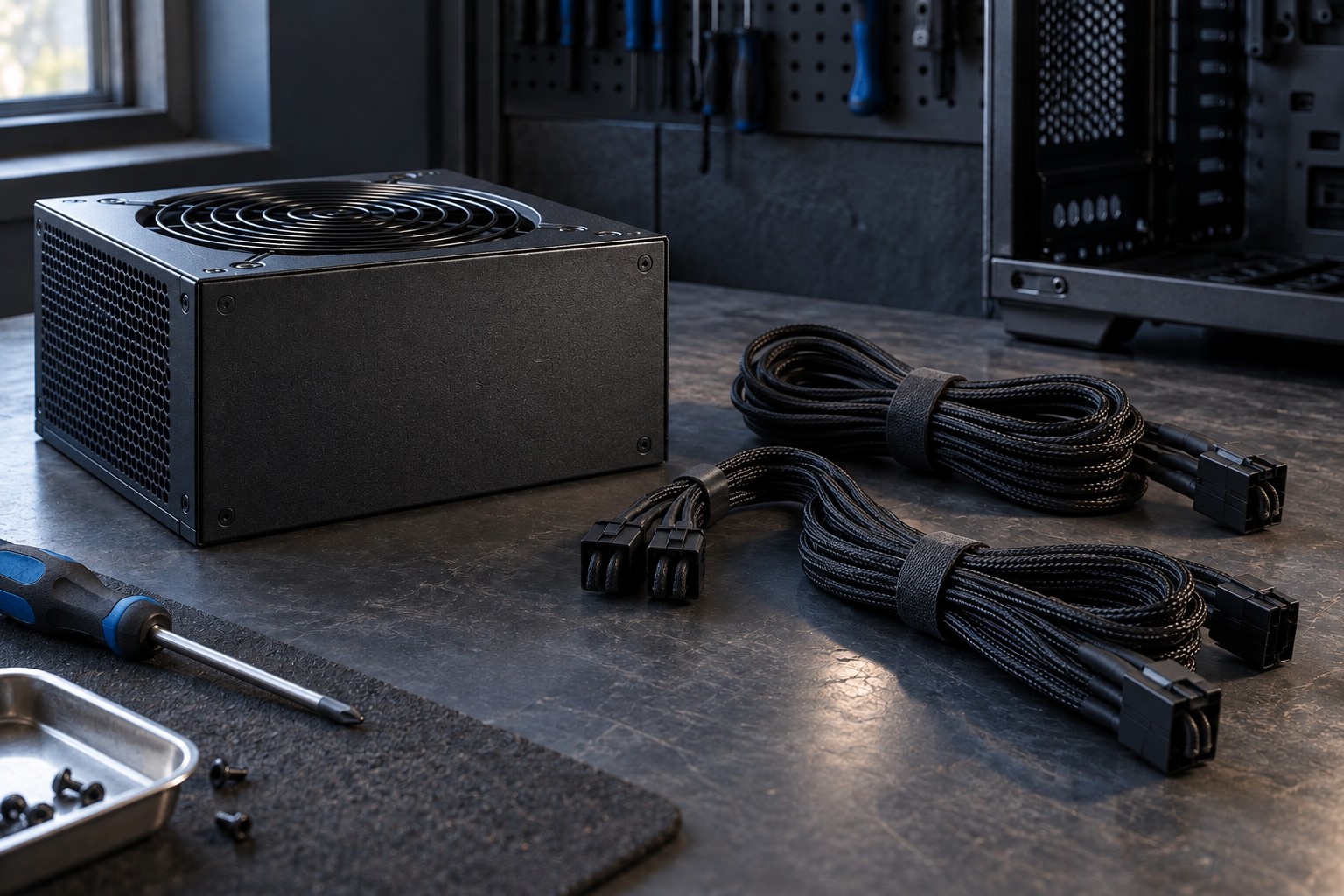
Modular power-supply cables are not universally interchangeable. The component end can look familiar while the supply-side wiring differs. Use only cables explicitly approved for the exact supply model by its manufacturer. Keeping a box of mixed modular cables without labels creates an avoidable compatibility problem.
Follow the graphics card's instructions for connector count and any supplied adapter. Do not assume an adapter eliminates the need for an adequate supply or the specified cable arrangement. Read whether separate cable runs are required and which connectors may be used. If the instructions are unclear, ask the manufacturer with the exact component models.
Seat connectors fully as instructed and inspect their alignment before applying power. Leave the bend clearance specified for the cable and card, especially where a side panel sits close to the plug. A case that fits the card body may still lack room for the power connection without excessive pressure.
Plan the physical installation
Shut down and disconnect the system following its service instructions. Do not open the power-supply enclosure; its internal components are not part of an ordinary cable or graphics-card installation. If replacement is needed, replace the complete supply with a suitable unit and use its approved cables.
Route cables away from fans and sharp edges without pulling them tightly across the card. Close the case only when the wiring has adequate space and the panel does not force a connector sideways. A neat appearance is secondary to correct seating and supported routing.
After installation, use the manufacturer's recommended startup checks and observe the system under an ordinary workload. If there is a burning smell, visible damage or an abnormal connection problem, stop and disconnect safely rather than repeatedly testing. Keep the component documentation and cable labels so future upgrades do not reintroduce uncertainty.