List the actions you want to move
Start with the commands that interrupt your current hand position. In a strategy game, that might be a frequently used camera action; in an action game, it might be a communication command. Write down a few concrete candidates rather than deciding that every keyboard shortcut should move to the mouse.
Separate actions you need while moving from actions used only in a menu. A command that must work while you hold the main buttons deserves a different placement from an occasional inventory shortcut. Also consider mistakes: an easy-to-hit button may suit a harmless map toggle but be a poor location for an action you cannot quickly undo.
Try the combinations, not isolated presses
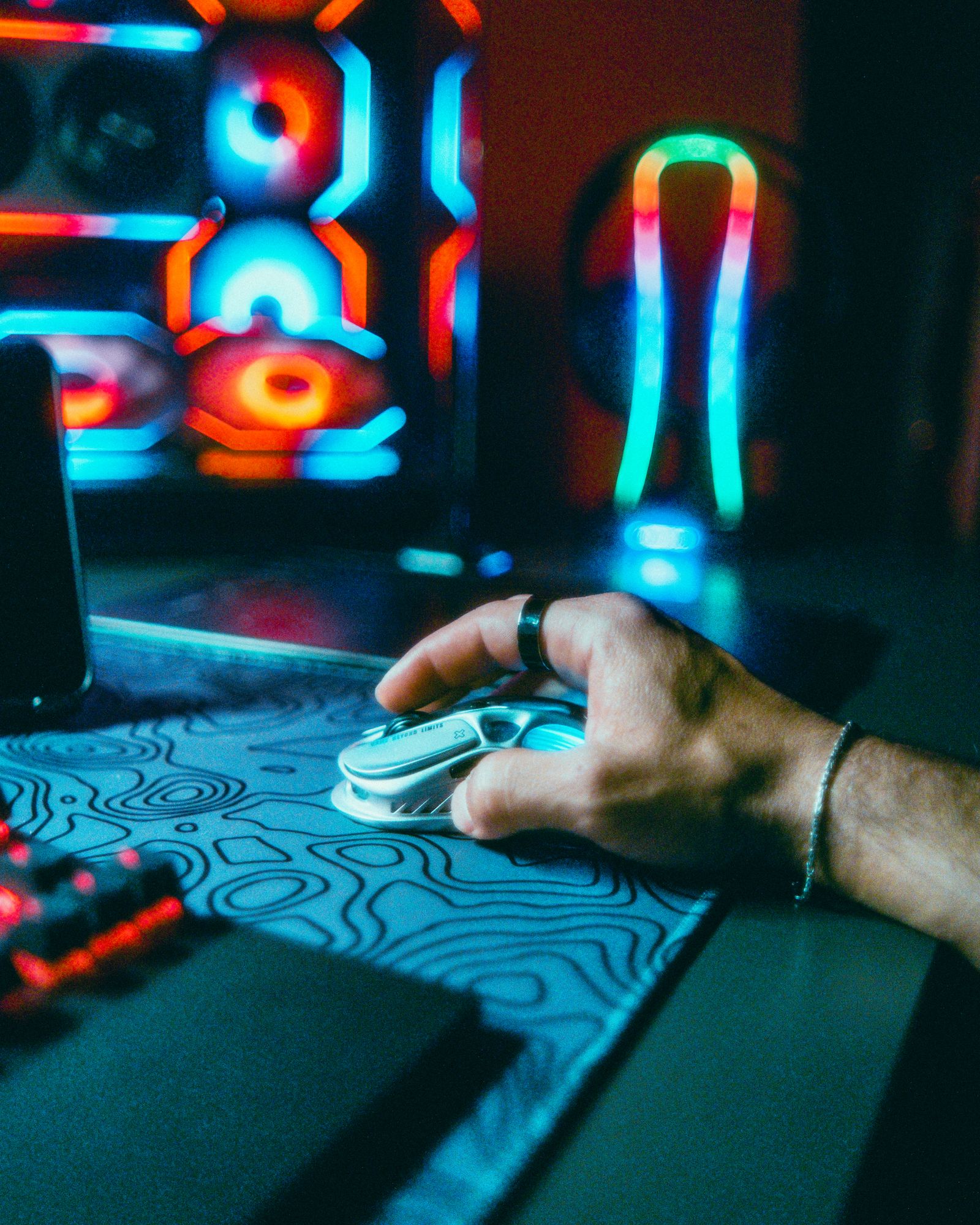
A side button can feel reachable when the mouse is still yet become awkward during a broad movement. Check whether your thumb can press it while the other fingers keep the mouse under control. Closely packed buttons also need enough distinction by shape or position that you can identify them without looking down.
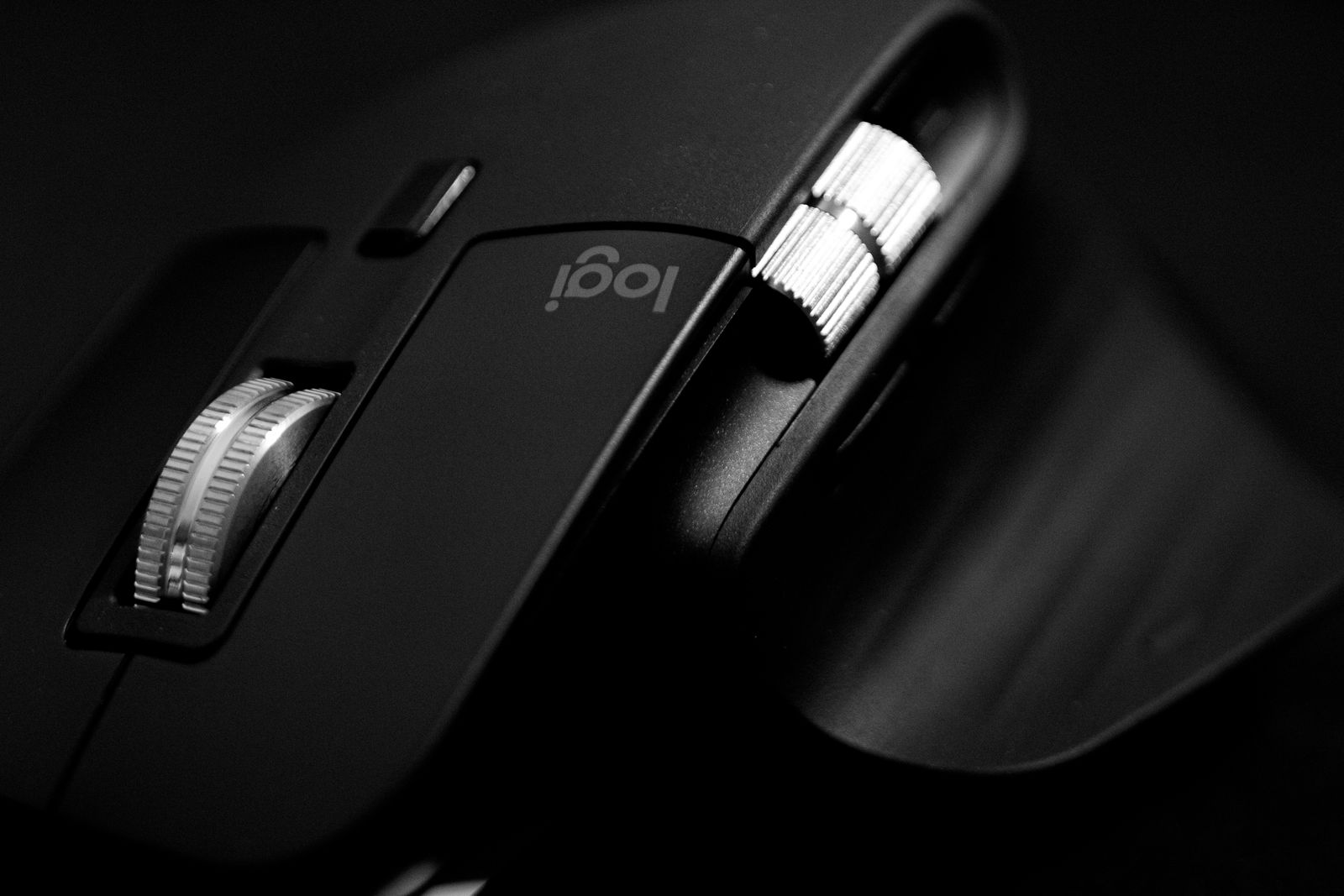
A larger thumb grid may suit someone who wants several commands in one hand, but it takes time to learn and can reduce the area available for gripping the shell. A simpler two-button arrangement can be easier to distinguish. Neither layout belongs exclusively to a genre; the useful match is between the layout and your own command list.
Check whether a button is independently configurable in the software and in the game. Some controls are dedicated to DPI or profile switching unless reassigned, and some games recognize additional mouse buttons differently. Read the manual before assuming that every physical button becomes a separate usable game input.
Build a small mapping you can remember
Move one or two commands first, then play a familiar training scene. Keep their old keyboard bindings if the game allows duplicates so that the change does not leave you stranded during adjustment. Once the new locations feel familiar, decide whether another button would solve a remaining problem.
Save the profile with a clear game name and check how it activates. Automatic application detection can be convenient, but a launcher or alternate executable may affect it. Onboard memory can help carry some settings between computers, although the exact supported functions depend on the model. Confirm those limits if you plan to use the mouse away from home.
Prefer straightforward remapping when a single button press is all you need. Multi-action macros introduce game-rule and compatibility questions that basic button placement does not solve. A useful mouse layout should make ordinary controls easier to reach, with enough separation that an urgent movement does not trigger the wrong command.