Measure the viewing position
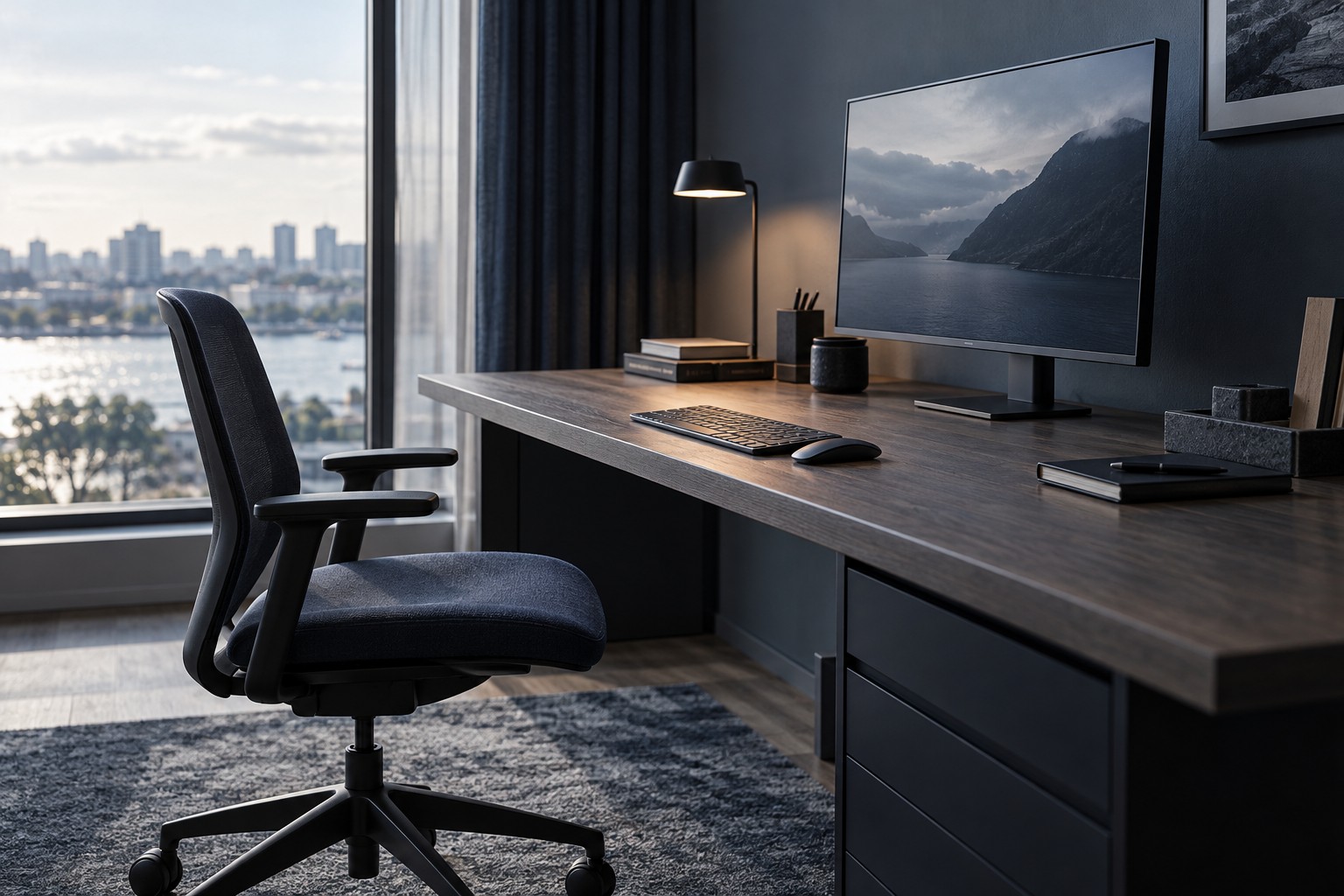
Place the keyboard and mouse where you normally use them, then note the distance from your seated position to the proposed screen location. Include the monitor stand's depth, because it may prevent the screen from moving as far back as expected. A shallow desk can make a large display feel very different from the same display in a showroom.
Make a paper or cardboard outline using the monitor's actual width and height, not just its diagonal. Different aspect ratios can have the same diagonal while occupying different shapes. Position the outline where the screen would sit and check whether you can comfortably take in the corners and read likely interface areas.
Pair size with resolution
The same pixel resolution spread over a larger screen produces a different pixel density. Text and fine interface details can look different at the same distance. Compare the intended size and resolution together rather than buying a larger screen and assuming sharpness remains unchanged.
Operating-system scaling can make text and controls larger, but games and applications do not all respond identically. Check the software you use alongside games, including chat windows and browser text. A display should work for the whole desk routine, not only a full-screen promotional image.
If you move the screen farther away to accommodate size, verify that text remains readable and that the stand or arm can place it there securely. Do not solve one viewing issue by creating an unstable mounting arrangement or an awkward keyboard position.
Check the physical surroundings
Leave space for speakers, a microphone and any second display. Measure whether the stand feet overlap the mouse area. A monitor arm may recover surface space, but it must support the screen and fit the desk, so include its requirements and cost before assuming it solves every placement problem.
Consider reflections from windows and lamps at the actual viewing angle. A large screen can intersect more light sources, and moving it may change both glare and usable distance. Test the room arrangement where possible rather than relying on maximum brightness to overcome every reflection.
Choose a size that works from your normal seat without constant repositioning. A slightly smaller display can be a better fit for a constrained desk, while a deeper workspace may support a larger one. The useful target is a clear, manageable view of the content you use.