Start with the keys you use
Make a short list of controls you press without looking: arrow keys, function keys, Delete, Home, Page Up and the number pad are common examples. Include uses outside games, such as entering numbers or editing text. A compact board may retain an action through a layer even when it removes the dedicated key, but that changes how you reach it.
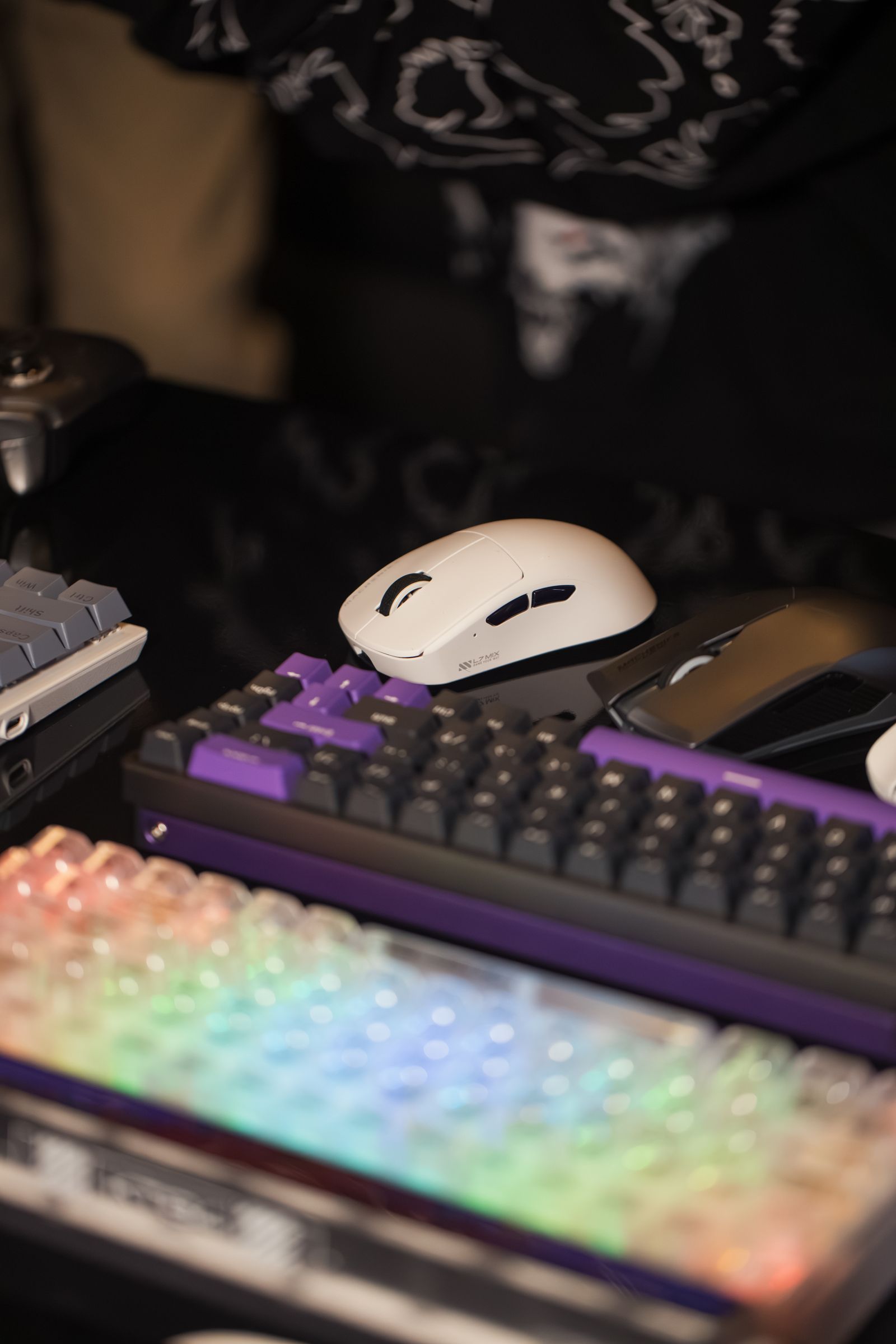
Keyboard size labels such as full-size, tenkeyless, 75 percent and 60 percent describe broad layout families rather than one exact arrangement. Look at the actual key diagram. Two keyboards sold under the same percentage can place navigation keys differently or use different shortcut combinations for the missing functions.
Translate space savings into desk space
Measure how far your present keyboard extends into the mouse area. Removing a number pad can make a noticeable difference if that is the obstruction, while removing a function row may mostly reduce depth. Choose the dimension that solves your desk problem rather than assuming that the smallest board is always the most useful.
Check whether a compact layout changes key sizes. A shorter right Shift, different bottom row or unusual spacebar can affect replacement keycap options. If you expect to customize the board later, compare the included keycap sizes with the sets you might use. The keyboard's switch stem alone does not guarantee complete keycap coverage.
For games that use function keys or navigation clusters often, try the proposed layer combination with your usual movement hand. A shortcut that requires releasing several controls may be inconvenient even if the action technically remains available. Keep this assessment tied to real commands instead of a generic claim that compact boards suit all gaming.
Check the layer and fallback behavior
Read whether mappings are stored on the keyboard or depend on software running on the computer. This matters when using a second machine, a console or a work computer that does not allow installation. Confirm how to restore the default layout and where the manual lists the less visible combinations.
A separate number pad can preserve occasional numeric entry while leaving more mouse room during play. It also becomes another item to place, connect and store. Consider whether that tradeoff is simpler than keeping a larger keyboard in the first place.
Before committing, keep a reference card for the new shortcuts and test everyday tasks during the return period. The right size is the smallest layout that still makes your regular controls convenient, not the smallest percentage available on a product page.