Build one record per device
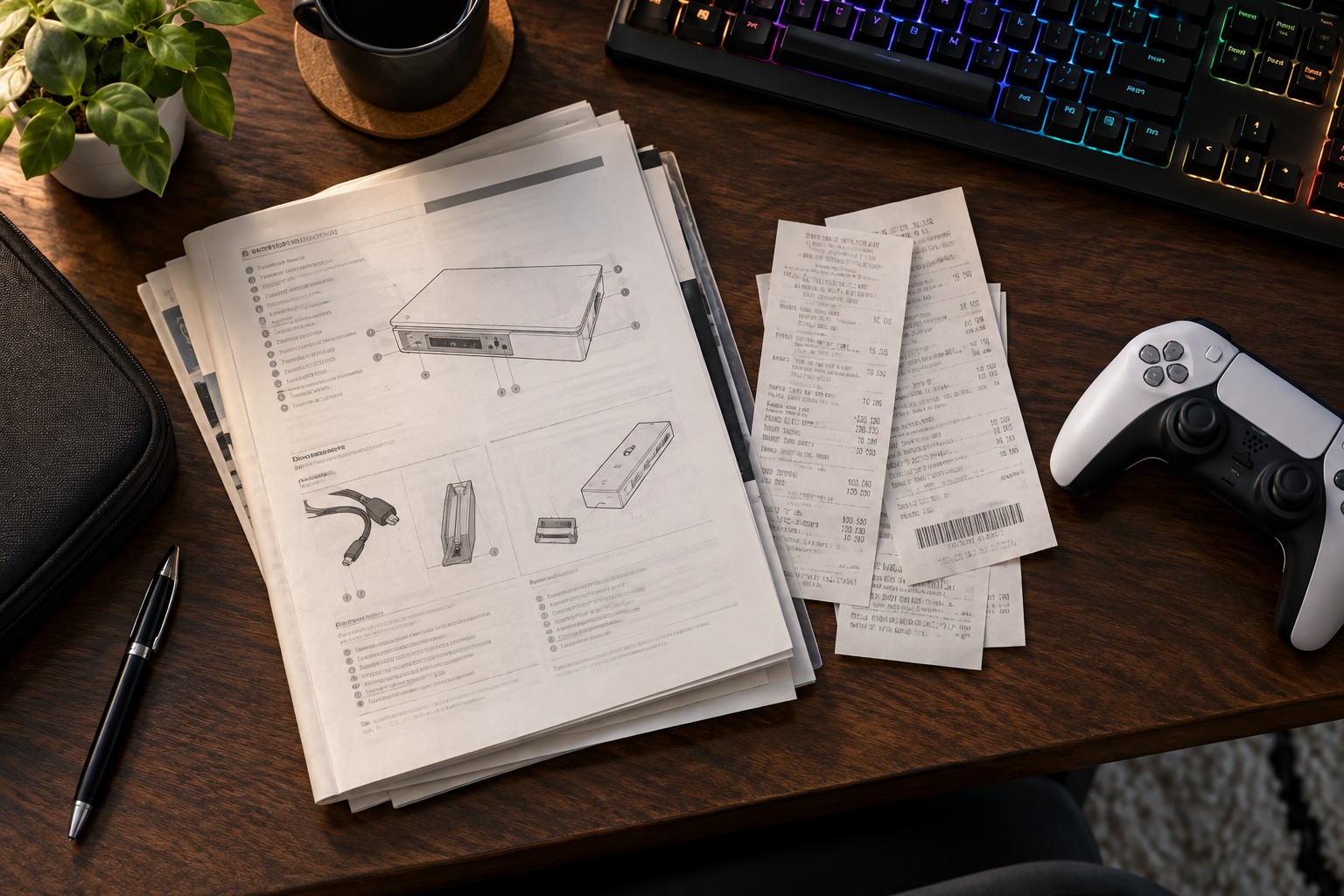
Record the manufacturer, full model number and purchase date. Add the receipt or order confirmation and a link to the official manual for that model. A family name alone may cover several revisions with different ports or parts. Save a local copy of important instructions when permitted so you are not dependent on finding the same web page years later.
Keep the serial number in a private record if it is useful for service or ownership identification. Do not publish it casually in photographs or an open document. Store account credentials and recovery codes separately in an appropriate secure system, not in the same ordinary note used for cable diagrams. A manual folder should not become a collection of exposed passwords.
Use filenames that are understandable without opening every file. Manufacturer-model-manual and manufacturer-model-receipt are sufficient for many households. Separate the document date or version when several manuals exist. Avoid keeping five files named manual-final unless you can tell which one applies to the device you own.
Record changes that affect support
Note important repairs, replacement parts or approved upgrades, including the date and relevant receipt. This can help identify the current configuration when requesting support. Keep factual descriptions rather than assuming a repair changes warranty coverage; the seller or manufacturer can explain the applicable terms. A brief history is more useful than a long diary of every ordinary restart.
Add a private connection photo or diagram if the setup contains several adapters or switches. This belongs with the equipment record because it can explain the arrangement you need to restore after a move. Check the image for personal information before sharing it with support. Crop or redact unrelated details when appropriate.
Back up the records somewhere independent of the computer they describe. If that computer fails, its only local receipt folder may be inaccessible when you need it. Review the record when selling or recycling a device, retaining purchase evidence as needed and transferring only suitable documentation. A small organized folder can save more time than trying to reconstruct an order history during a fault.