Record the hardware accurately
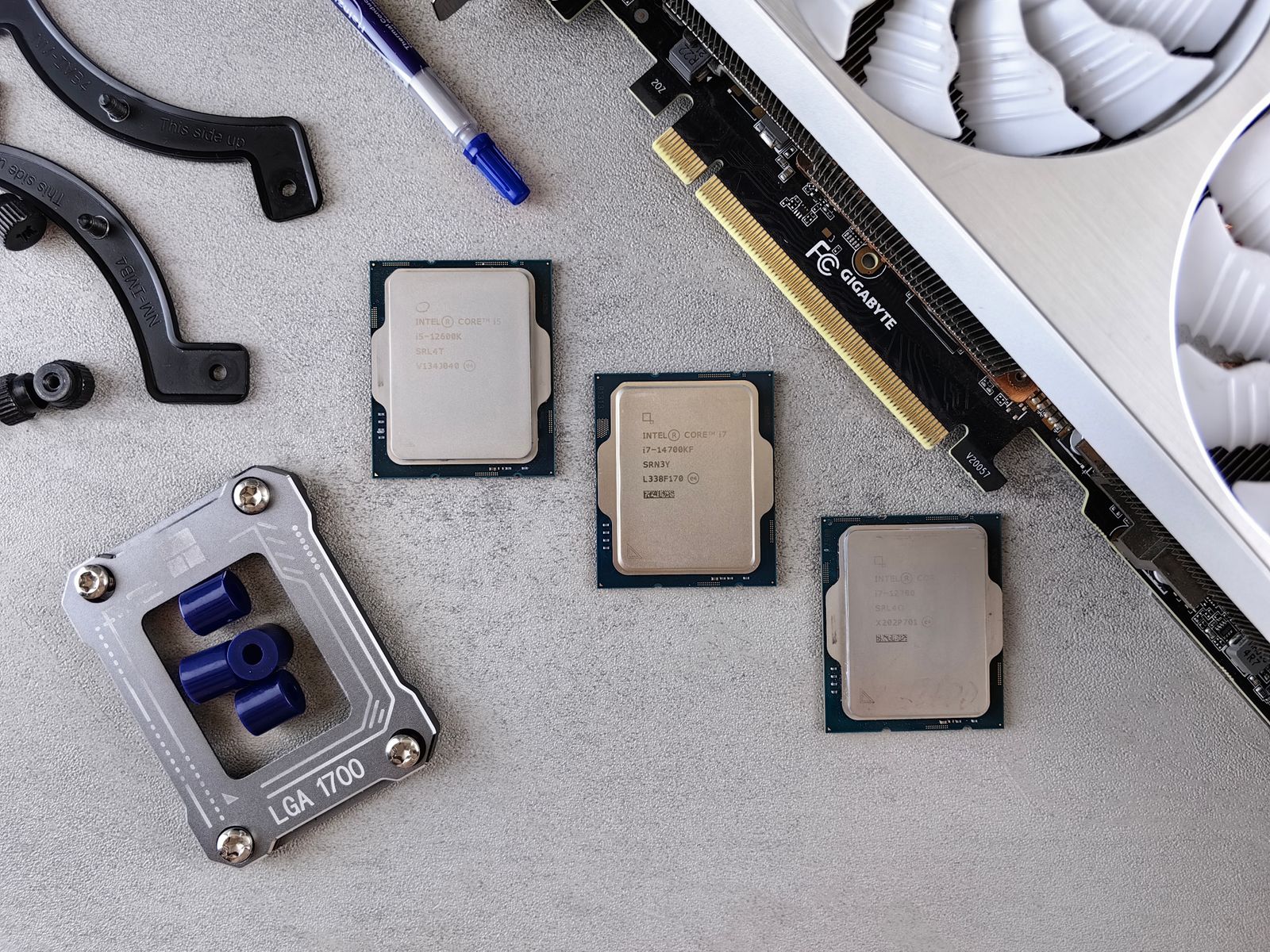
Create a note for the computer model or, for a custom build, the motherboard, graphics card, network hardware and important peripherals. Include exact model numbers and revisions where relevant. A name such as gaming laptop or wireless adapter is too vague when several drivers are offered.
Save links to the official support pages and the system's service manual. For a prebuilt or laptop, start with the computer maker's guidance because its configuration may use model-specific packages. Keep purchase dates and warranty references in the same organized record if useful.
Keep a known working reference
Before a significant update, note the current driver or firmware version when the manufacturer's tools make it available. Record the reason for updating, such as a documented fix or support for a new game feature. This makes later troubleshooting more precise than remembering only that everything changed recently.
Use official update procedures and avoid interrupting firmware operations. Do not install a package merely because its name resembles the device. Check the supported model and operating system, and read any prerequisites or recovery instructions before starting.
Store recovery media and installation instructions in a place you can access if the main computer fails. An online support link alone may be inconvenient when the network adapter is not working. Keep any offline installer current enough to be useful and clearly labeled by device and operating system.
Separate recovery from backup
A recovery drive or operating-system installer is not a backup of personal files. Keep documents, captures and game saves protected through appropriate separate backups. Check the game's official save and cloud-sync behavior rather than assuming every title uses the same location or service.
Do not place passwords, recovery codes or other account secrets in a general equipment list that may be shared with a repair shop. Use appropriate secure storage for those items. A support note should provide the information needed to identify the hardware without exposing unrelated account access.
Review the record after replacing a component or retiring a device. Remove obsolete shortcuts from the active list while keeping any history needed for warranty or troubleshooting. A short accurate record is more useful than an unorganized folder containing every driver package downloaded over several years.