Identify the sockets and plug
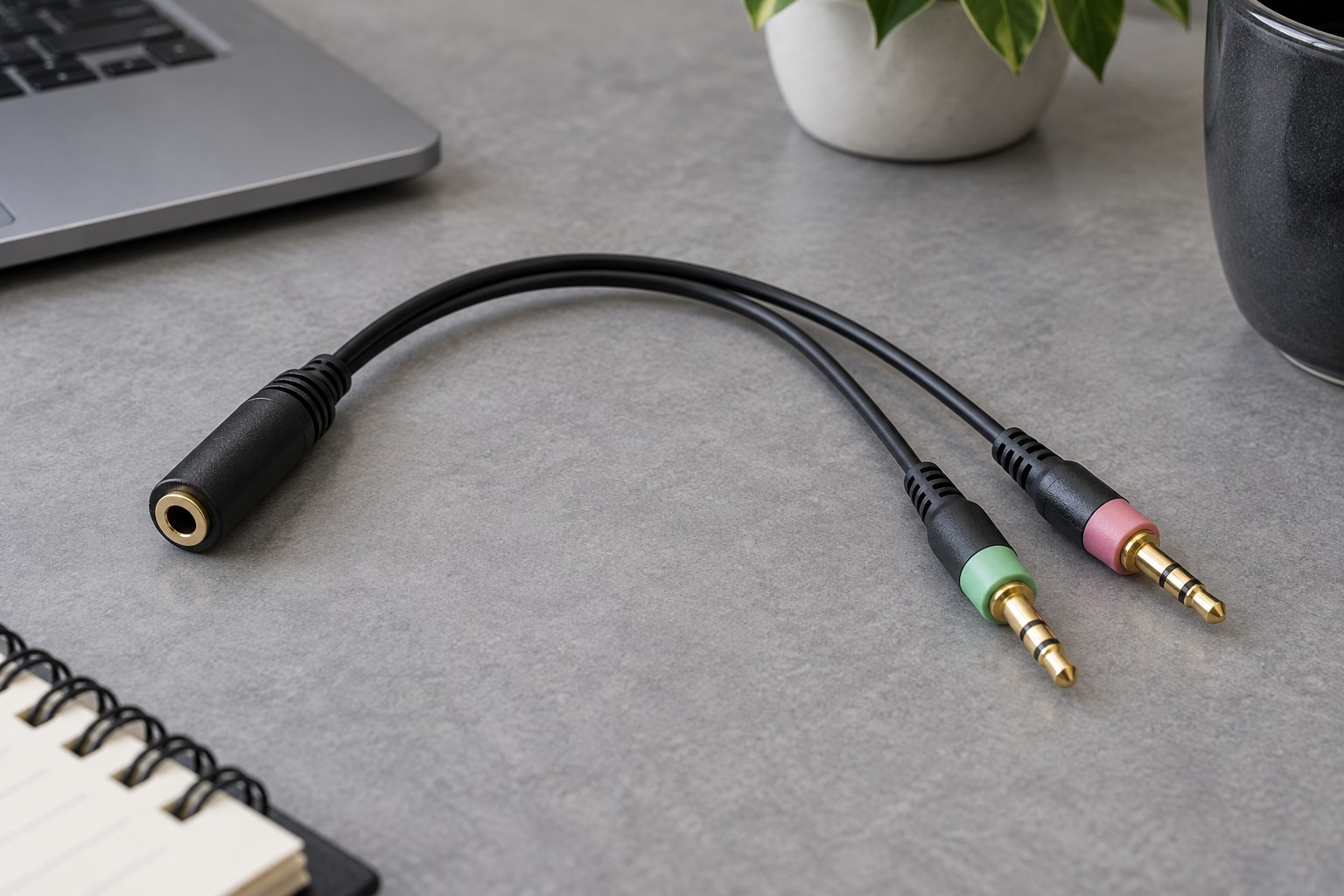
Look at the computer's labels or manual to distinguish a headphone output, microphone input and combined headset socket. Color can help on some desktops, but icons and documentation are more reliable than assuming a universal color scheme. Count the separate functions you need before ordering an adapter.
A combined analog headset plug commonly has four conductive sections separated by insulating rings. Separate headphone and microphone plugs use a different arrangement. Physical size alone is not enough: two plugs can both be 3.5 mm while carrying different signals. Check the headset's wiring standard and the adapter's stated compatibility.
Choose the correct direction
To connect a single combined headset plug to separate computer sockets, the adapter needs a combined socket for the headset and separate plugs for headphone output and microphone input. To connect a two-plug headset to one combined socket, you need the opposite arrangement. Product photographs should match that direction clearly.
A splitter intended to let two people hear the same headphone output is not the same device. It duplicates listening audio rather than separating a headset microphone. Avoid buying from a listing that only says audio splitter without explaining the signal route and microphone support.
USB audio adapters are another option when a computer lacks the required analog sockets, but they must explicitly support the needed microphone input. Check operating-system compatibility and whether the adapter exposes separate or combined sockets. Adding USB does not automatically solve every headset wiring mismatch.
Test both paths before settling the cable route
Connect the adapter gently and make sure each plug seats fully without forcing it against a recessed case opening. Select the intended playback and recording devices in the computer and chat application. Play a familiar sound, then record a short spoken phrase. Hearing audio is only half of the compatibility test.
If the microphone does not work, confirm that the application has input permission and is not using a built-in microphone. Try the headset directly on a known-compatible device if available. This helps separate an adapter problem from a damaged cable or a software selection issue.
Keep the adapter supported so its weight does not pull sideways on a small socket. A short flexible lead can be easier to route than a rigid stack of connectors, depending on the desk. Label the adapter's purpose if you store it with other splitters; the correct part is much easier to reuse when its function is clear.