Count inputs, then check direction
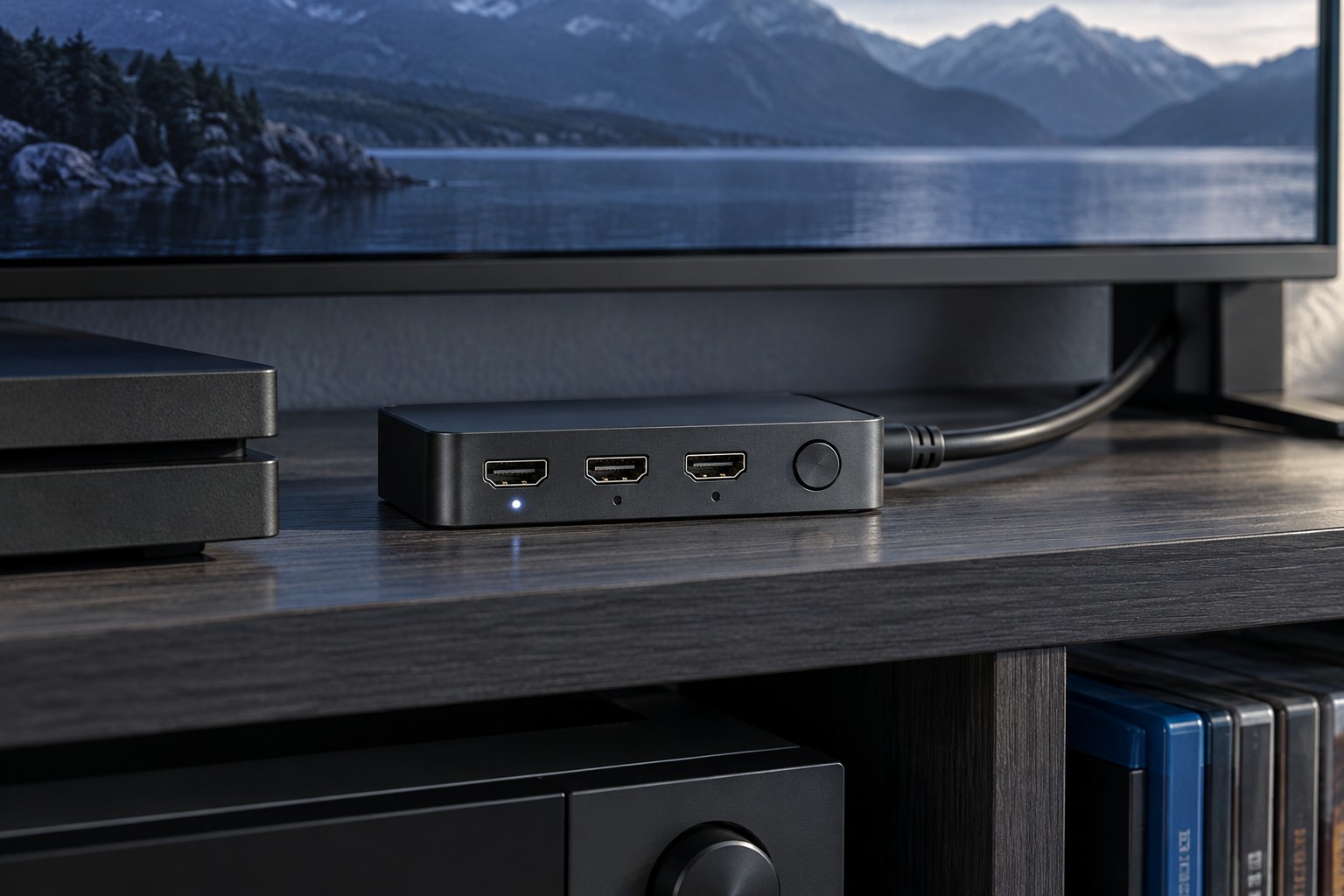
A switch normally selects one of several sources for one display. A splitter distributes one source to multiple destinations. Product listings sometimes use those words loosely, so inspect the connection diagram and labels rather than relying on the title. Count the consoles you actually use and include any other source that needs the same display input, such as a computer or media player.
Leave room for the cables as well as the switch. An apparently tiny box can need substantial space once several stiff connectors are attached. Plan a position where the button or remote-control receiver remains accessible and the cables do not lever against the sockets. A device hidden behind a cabinet may be inconvenient if automatic switching proves unpredictable.
Write down your desired resolution and refresh rate together, then add any required HDR, variable-refresh or audio features. A prominent resolution label is not enough to establish that every combination works. Check the manufacturer's supported-mode table and the supplied power requirements. If information is missing, ask before buying rather than assuming a newer-looking connector guarantees everything.
Every cable in the route must suit the intended signal. A switch adds an extra connection and another cable between console and display, so test the original direct connection first. If that works but the switched route does not, simplify the setup to one source and the display. Avoid adding a receiver, capture card and switch simultaneously; that makes it difficult to identify the limiting component.
Try the everyday switching routine
Test each console after waking it from its usual power state. Check whether the switch automatically jumps to a device that wakes for an update, and whether you can select the desired source manually. Label inputs with console names so another household member does not have to memorize port numbers. Keep the remote in the same place as the television remote if it becomes part of the routine.
Verify both picture and sound after switching. Some equipment may need time to negotiate the connection, and a display can retain separate settings for different inputs or modes. If a reliable direct connection already serves the console you use most, reserving that input and switching only secondary devices may be simpler than placing every source behind one box.