Confirm the available output modes
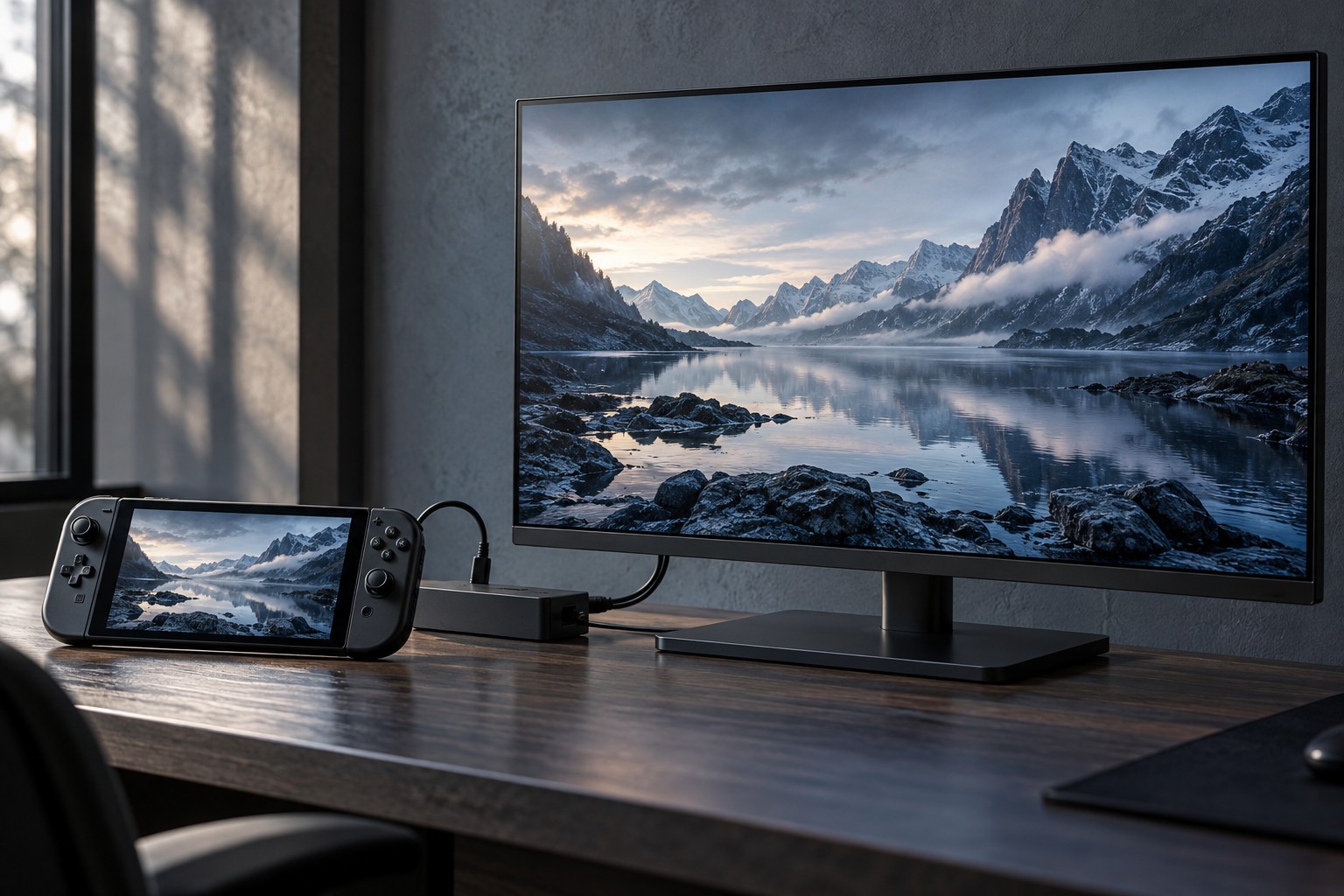
Read the handheld's external-display support and the dock or adapter's requirements. Then check the monitor or television input being used. A supported mode must work through the complete chain; a high-resolution screen does not make the handheld or dock support every refresh rate it offers.
Select the intended mode in the device's display settings and inspect the display's information screen if available. Do not assume that a picture appearing means the highest mode is active. A fallback resolution can look acceptable at first while differing from the planned setup.
Separate output from game rendering
The device can output a desktop at one resolution while a game renders internally at another through its settings or upscaling. Read the game's options carefully. Raising the display output does not guarantee that the game will deliver the same frame rate at a higher native rendering resolution.
Compare a familiar scene at the handheld's usual settings before making changes. Adjust resolution or quality one step at a time and observe consistency as well as the average frame rate. The larger screen may make some image compromises more visible, so evaluate from the actual seating distance.
Check interface size and aspect ratio. A game may need a different HUD or text scale on a television viewed from farther away. If the display has a different aspect ratio, use supported scaling or letterboxing rather than stretching the image to fill it without considering distortion.
Include audio and controls
Choose the audio output explicitly after docking. Sound may move to the external display, remain on the handheld or follow another system setting. Test headphones and chat input if used, since a working picture does not establish the complete audio path.
Confirm that the external controller is assigned correctly and that the game uses the expected prompts. Keep a way to navigate device settings if the controller is temporarily unavailable. A wireless controller should be paired and charged before the session rather than configured after the handheld is difficult to reach.
Save a simple docked profile if the platform supports it, while keeping the portable settings easy to restore. The goal is a repeatable setup suited to the larger screen. A balanced rendering target can be more enjoyable than selecting the display's maximum resolution and accepting inconsistent performance.