Separate capacity from overall speed
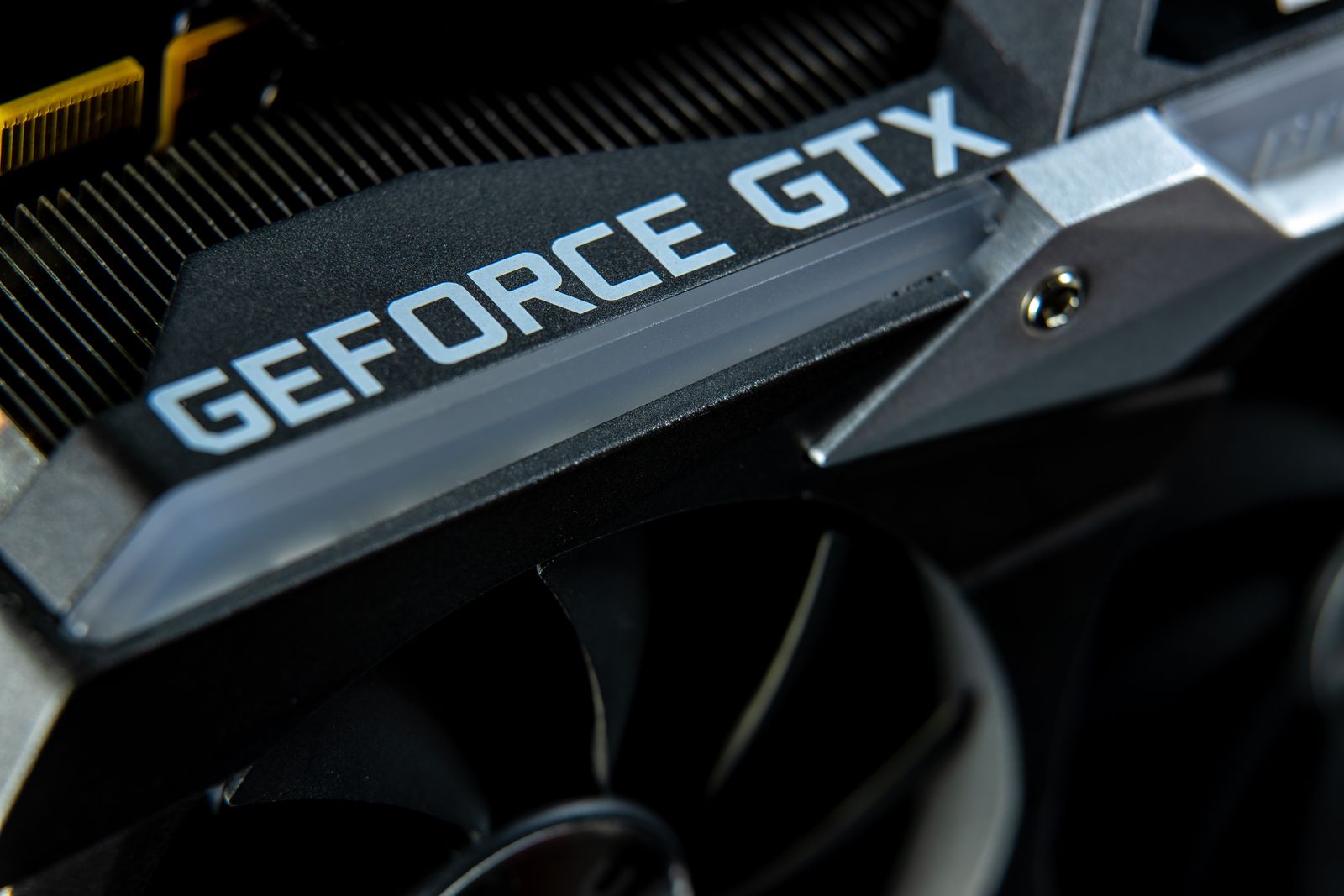
A graphics card with more memory is not automatically faster than another card with less. The graphics processor, memory system and workload all contribute to performance. Capacity tells you how much data can be held locally, not how quickly every game will run. Comparing cards only by the largest memory number can overlook a weaker processor or a different product generation.
Game demands vary with resolution, texture settings and other features. A requirement list that names a memory capacity should be read with the exact target settings provided by the publisher. Do not assume that one capacity figure applies equally to every resolution or to optional high-resolution texture packs.
Read memory measurements carefully
Monitoring software may show allocated memory, used memory or a value with a different meaning depending on the application. A large displayed allocation is not by itself proof that the card has run out of usable memory. Look for the tool's explanation and compare the number with actual symptoms such as stutter or texture-loading problems.
If a game struggles, reduce one relevant setting at a time and repeat the same section. Texture quality can be a useful setting to investigate, but do not assume every performance problem is memory capacity. Processor limits, storage activity, shader work and other causes can produce different forms of uneven play.
Compare official requirements and trustworthy tests that use the settings you want. A result from a low preset does not settle a question about a high-resolution texture pack. Similarly, a worst-case demonstration in one title should not be generalized to every game in your library.
Include the ownership plan
Think about the games you expect to keep playing and the display you actually own. Extra capacity can provide room for a workload that needs it, but buying solely for a hypothetical future demand can displace budget from a stronger complete system. There is no universal memory amount that guarantees a card will remain suitable indefinitely.
For laptops, remember that the exact graphics configuration belongs to the laptop model. A shared GPU family name can appear with different power arrangements and other specifications. Check the complete manufacturer specification rather than assuming a desktop card's memory and performance describe the laptop version.
Record the exact card model, memory capacity and the conditions behind any comparison used for the purchase. The useful decision combines enough capacity for the intended settings with the processing performance, power requirements and physical fit that the system needs. Memory is an important constraint, but it is only one part of that decision.