Separate storage from direct play
A console may allow a game to be stored on an external drive without allowing it to launch there. PlayStation's PS5 storage guidance distinguishes these cases: PS5 game data on USB extended storage must be moved to supported internal storage or M.2 storage to play, while PS4 game data has a different supported arrangement. That distinction should be checked before buying capacity.
Do not generalize one console's rules to another platform or generation. Read the official storage table for the exact device and game type. A drive marketed for gaming does not override the console's software and interface requirements.
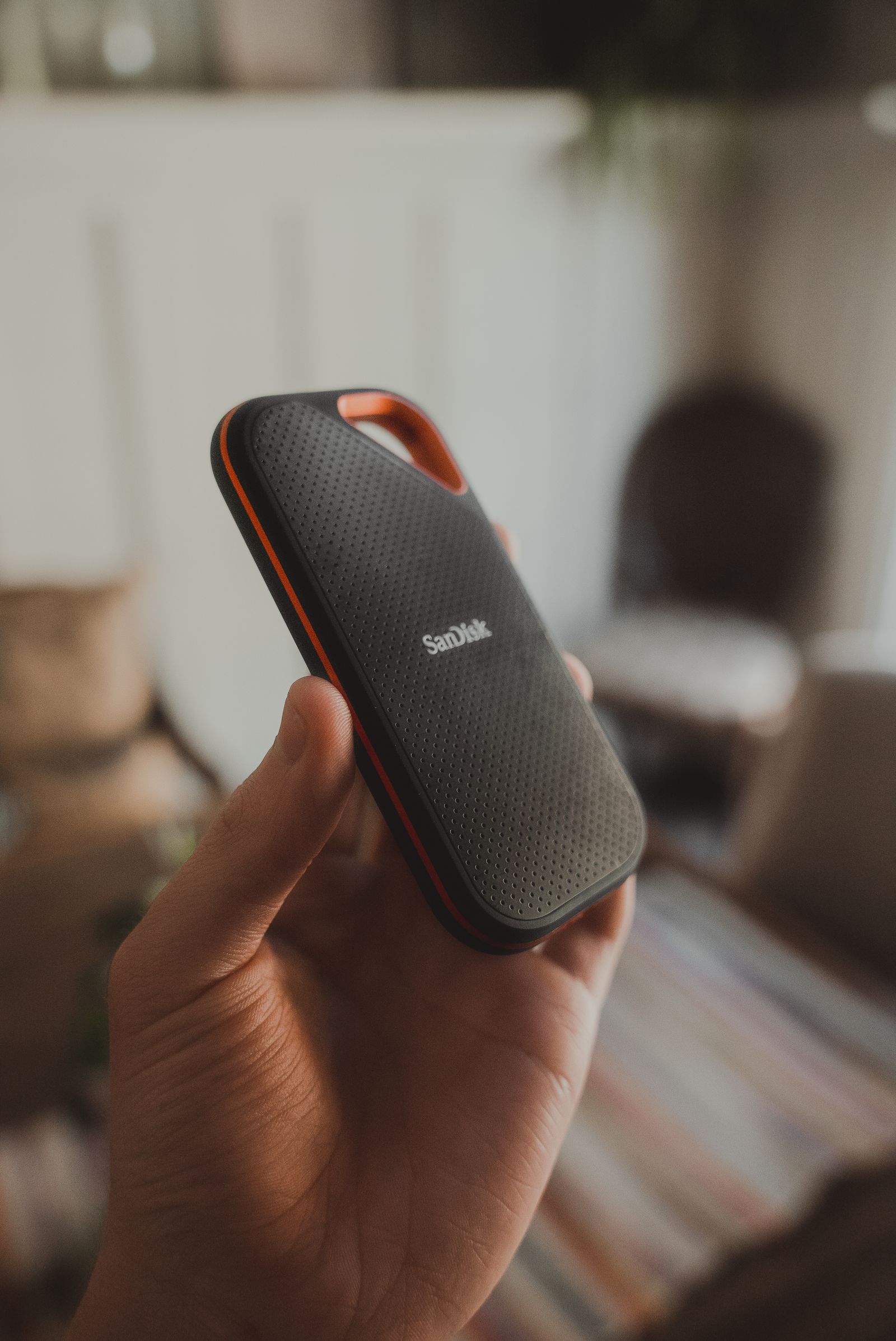
Identify the drive's intended role
Decide whether the external drive is an archive that saves downloading time, a directly playable library for supported games, or storage for captures and other files. These roles can require different formatting or setup. A drive configured for game storage may not behave like an ordinary file-transfer drive.
Plan capacity around the games you want to keep available and the internal space needed to move them back when required. An archive is less convenient if the console has no room to restore the next game. Keep a manageable rotation rather than assuming an external purchase removes every internal-space constraint.
Check the console's supported drive interface, capacity range and connection rules. Some systems restrict hubs or the number of active extended-storage devices. Use the current official guidance rather than an old accessory review that may describe a previous software version.
Keep saves and transfers distinct
Saved progress is not necessarily stored with game installation data. Read the platform's backup and cloud-sync options separately, including any subscription conditions. Copying a game to an external drive should not be described as a complete backup of everything associated with it unless the platform explicitly says so.
Before formatting, confirm that the drive contains no files you need. The console's setup process can remove existing data. Identify the correct device and read the prompts fully rather than assuming a newly connected drive is empty.
Let transfers complete and follow the console's safe-disconnection instructions. Keep the drive stable with its cable routed away from movement. A useful external-storage plan is clear about what can play directly, what must move and where saved progress is protected.