Inspect before choosing an interval
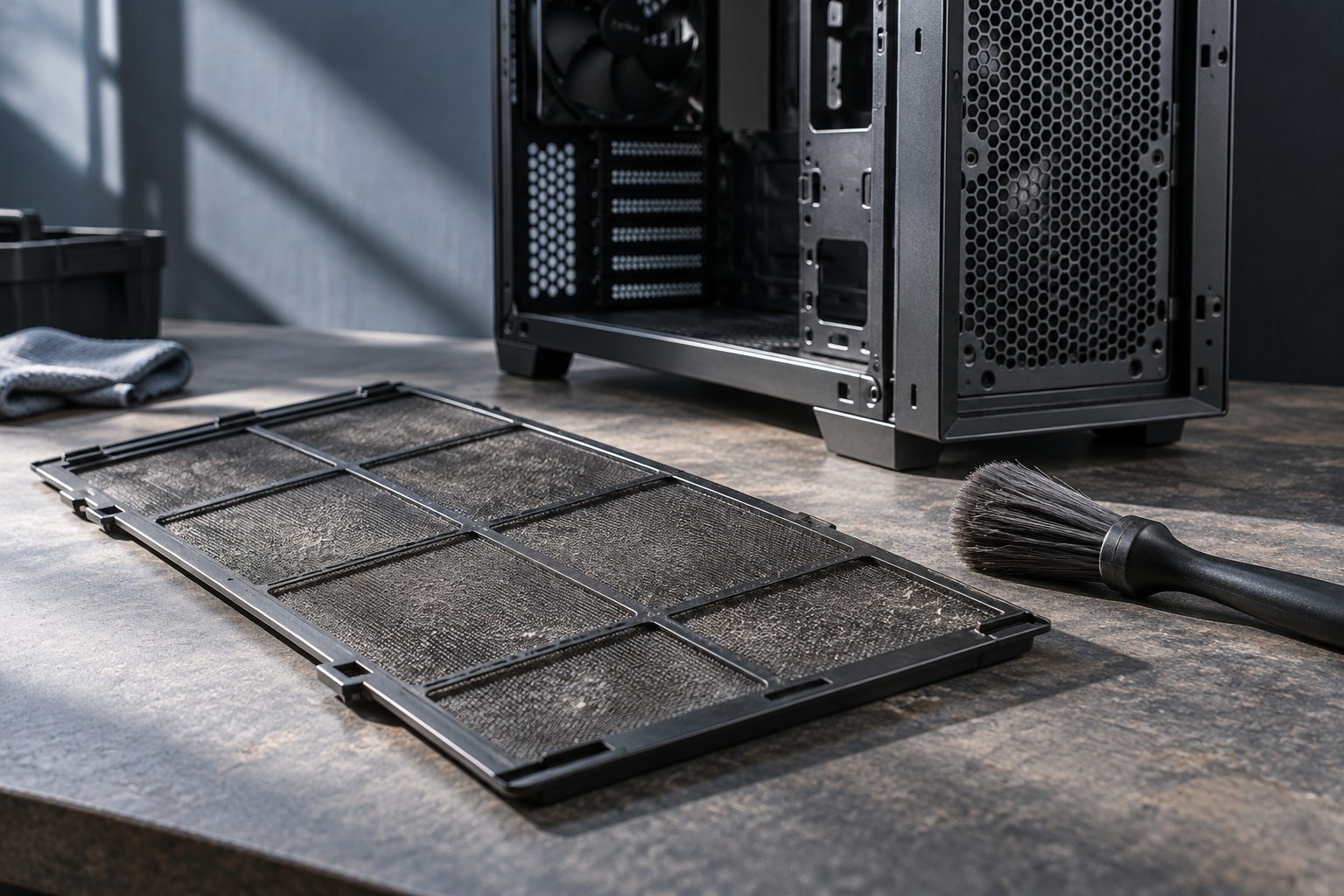
Check the case's intake filters and visible openings after a period of normal use. A computer near the floor, pets or a dusty room may need attention sooner than one in a cleaner location. Record what you find and choose a reminder based on that buildup rather than treating one calendar interval as correct for every home.
Read how each filter is removed. Some slide out, some attach magnetically and others require a panel to be removed. Make sure the case can be accessed without pulling connected cables tight. A filter that is difficult to reach is worth considering when arranging the computer's position.
Follow the permitted cleaning method
Shut down and disconnect the computer as directed before maintenance. Clean removable filters according to the case maker's instructions. If washing is permitted, let them dry completely before reinstallation. A mesh-like appearance does not establish that every filter material or frame can be soaked.
For internal dust, use the computer or component manufacturer's procedure and any specified precautions around fans. Do not spray household cleaner inside the case or open the power-supply enclosure. If you are unsure how to access an area safely, use the maker's service option rather than turning a filter-cleaning task into an improvised repair.
Inspect cables and fan openings while the accessible panels are open, without moving components unnecessarily. A cable resting against a fan can cause noise that cleaning alone will not solve. Restore the intended routing and check that filters and panels seat correctly before reconnecting power.
Keep a useful maintenance note
Record the date, which filters were cleaned and any unusual buildup. Over a few checks, this shows whether the interval is appropriate. If a filter is nearly clear each time, the reminder can be less frequent; if it is consistently heavily blocked, check sooner and consider the computer's location.
Do not assume every increase in fan noise is dust. Workload, room temperature, software updates and fan settings can also change behavior. Compare like conditions and consult support if the system shows persistent abnormal temperatures, shutdowns or mechanical noise.
Keep the routine simple enough to repeat. Accessible filters, clear ventilation space and a short inspection are easier to maintain than waiting until the computer is visibly clogged. Replace damaged filters with supported parts so that cleaning does not leave an unintended opening or an ill-fitting layer over the intake.