Assign a primary task to each display
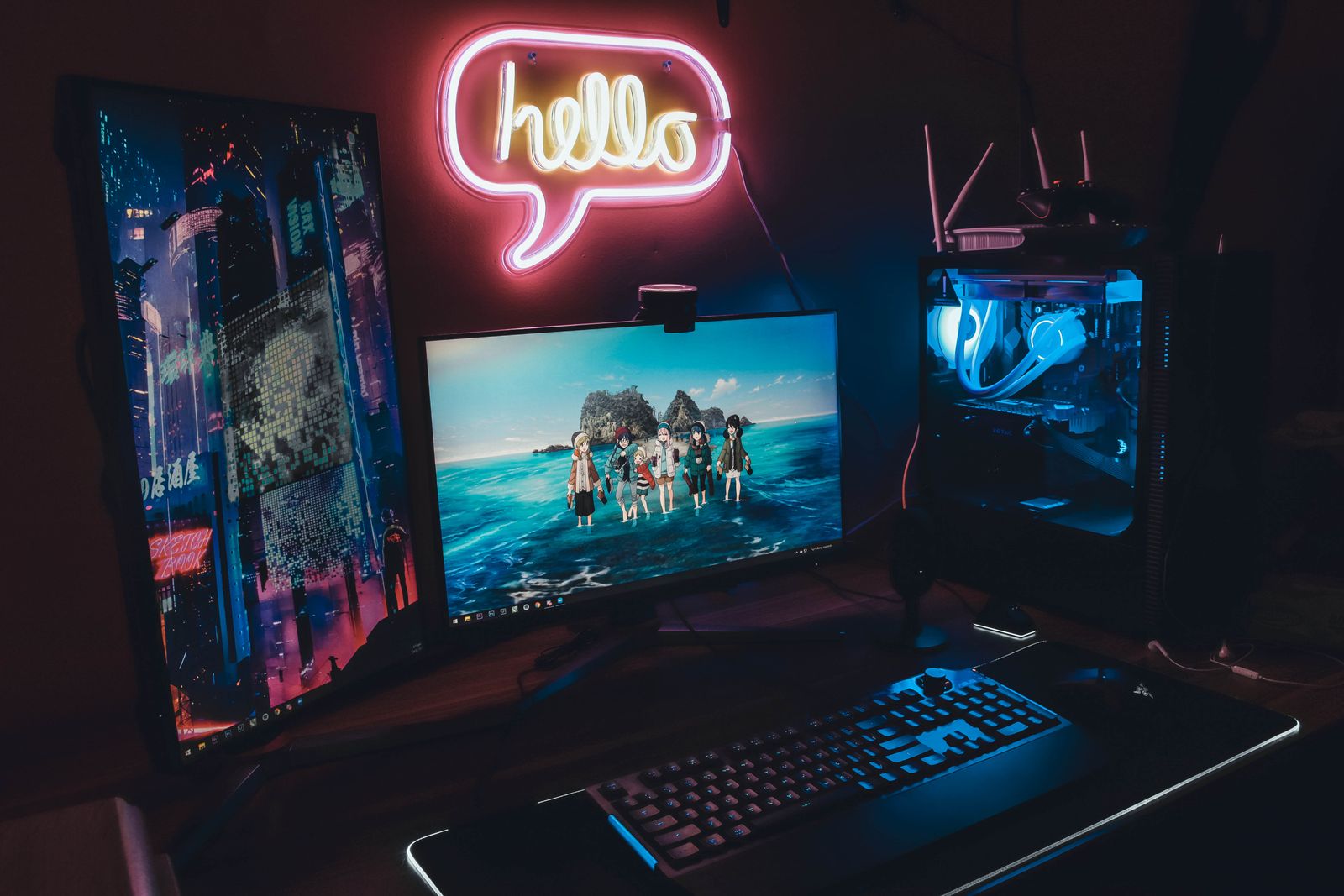
Place the main game display in the position you use most, then locate the secondary screen where occasional glances are manageable. Two equal screens centered across the desk may leave the game directly in front of neither position. Let the actual workload determine the arrangement.
The second display does not necessarily need the same size or refresh rate if it mainly shows chat or a browser. However, different pixel densities and scaling can make text and window sizes feel inconsistent when moving between them. Compare the combination rather than shopping for the secondary screen in isolation.
Check outputs and supported modes
Confirm that the computer supports the intended number of displays and the required modes simultaneously. A dock's maximum may depend on the host connection and the mix of screens. Count actual outputs and check their specifications; adapters add another layer of compatibility.
Connect the screens and use the operating system's arrangement controls to match their physical positions. Microsoft's guidance explains that displays can be arranged and scaled separately. Test moving the pointer across the shared edge so it appears at an expected height rather than jumping to an unrelated part of the other screen.
Set the main display and check where games open. Full-screen, borderless and windowed modes can behave differently when switching focus. Choose the mode supported by the game that fits your use, and avoid assuming that clicking chat will leave every game running identically.
Include the extra workload and distractions
A second screen displaying a static chat window is different from one playing high-resolution video or running another demanding application. If performance changes, test the actual background activity rather than blaming the mere presence of another panel. Keep comparisons controlled with the same game settings.
Check notification behavior before a session. A second screen can make messages visible without overlays, but it can also expose private content to others in the room or a screen-sharing arrangement. Select the intended window when sharing and verify the preview rather than assuming the correct screen was chosen.
Route cables so stand adjustments do not pull at connectors, and leave enough room for both bases or a suitable mount. A useful dual-monitor setup makes secondary information accessible while preserving a clear primary position. If the desk becomes cramped, a smaller secondary display or a simpler single-screen workflow may fit better.