Understand the two controls
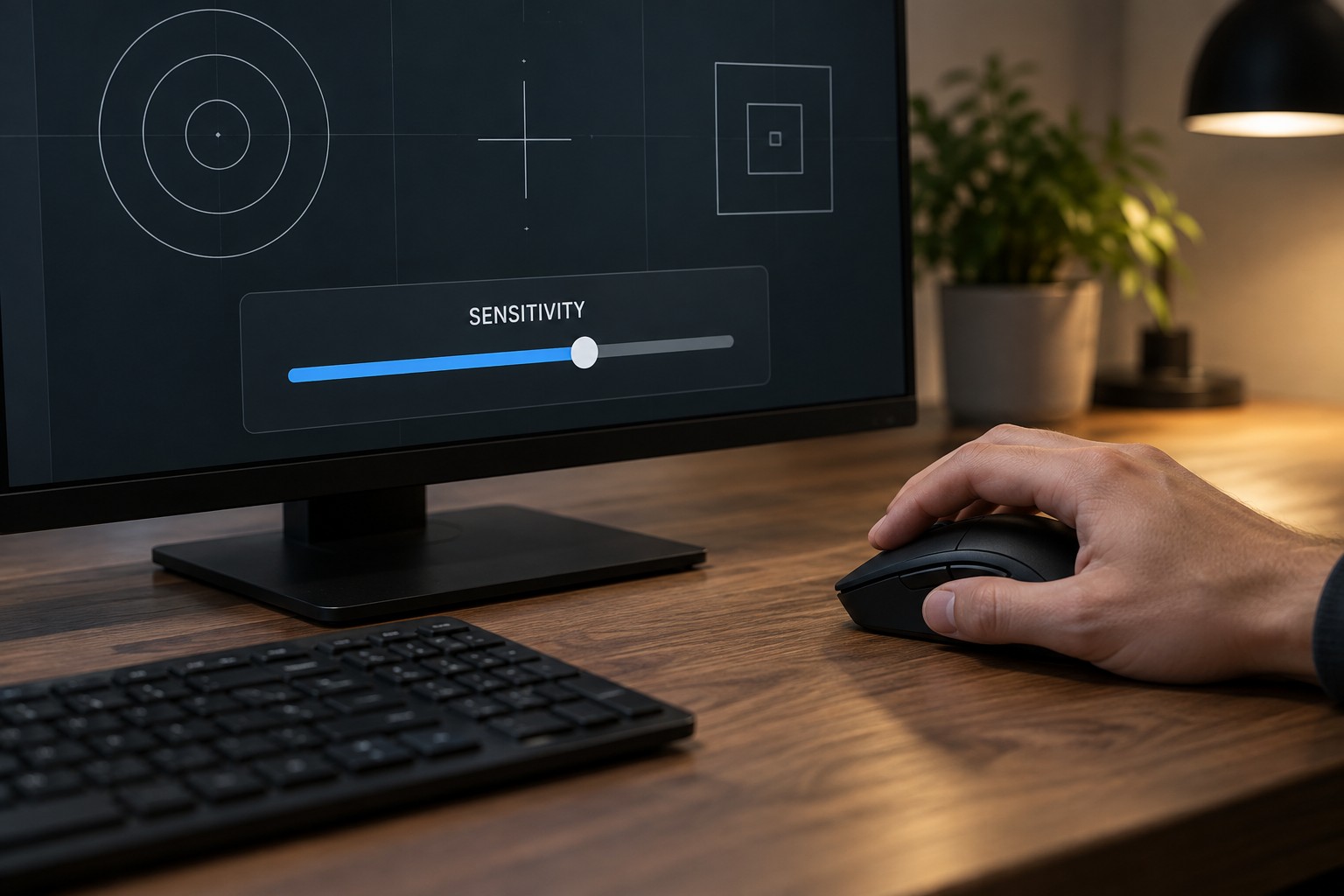
A mouse's DPI setting describes the relationship between physical travel and the movement counts it reports. A game's sensitivity then affects how that input changes the view or cursor. Raising either setting can make the same hand movement produce a larger on-screen change, but the complete behavior also depends on how the game handles input.
The number called eDPI is commonly calculated by multiplying DPI by a game's sensitivity value. That can help compare settings within the same game when the relevant input behavior is the same. It is not a universal conversion between unrelated games, because their sensitivity scales and camera systems can differ.
Start with the space on your desk
Clear the area you actually use for the mouse and check where the keyboard, monitor foot and desk edge limit movement. Test an ordinary turn in a practice area rather than during a match. If you repeatedly hit an obstacle before completing a comfortable movement, the sensitivity and available space are not working well together.
Then test a small adjustment. A setting that makes a full turn easy may make a tiny correction harder to control. Look for a balance that suits your game and the way you move. There is no need to copy a professional player's value when their pad size, grip and preferred movement are different.
Choose one DPI stage to use during the comparison and adjust the in-game setting gradually. Disable unused DPI stages if the manufacturer's software allows it and accidental switching is a problem. Keep a record of the original value so that experimentation remains reversible.
Compare physical movement, not just sliders
For a game with a freely rotating camera, you can note the approximate mouse distance needed for a full turn as a personal reference. Use a safe training scene and measure consistently. This does not make every game feel identical, since field of view, aiming modes and camera effects still matter, but it gives you something more tangible than two unrelated slider numbers.
Check aiming-down-sights or scoped sensitivity separately when a game provides it. A global value that feels comfortable during movement may not suit a magnified view. Change one aiming mode at a time and keep the comparison brief enough that you can remember the previous behavior.
Revisit the setting after ordinary play rather than judging only the first minute. Avoid changing several controls after every missed action; that makes it difficult to develop a stable reference. Save the values with the game's name and date, especially if you share the computer or use software profiles that can replace them.