Measure the available positions
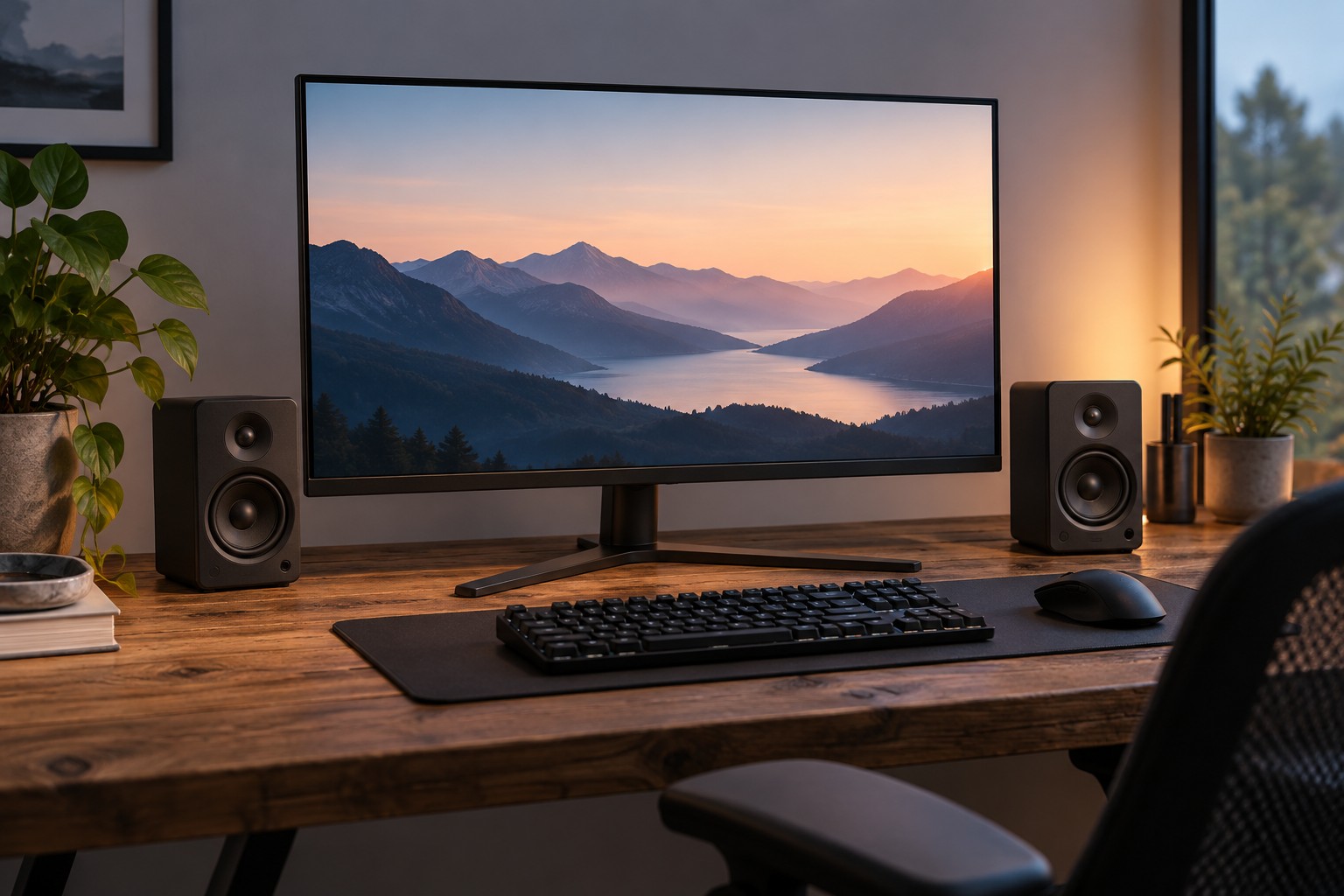
Place a paper outline of each speaker beside the monitor and include the depth needed for rear connectors. Check whether the screen blocks part of a speaker or forces one much closer to you than the other. A compact pair positioned coherently can be easier to use than larger speakers squeezed behind the display.
Consider the height of the drivers relative to the listening position and follow the manufacturer's placement guidance. Suitable stands can help, but they add width and need to support the speaker securely. Do not balance a cabinet on a stack of loose items to raise it.
Trace power and audio separately
Some desktop speakers use analog audio, others USB audio, and others a digital or wireless connection. A USB cable may provide power without carrying audio, so read the actual function. Check the computer or monitor output you intend to use, especially if the monitor's audio socket depends on a particular video input.
Find out which speaker contains the controls and how the pair connects together. Measure the inter-speaker cable route around the monitor stand. A captive cable that is just long enough in a product photograph may not reach in a wide dual-monitor setup.
If a subwoofer is included, identify a safe place for it and its cables. More boxes do not automatically create a better small-desk arrangement. Consider neighboring rooms and the household's listening times before choosing a system primarily for its low-frequency output.
Include voice chat in the test
Play dialogue and ordinary game audio at the level you will use, then test the microphone. Speakers can feed audio back into an open microphone, producing echo for other people. Application processing may help, but headphone use during chat can be a simpler arrangement when the room and microphone placement make echo difficult to control.
Check whether you can lower the level or mute quickly without reaching behind the monitor. If you switch between headphones and speakers, learn how the output selection behaves. A headphone socket on a speaker may mute the speakers automatically, but this should be confirmed for the model.
Keep the final placement stable and leave access to power and controls. A speaker choice is successful when it fits the desk, connects directly to the intended source and works at a considerate everyday level. Large power figures are less useful than those basic conditions in a close listening setup.