Identify what the game reads
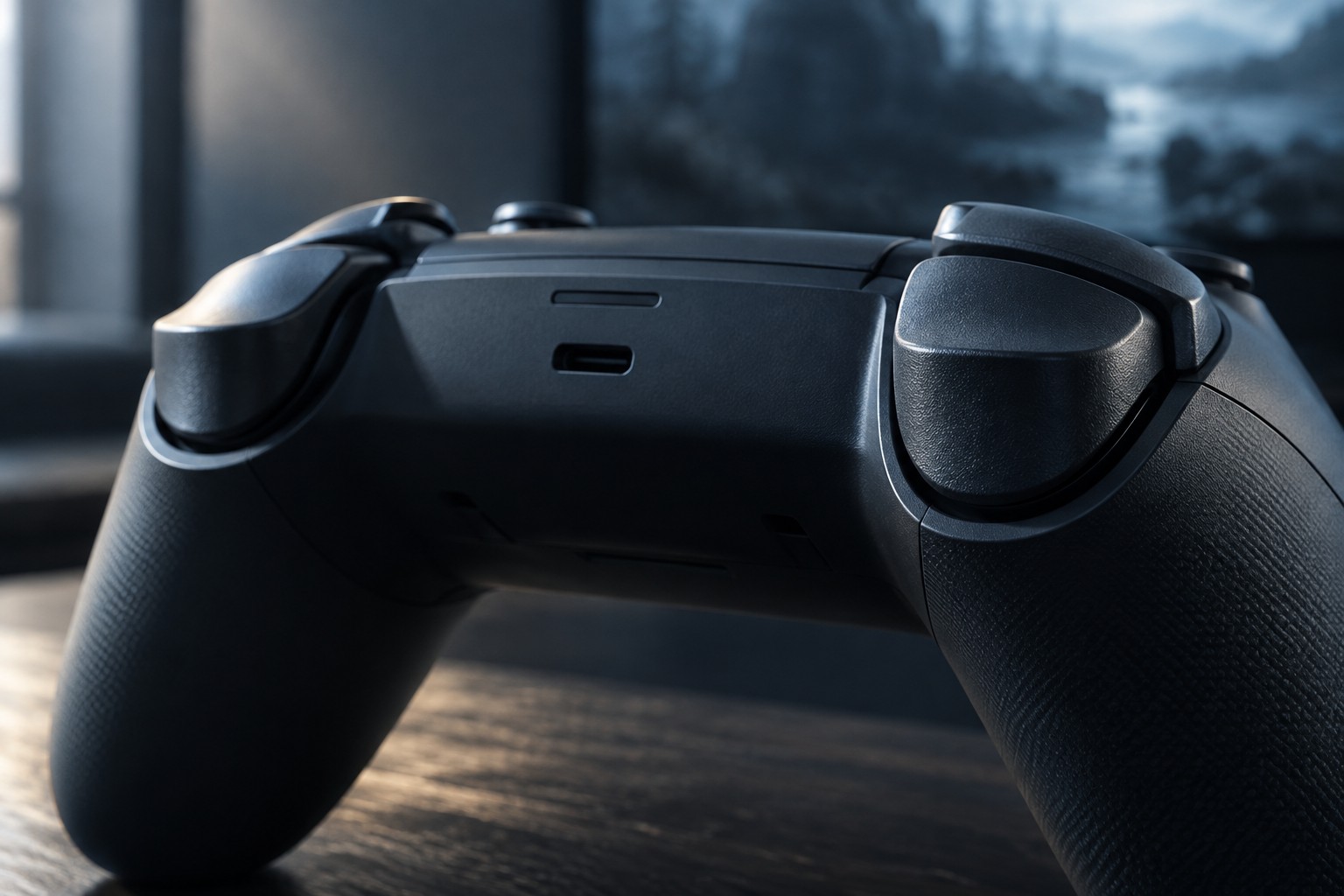
In some games a trigger behaves mainly as an on-or-off command. In others, such as driving games, the amount pressed can control a gradual action. A physical stop that shortens travel may suit one use while limiting another. Do not assume that a shorter pull is better for every genre or command.
Check how the controller handles a stop setting. Some models adjust the reported range or provide software calibration, while others have specific instructions for supported modes. The mechanical position alone does not tell you whether the game will still receive a full trigger value.
Test the complete range
Use the game's input display or a safe practice section to observe a light press, a partial press and a full press. Confirm that the action reaches its intended maximum and returns to zero when released. If a vehicle cannot reach full throttle, investigate the stop and calibration arrangement before changing unrelated game settings.
Try the left and right triggers separately. A game can assign different kinds of action to them, and your preferred travel may differ between those actions. Record any software settings associated with the physical stop so that the two do not become mismatched later.
Adaptive resistance or haptic trigger features are another compatibility question. PlayStation's support information notes that DualSense features depend on game and connection support. A trigger can function as a basic input without delivering every special effect on every platform. Check the feature you actually want rather than the controller's general reputation.
Keep mode changes visible
If you switch between a driving game and an action game, build a habit of checking the trigger setting before play. A profile name can help when the software supports it, but a physical stop may still need to be moved by hand. Do not assume a software profile moves a mechanical control.
Avoid forcing a trigger past a stop or modifying the mechanism to shorten it further. Follow the maker's adjustment range and use its service guidance if a trigger catches or fails to return. A sticking trigger is a hardware condition, not something to conceal with increasingly unusual sensitivity settings.
Choose adjustability when it serves a repeated use pattern. If most of your games need the full analog range, a standard consistent trigger may be simpler. The useful result is predictable input for the game in front of you, with settings you can recognize and restore.