Check both ends of the mount
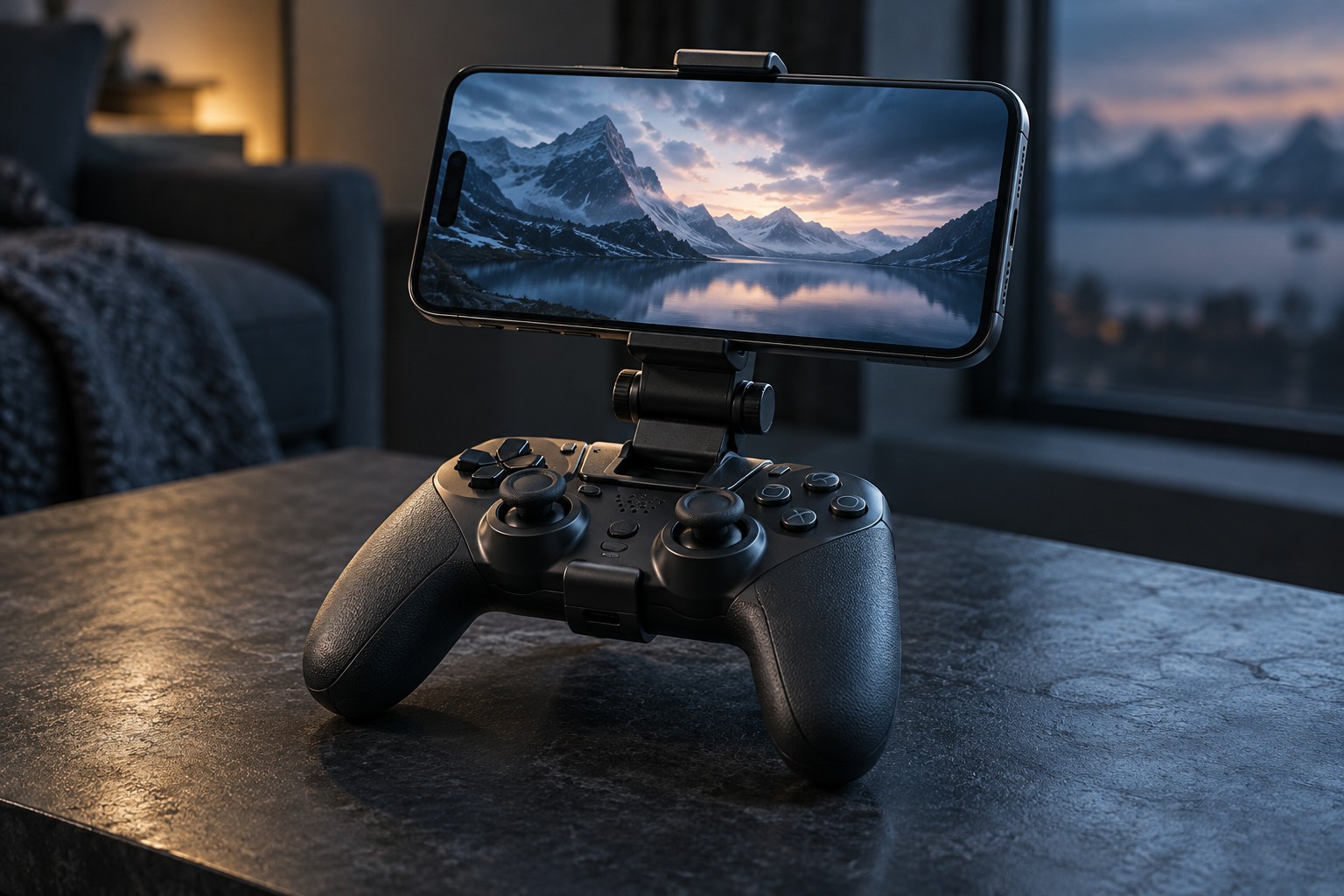
The controller attachment must match the exact controller model. Similar shells can have different curves, ports and button positions, and a clip that fits loosely may move while you play. Confirm that the mount does not cover pairing, charging or audio connections you need. If the controller has aftermarket grips, include their extra thickness in the fit check.
Measure the phone with its normal case installed. Compare the mount's supported width and thickness, and look at where the jaws will touch. A side button trapped under a clamp can repeatedly change volume or lock the phone. Camera protrusions and folding-phone hinges can also affect support. Do not force a device into a clamp merely because its screen diagonal appears in the listing.
Balance the screen over the controller
A phone mounted far forward creates leverage that your hands must counter. An adjustable arm may let you place the screen closer to the controller's center, but it also adds joints that need to stay secure. Try the intended angle while seated and standing if both are part of your use. The comfortable position should still leave the controller's buttons and sticks easy to reach.
Consider how the kit rests when you put it down. A top-heavy arrangement can tip onto the phone or strain the clip. A tabletop phone stand may be preferable for a long session at a desk, while a clip makes sense when there is no suitable surface. Those are different use cases, not a contest over which accessory is universally better.
Test the whole remote-play session
Pair or connect the controller through the method supported by the remote-play application before attaching everything. Then check screen rotation, readable text and access to the phone's charging socket. A short cable should not pull across a stick or bend sharply at the phone. Keep the device's ventilation and speaker openings unobstructed where relevant.
After a short session, inspect whether any joint has slipped or the case has shifted in the jaws. Adjust according to the mount's instructions rather than overtightening an unfamiliar mechanism. Remove the phone before packing the controller unless the accessory explicitly supports transport assembled. A mount is designed to position a screen during use; it should not be treated as a protective travel case.