Read the model's care instructions
Disconnect the keyboard and switch off any wireless mode before cleaning. Find the manufacturer's instructions for the exact model, particularly if it has low-profile keys, a special coating or a built-in battery. Some caps can be removed with a suitable tool; others have fragile mechanisms that should not be pulled off casually.
Microsoft's accessory-cleaning guidance provides specific methods for its products, including approved exterior treatments. Such instructions illustrate why the manufacturer matters. Do not transfer a permitted cleaner from one board to another without checking the second board's materials and restrictions.
Keep exterior cleaning separate from cap washing
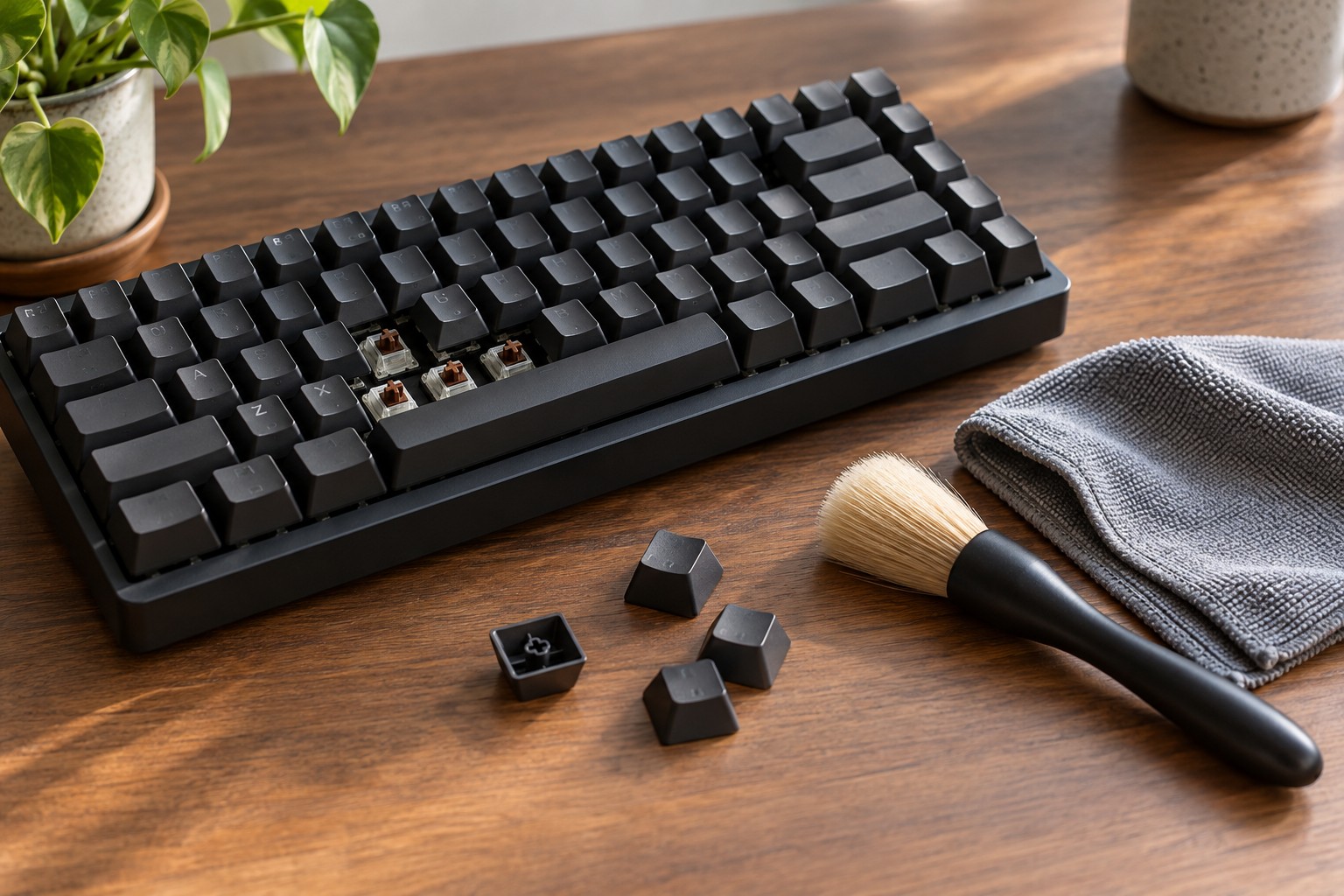
For routine dust, begin with the least involved method allowed by the manual, such as a soft clean cloth or appropriate brush. Keep debris from being pushed farther into switches. Never pour liquid across the keyboard or spray directly into gaps. A dampened cloth and a dripping cloth are very different conditions.
If removable keycaps are approved for separate washing, photograph the layout first and keep unusual sizes organized. Follow the specified cleaning and drying method. The keyboard itself does not become washable just because its caps are. Stabilized keys may require a different removal procedure from ordinary letter keys.
Do not reinstall caps while moisture remains underneath them. Their hollow interiors can retain water longer than their visible tops suggest. Give them the drying time required by the instructions and inspect them carefully. Avoid using heat to hurry the process unless the manufacturer explicitly permits it.
Recognize when cleaning is not enough
A sticky switch after a spill may have contamination inside the mechanism. Removing a cap and wiping the visible surface does not establish that the electronics are dry or undamaged. Follow spill guidance and service options rather than repeatedly reconnecting a wet keyboard to see whether it has recovered.
Worn legends, shiny surfaces and peeling coatings are not always dirt. Scrubbing harder can remove more of the finish. If the appearance is the main concern, compatible replacement caps may be appropriate, but verify the layout and stem system before ordering. A replacement cap will not repair a faulty switch underneath it.
After cleaning, test a short line of text, modifiers and long keys. Check that no cap rubs against its neighbor or remains partly pressed. Store the cleaning cloth away from household polishes so that the next routine wipe does not introduce an unapproved chemical to the board.