Establish exactly what is being sold
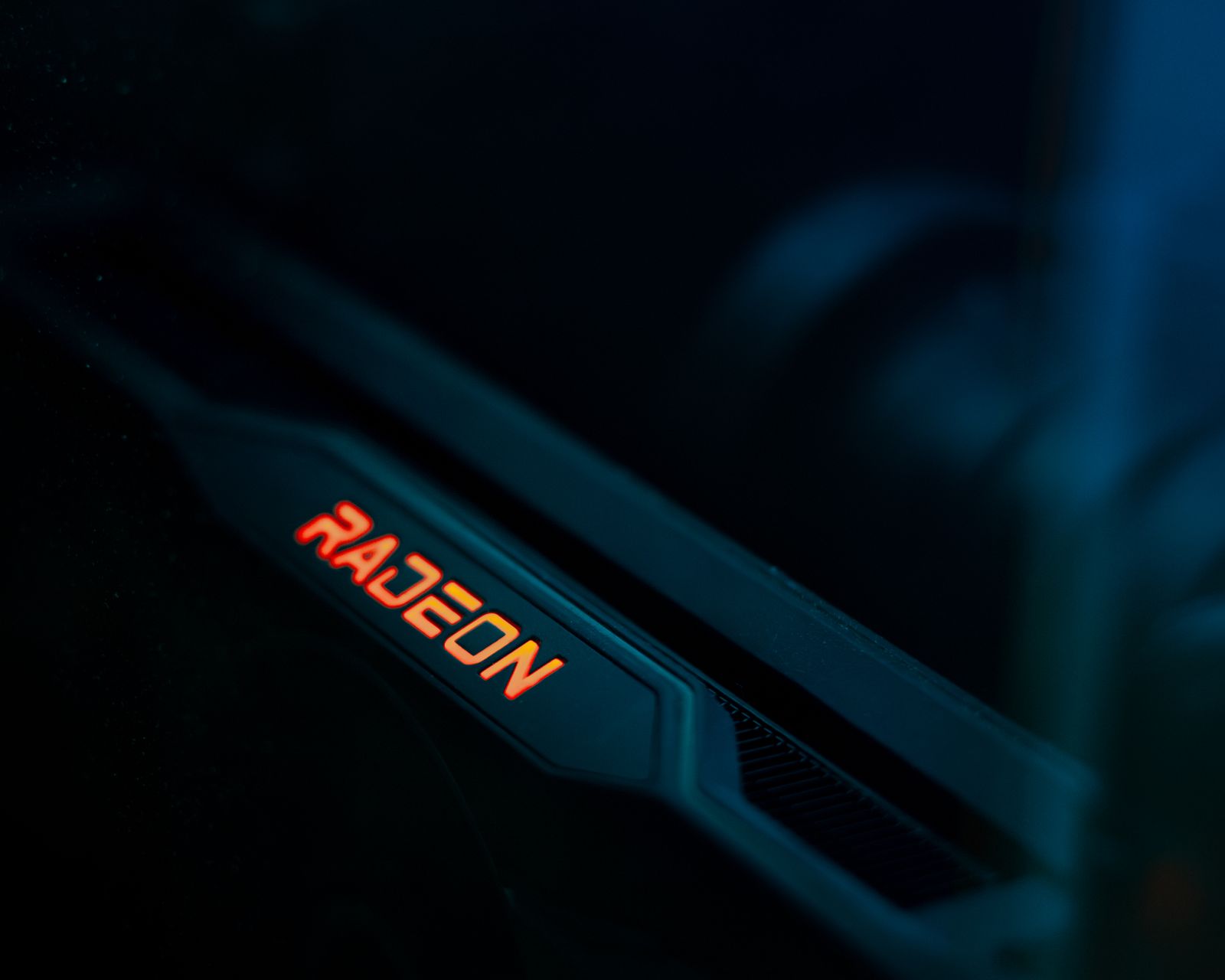
Ask for the complete manufacturer and model number, not only the graphics-processor family. Different versions can have different dimensions, outputs and power connections. Compare clear photographs of the actual item with the manufacturer's specification, including the label and connector area.
Check which accessories are included, such as a required power adapter or support bracket. Missing proprietary parts can change the cost or make the card unsuitable for your setup. Confirm that the listing is for a functioning card rather than a repair item, empty cooler or parts-only sale.
Read condition evidence cautiously
Photographs can reveal damaged connectors, bent brackets, corrosion or heavy physical wear, but they cannot prove that a card is electrically reliable. Ask about known faults, repairs and modifications. A clean appearance or a seller's claim of light use is not a substitute for a clear condition statement and usable return process.
A demonstration should identify the card and show a relevant workload, not merely a desktop screen. Even then, one short test cannot establish long-term reliability. Avoid treating a screenshot of a benchmark score as proof that the exact item will behave correctly in every game.
Check whether firmware or cooling hardware has been changed. An altered card may require additional investigation, and restoring it is not necessarily simple. If the seller cannot explain a modification clearly, include that uncertainty in the decision rather than assuming it is harmless.
Compare total cost and protections
Read the seller's return terms, marketplace protection and any transferable manufacturer warranty conditions. Keep the communication and item description within the marketplace's supported process. A discount becomes less attractive when there is no practical way to address a card that arrives faulty.
Verify your case clearance, power supply and display connections before purchase. A used card has the same installation requirements as a new one, and missing parts or an unsuitable supply can erase the savings. Use the exact model's dimensions and power instructions.
After arrival, inspect before installation and test within the return period using ordinary supported settings. Keep packaging until the result is established. If the card shows artifacts, repeated crashes or abnormal mechanical behavior, document the issue and use the agreed support route rather than attempting a repair that complicates the return.