Identify the exact model and accessories
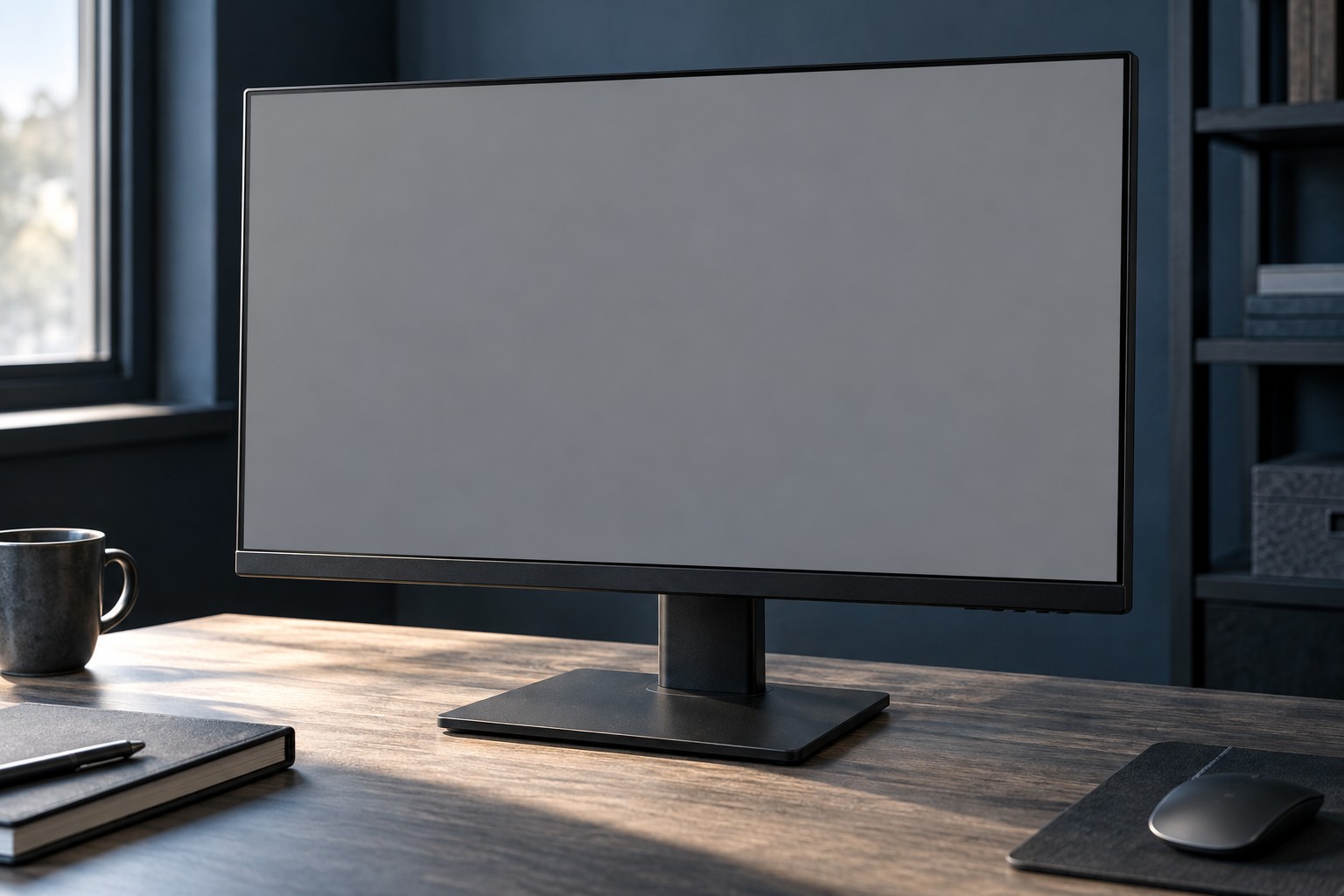
Find the model label and compare it with the manufacturer's specifications. Similar product names can differ in resolution, refresh rate, inputs and stand adjustment. Confirm the supplied power adapter or cable, stand parts and any mounting hardware needed for normal use.
Inspect photographs of the panel surface, corners, rear sockets and stand attachment. Look for cracks, deep scratches or signs of impact. A missing original stand may be acceptable if a supported mount is planned, but include that cost and verify the mounting pattern and weight requirements.
Inspect a working image
If an in-person test is possible, view a range of ordinary content and simple solid backgrounds at a normal brightness. Look for stuck pixels, uneven areas, persistent image marks and lines. Do not press the panel to try to change a defect. Check the seller's stated pixel and return policy before deciding what condition is acceptable.
Test the inputs you intend to use at the required resolution and refresh rate. A display showing a desktop through one port does not prove another port works. Use the monitor's information menu and source settings to confirm the actual mode rather than relying on how smooth a cursor appears.
Check controls, speakers or USB functions only if they are part of your intended use. A fault in an unused feature may still affect value, but the essential paths should be tested explicitly. For an OLED model, read its care history and warranty conditions without assuming that one maintenance cycle can remove every form of wear.
Plan transport and the evaluation period
A monitor panel is vulnerable to pressure during transport. Prefer the original packaging or a suitable supported packing method, and avoid placing hard objects against the screen. A curved panel needs particular attention to its shape; a flat box alone may not support it correctly.
Check whether the warranty transfers and what evidence is required. Keep the serial number and purchase record. Marketplace protection and the seller's return terms can matter more than a vague claim that the monitor is still under warranty.
At home, test the actual desk setup promptly: mounting stability, text, game mode, input switching and any needed adaptive-refresh feature. Keep the packaging until those checks are complete. The purchase is useful when the monitor meets your real connection and viewing needs in the condition described.