Look for explicit accessory support
Read the console maker's support page for the type of device you want to connect: headphones, controller, keyboard or another accessory. Support for one category does not establish support for another. A console may use wireless technology internally without exposing general Bluetooth pairing for every device.
Check the accessory's platform list as well. A controller can support Bluetooth on a computer or phone while requiring a different connection on a console. A headset can provide playback but lack microphone support in a particular arrangement. Identify the exact feature you need rather than stopping at the word compatible.
Understand adapter limits
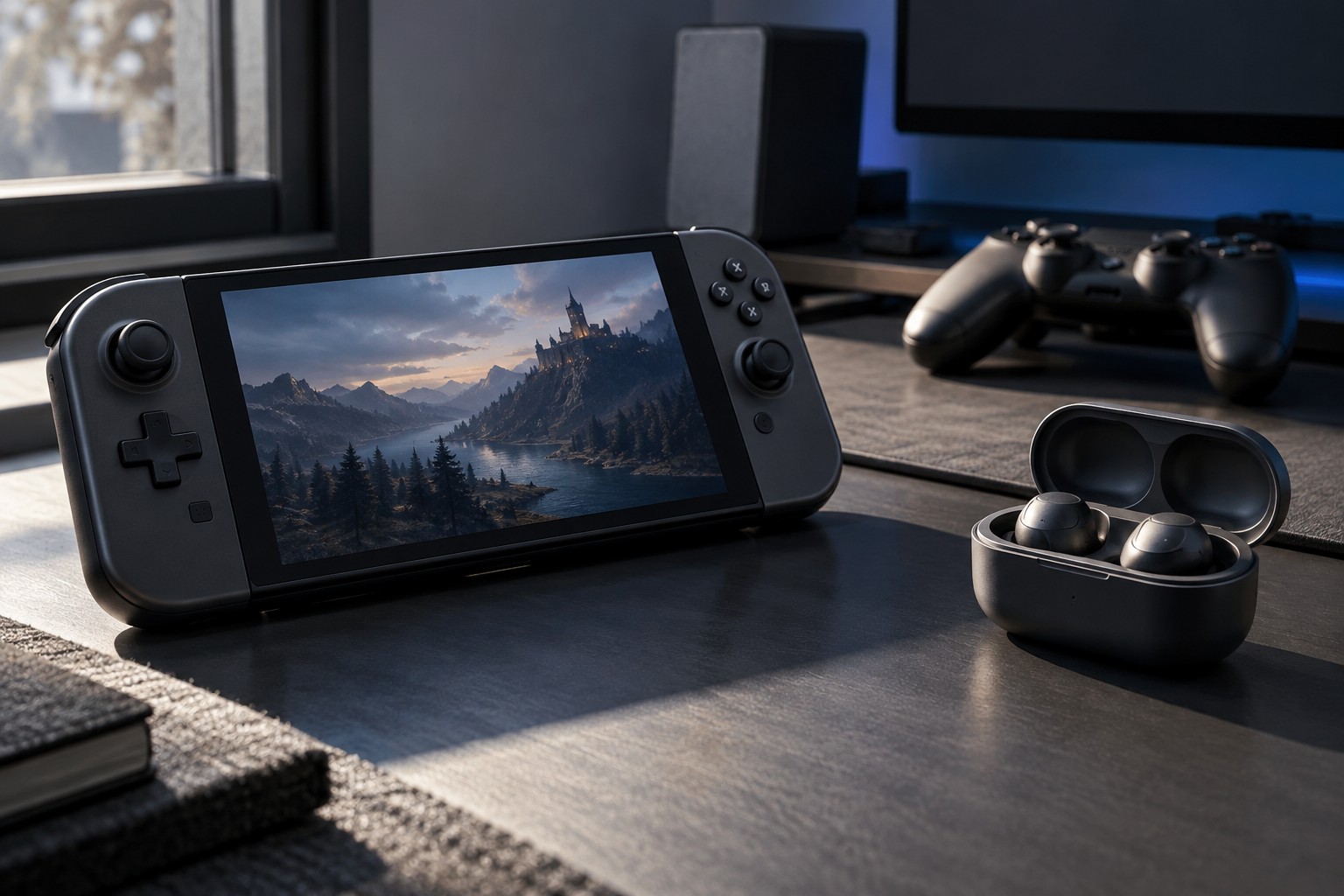
An external Bluetooth transmitter or receiver can perform a specific role, but it does not necessarily add every function of native platform support. Read its direction, power source, audio path and microphone behavior. A device that sends headphone audio is not automatically a full voice-chat solution.
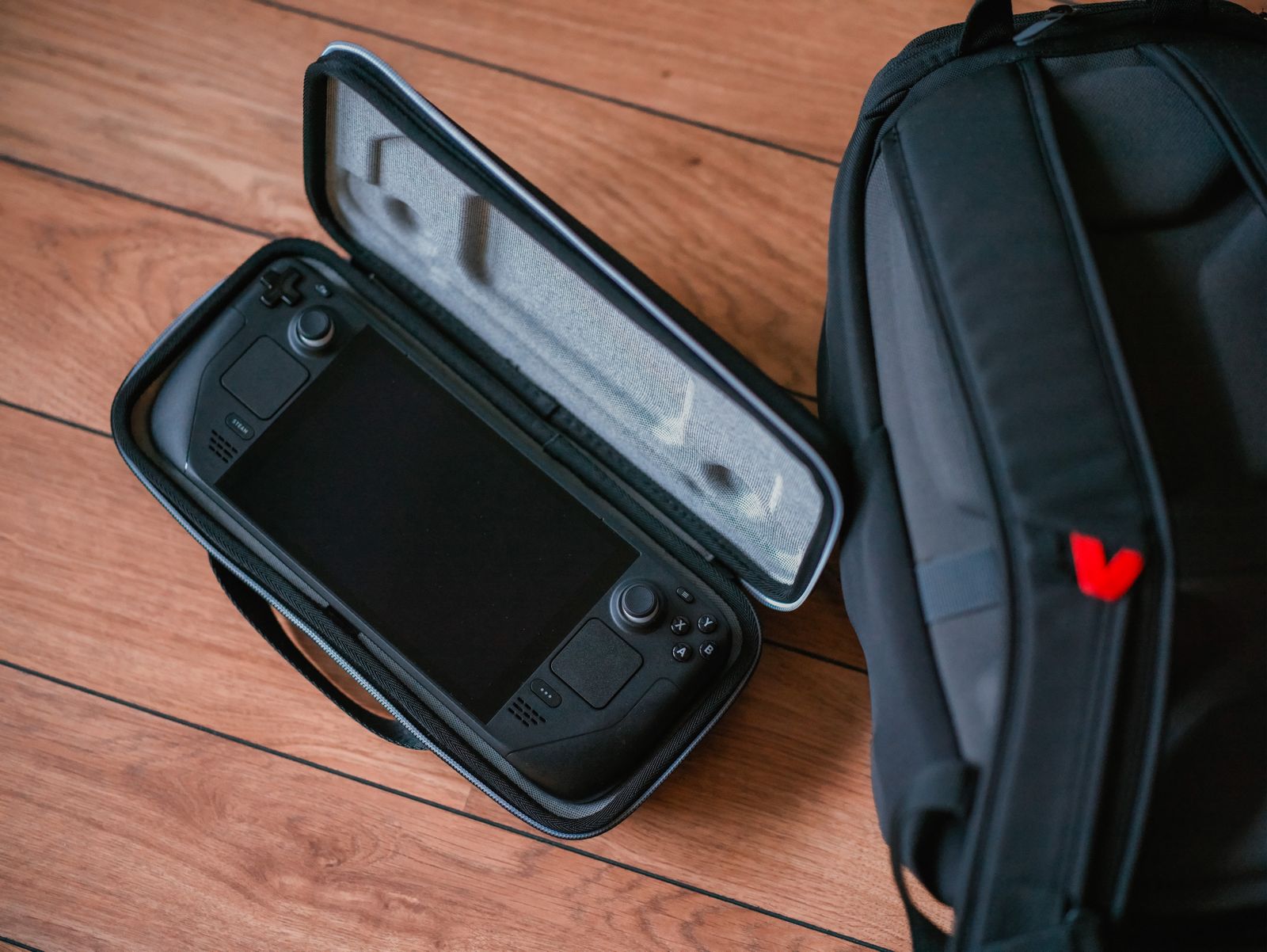
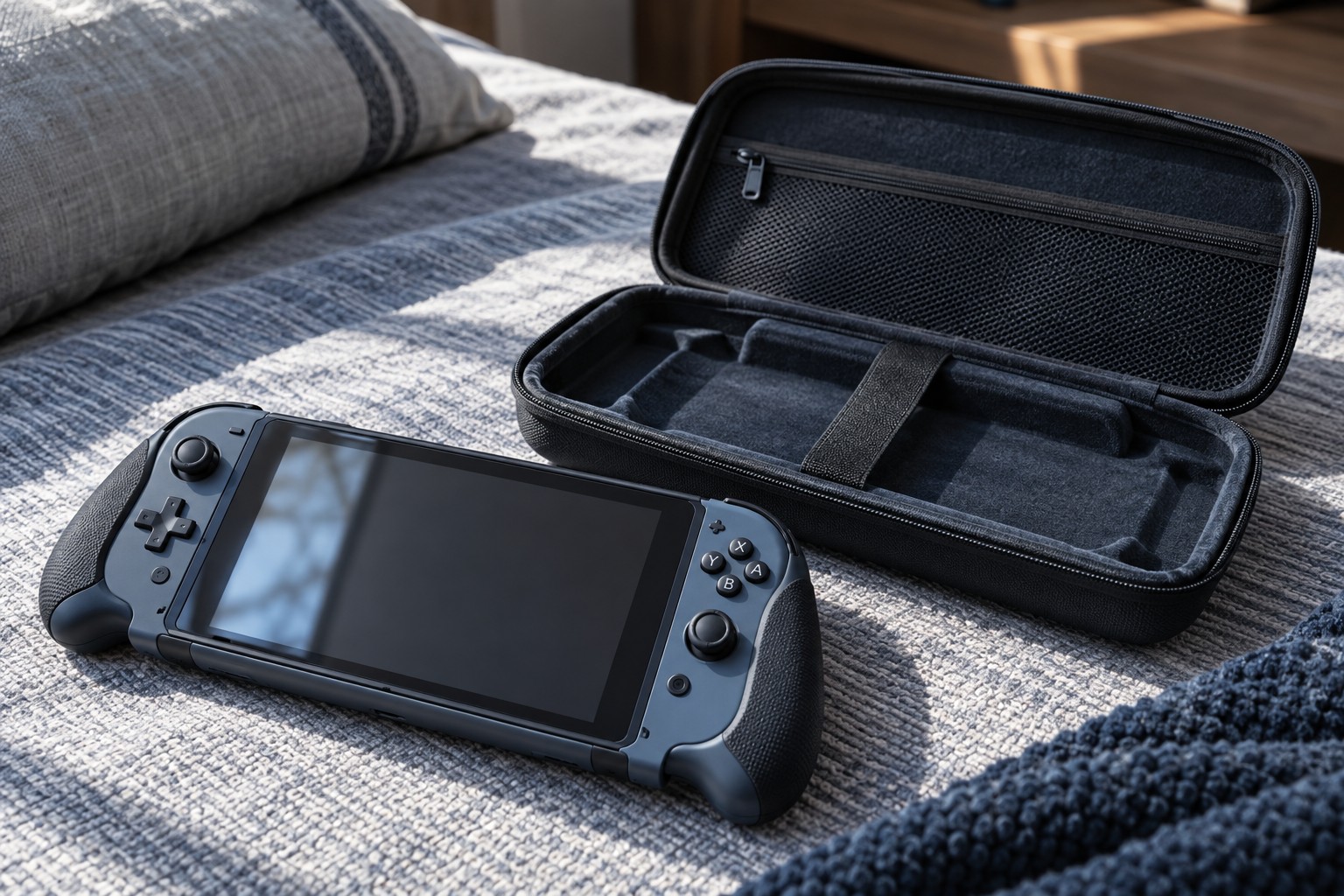
If an adapter attaches to a controller or handheld, check physical clearance and strain on the port. A small rigid accessory can interfere with a grip or carrying case. Test the complete arrangement before treating it as a travel-ready solution.
Avoid relying on unofficial compatibility claims that omit the console generation or firmware conditions. Ask the accessory maker for the exact supported setup. Platform updates can affect accessories, so keep the support source and model information available.
Test the functions separately
After pairing or connection, check input or playback first, then microphone, volume controls and any special features. A device can pass the first test while failing another essential one. Use the intended game and chat service, because they may have their own restrictions.
Check reconnection after sleep and after switching to another device. A headset that automatically reconnects to a nearby phone can make the console setup appear unreliable. Learn the accessory's device-selection procedure and keep the routine simple.
Choose a directly supported connection when it meets the need. An adapter can be useful, but several uncertain layers can make a basic task harder to maintain. The purchase should be justified by a documented working path for the exact console and function, not by the assumption that all Bluetooth devices communicate in the same way.