Inspect the back of the display
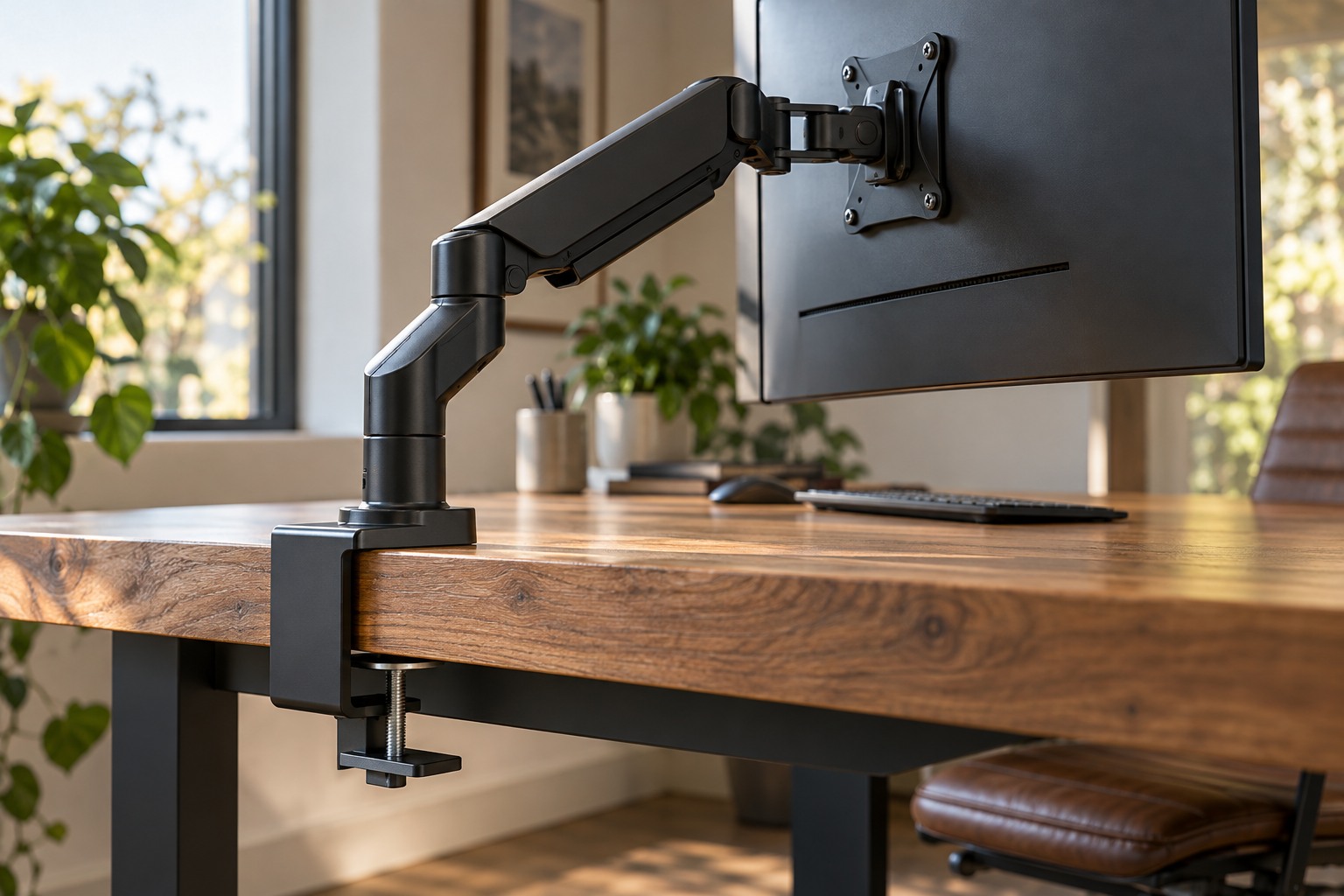
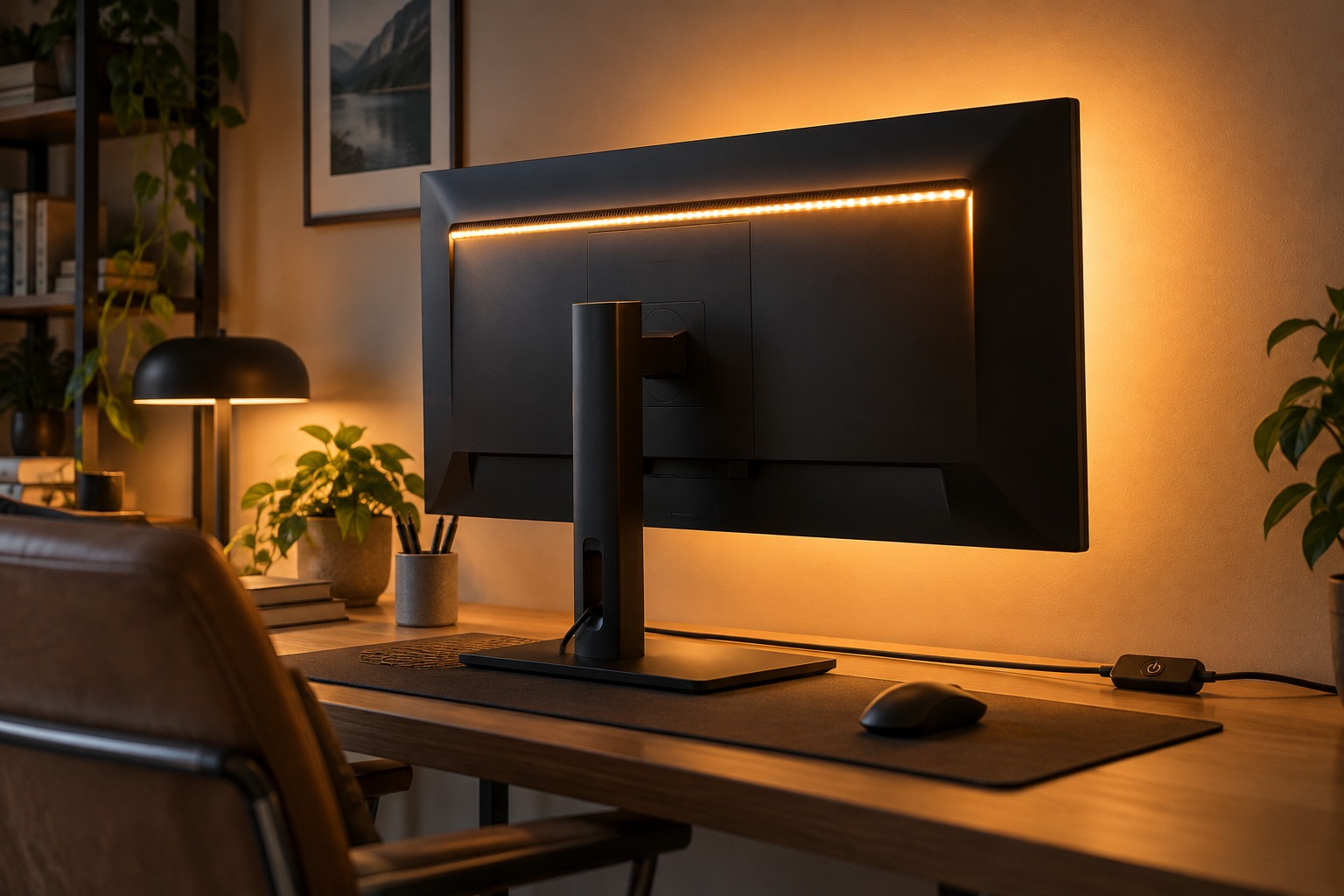
Check the monitor's ventilation openings, mounting points and cable routes. A light strip should not cover vents or interfere with an arm's movement. Use the lighting product's instructions for suitable surfaces and installation, and consider whether adhesive removal could mark the finish. A removable mounting approach may be preferable if the display is likely to move.
Look at the wall or surface behind the monitor. Distance, texture and color affect how the light spreads, so a product photograph may not resemble your room. Test the strip temporarily in a supported way before committing the adhesive. A narrow bright patch or visible individual points can be distracting even when the strip itself is hidden.
Choose the visual effect you actually want. A steady low-key background and rapidly changing decorative colors serve different purposes. Avoid assuming that any strip marketed for gaming provides a particular image-accuracy or comfort benefit. Evaluate the appearance during your normal use without treating promotional claims as a substitute for your own setup needs.
Keep switching simple
Check how the light receives power and whether the chosen port or supply meets its requirements. A monitor USB socket may behave differently when the screen sleeps or switches off. Test that behavior rather than assuming the light follows the display automatically. Do not add an unsupported power adapter to make the connector fit.
Place the control where you can reach it from the chair. A small inline switch hidden behind the monitor can be awkward, especially if the screen is mounted close to a wall. If a remote or application is required, decide where it will live and whether the light remains usable without an online account or network connection. Choose the level of complexity you are willing to maintain.
Route the lead with enough slack for any monitor movement and keep it out of arm joints. After installation, test the screen's full intended position range and confirm the strip remains secure. If the lighting becomes distracting during a game, turn it down or off. It should be easy to control as part of the room, not another accessory that dictates how the desk must be arranged.