Map the intended airflow path
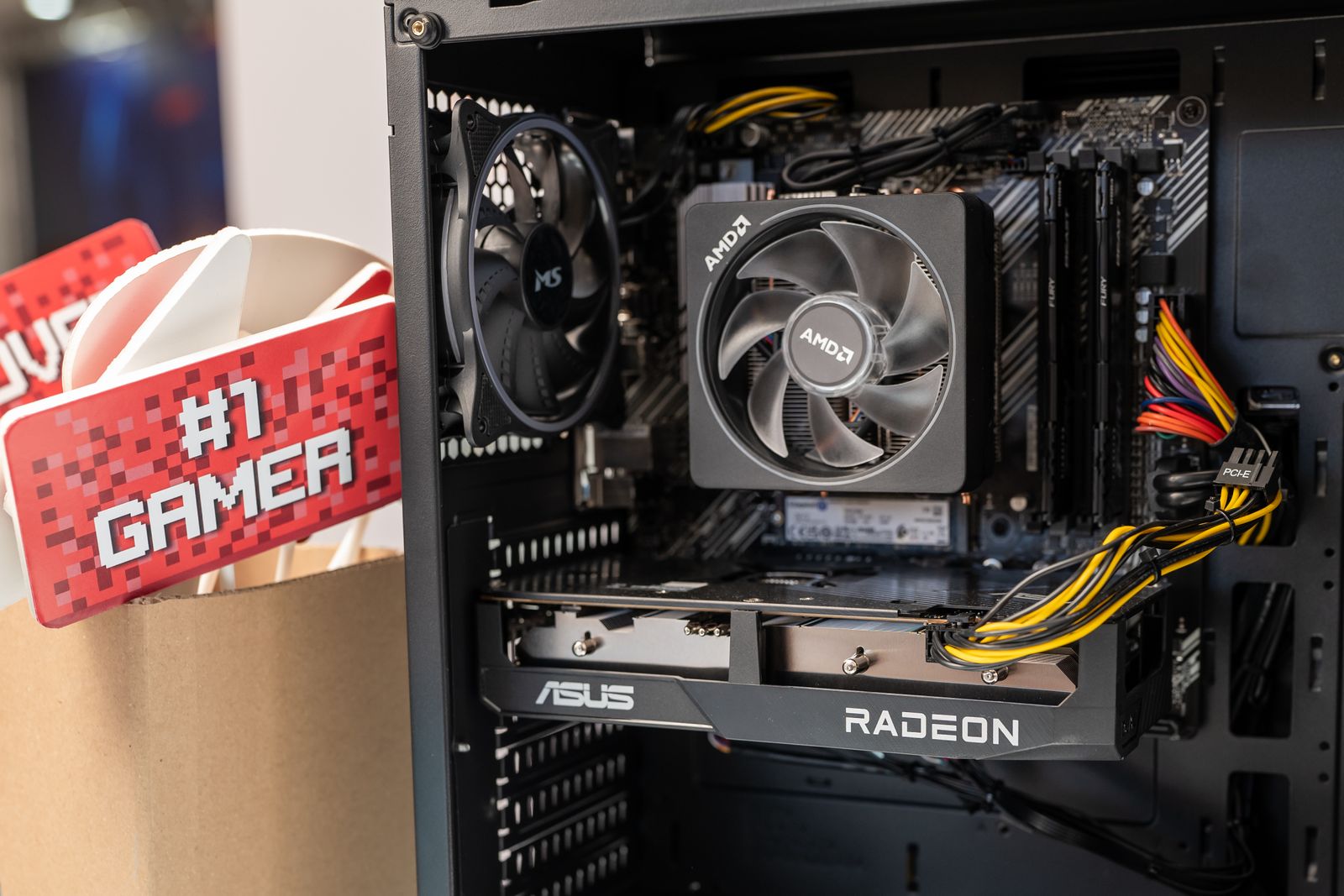
Read the case manual's fan and radiator positions, including any restrictions for different motherboard or power-supply arrangements. Identify where air enters and leaves in the proposed configuration. Do not assume that filling every available fan position improves the result; fans and components need a coherent path rather than competing flows.
Check the graphics card's cooler style and the CPU cooler's orientation within that layout. A large component can sit close to a panel or another intake. Use the case maker's supported dimensions and any component-placement guidance rather than relying on an empty-case photograph.
Preserve the space the layout needs
Route cables so they do not rest against fan blades or form a dense bundle across a main intake. Keep them secured with suitable ties without pulling connectors tightly. In a small case, cable length and power-supply format can affect the usable space as much as the visible components.
Check filters and panel openings. A decorative surface, cabinet wall or object placed beside the case can obstruct an otherwise sensible internal layout. Leave the external clearance required by the manufacturer, and avoid placing the case on a soft surface that blocks a bottom opening.
If a radiator is used, verify its thickness together with the fans and fittings. A nominal mounting size does not describe the entire assembly. Follow the cooler's installation and orientation instructions, and do not force tubes into a bend simply to close the panel.
Evaluate the complete build under ordinary use
After assembly, use the system's supported monitoring tools to observe temperatures and fan behavior during representative games. Compare readings with the component makers' guidance rather than applying one universal safe number to every sensor. Room temperature and workload should be noted when comparing changes.
Change one part of the cooling configuration at a time. Moving a fan, changing a curve and removing a panel simultaneously makes the result difficult to interpret. A temporary open-panel test may help diagnosis, but it does not establish that the closed everyday arrangement works as intended.
Choose a balance that meets the hardware's operating requirements with acceptable noise and maintenance access. If the selected parts require unsupported compromises to fit, a different case or component can be more sensible than adding more fans to a crowded space. Compactness is a constraint to plan around, not a reason to ignore installation limits.